Can I use batch image clone for free?
You can start with a free trial and create result variants when you are ready to test the idea.
Upload your product photos and layout references, choose a clone level, then recreate proven product image styles with your own product and selling points.
The app sample shows the real output pattern: each reference layout becomes a new ecommerce image while the uploaded product identity and selling points stay consistent.
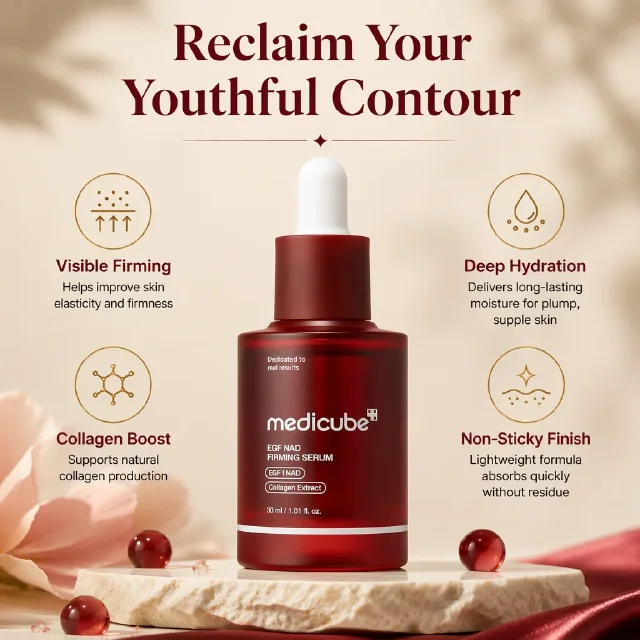
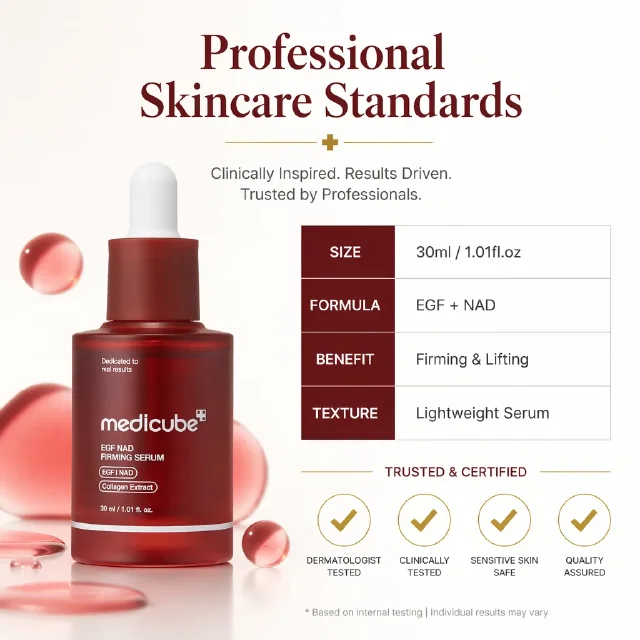
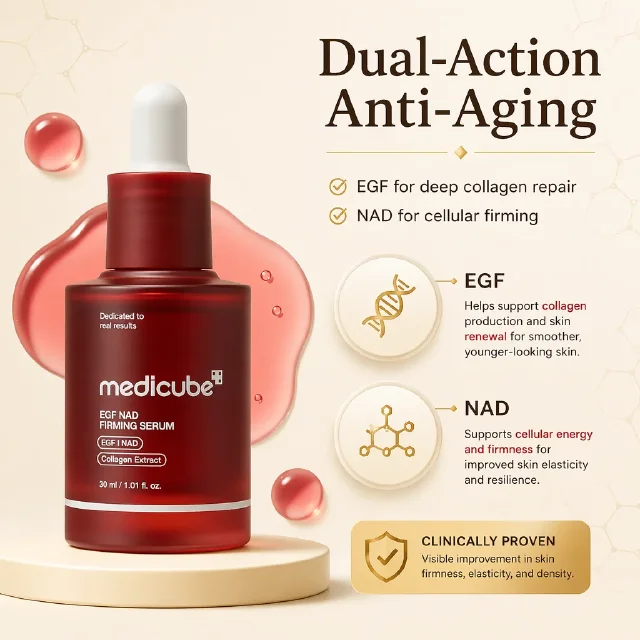
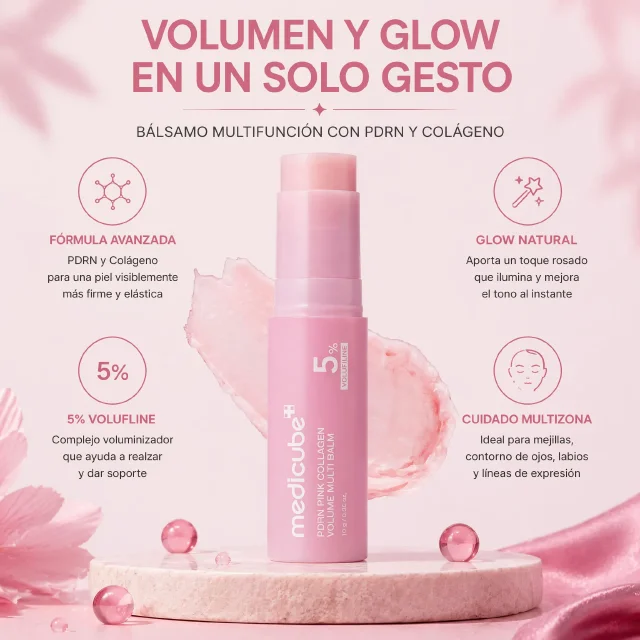
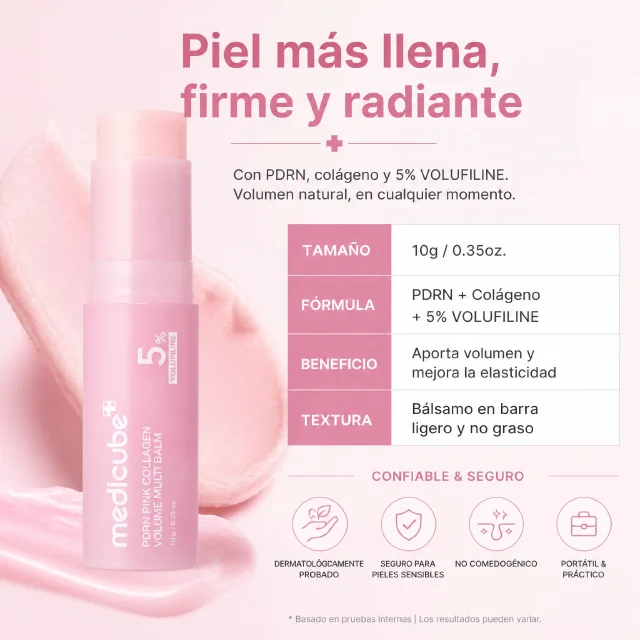
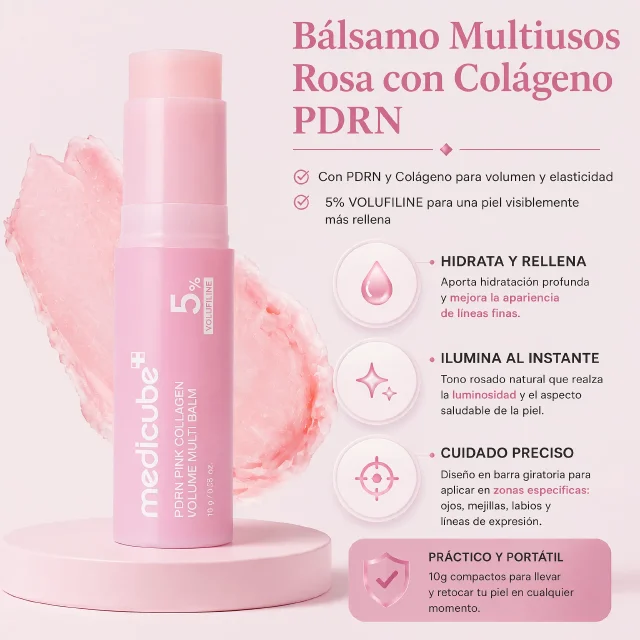
Reuse reference layouts while adapting the product, selling points, visual style, and market language.
Use CreatOK when you have a winning product image style and need to rebuild it for another SKU, campaign, market, or batch of references.
Turn a set of reference layouts into new product listing images without rebuilding every poster from scratch.
Keep the same commercial structure while rotating products, selling points, text language, and regional tone.
Use clean hero shots, lifestyle scenes, benefit boards, and detail layouts as references for your own product.
Turn a set of reference layouts into consistent SKU visuals for launches, catalog updates, and campaign tests.
The workflow follows the real app: add your product, add reference layouts, choose clone settings, then generate the batch.
Add product images as the source identity, then add reference layouts that show the style you want to reuse.
Pick high fidelity or reference layout mode, then set target market, copy language, and selling-point guidance.
Create new product images from the reference layouts and compare whether the structure still sells the new item clearly.
The controls focus on useful replication: product identity, layout structure, selling angle, and market-ready copy.
High fidelity follows composition, palette, layout, and text slots closely; reference layout mode keeps structure while adapting colors to the product.
Use clear product images so generated results can preserve shape, color, material, label details, and packaging.
Choose target market and copy language so generated text areas fit the region and the reference layout.
Turn proven layouts into new SKU visuals while keeping the product identity, claims, and market tone aligned.
Understand the cloning scope and best-fit scenarios before you upload real product images.
You can start with a free trial and create result variants when you are ready to test the idea.
Prepare clear product photos and layout references that show the composition, scene, text placement, and selling angle you want to reuse.
High fidelity tries to follow the reference image's commercial structure more closely. Reference layout mode uses the layout and scene scaffold while adapting the visual system around your product.
Yes. Product links can help gather reference material when you want to reuse a proven product-page visual direction.
Yes. You can choose a copy language and target market, or choose no added copy when you want image-only visuals.
Uploaded images are used to create your requested result. Avoid uploading material you do not have rights to use.
Use nearby CreatOK tools to prepare product photos before or after cloning layouts.
Start with product photos and reference layouts, then generate new ecommerce image variants that reuse the proven structure.
Try for free