AI Storyboard Generator for reference-based video planning
Upload product, character, or scene references, add a short video brief, and turn the idea into editable panels before generating a storyboard sheet.
Include the product, audience, hook, key action, camera direction, dialogue needs, and any on-screen text.
Keep product, character, prop, and scene details visible while planning the shots.
Draft editable panel ideas before creating the storyboard sheet.
Use the generated storyboard image as a reference and create a video prompt when you are ready.
References become panels, a sheet, and a video handoff
The app combines reference images and a brief into a text preview, then generates storyboard sheets you can reuse for video work.
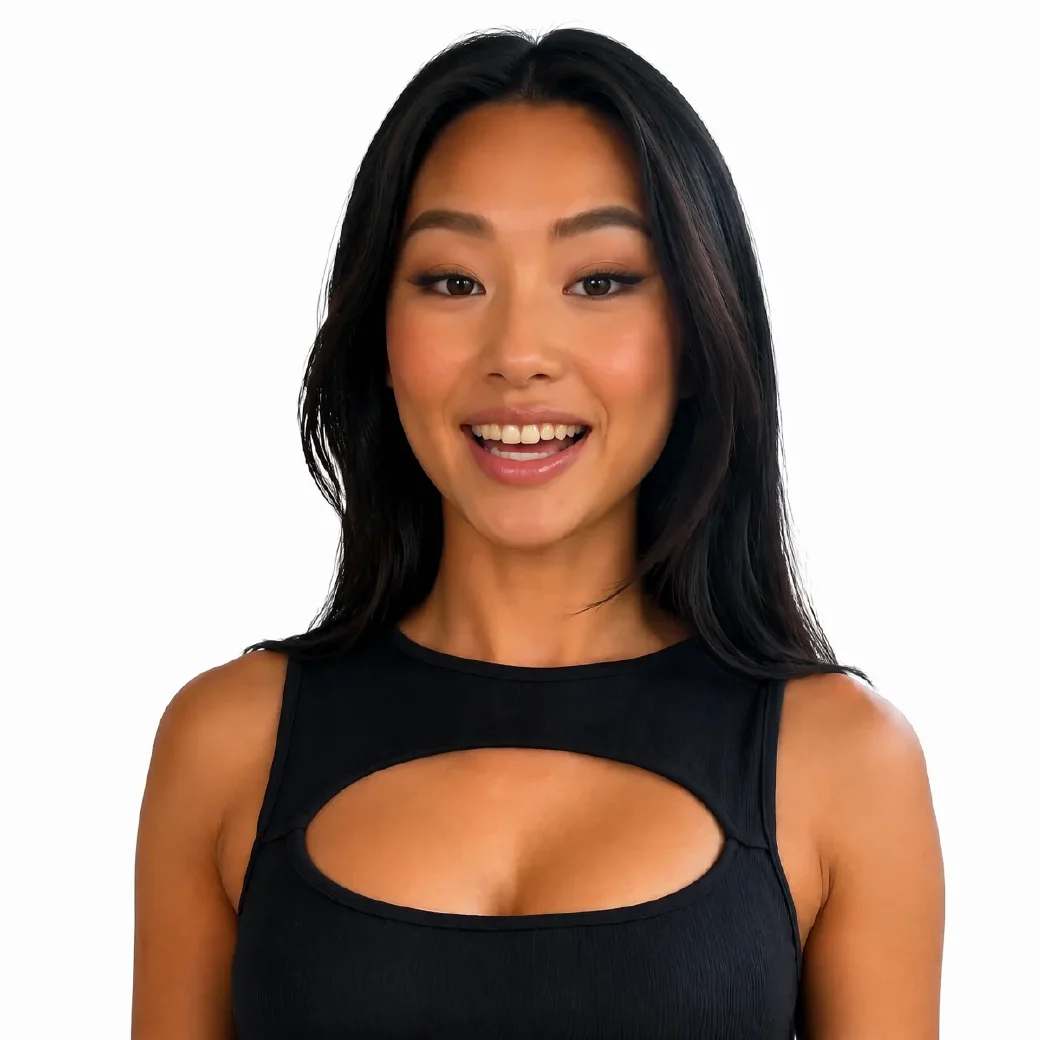
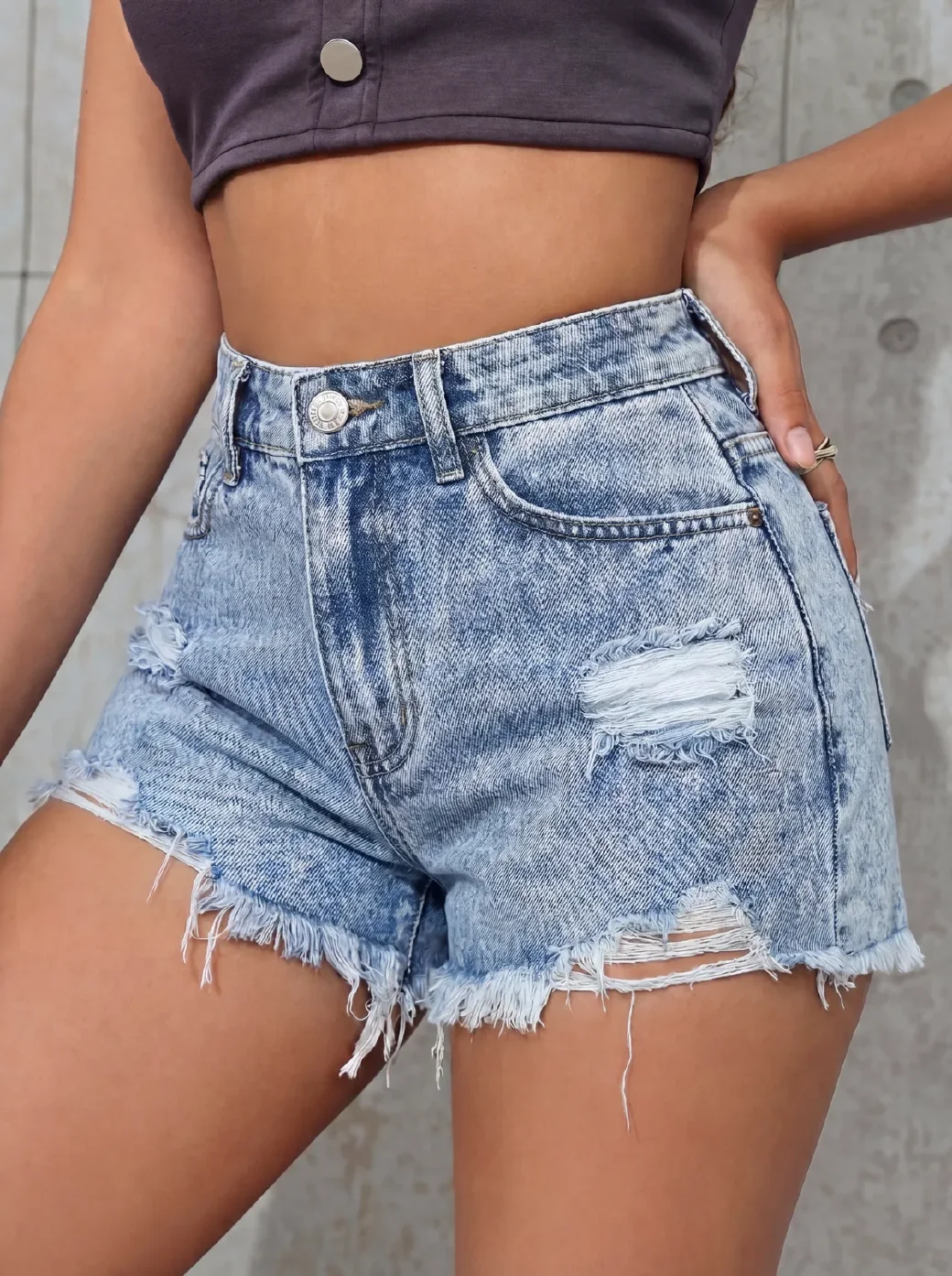
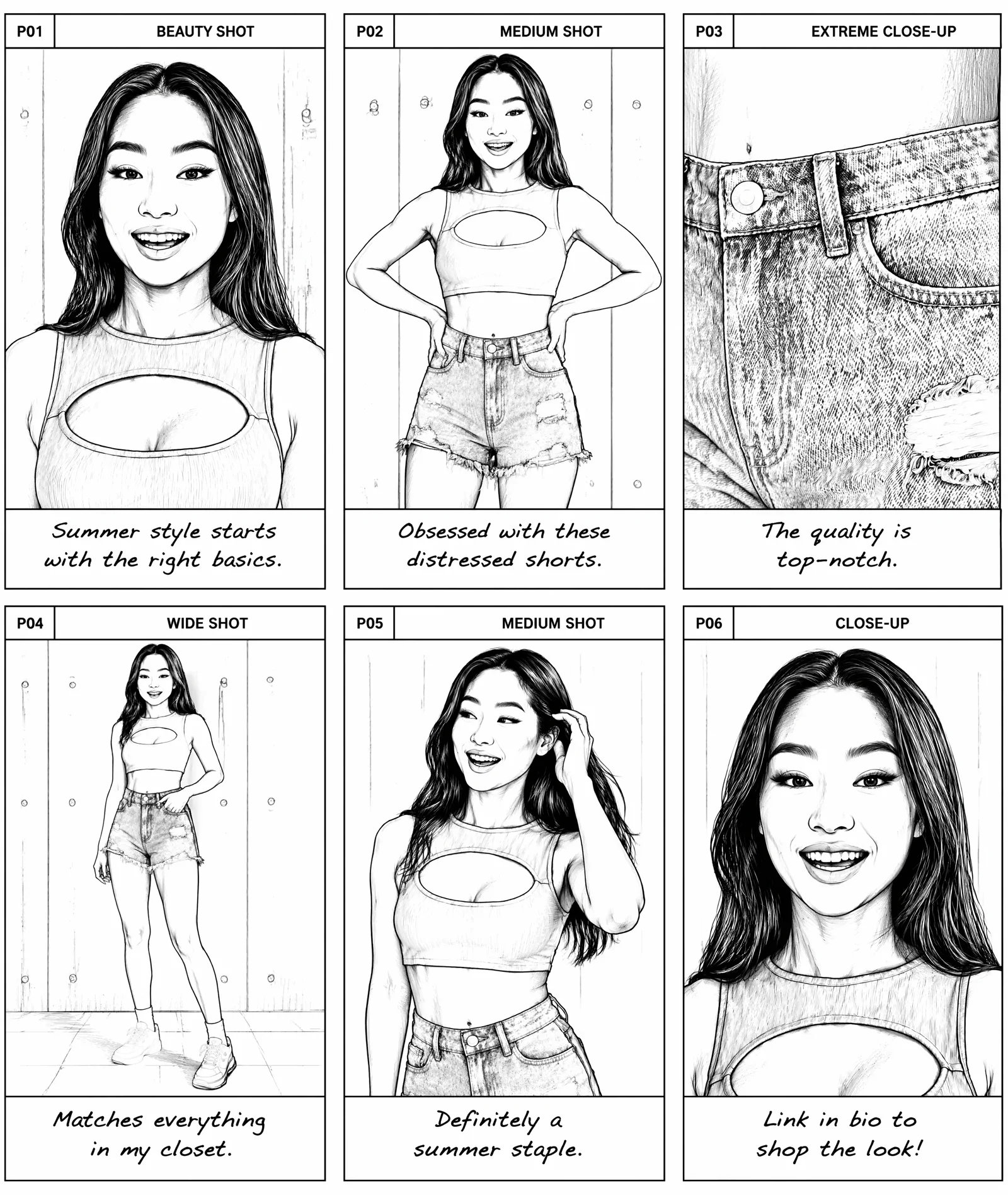
Review panel titles, actions, camera notes, dialogue, and final prompts.
Generate visual panels in the selected ratio, style, and panel count.
Create a video prompt from a finished storyboard image and continue in the video generator.
Turn product, character, prop, or scene references into visual panels for video planning.
Plan visual stories before production
Use the storyboard generator when a brief needs real visual continuity, not just a paragraph of copy.
Product demo videos
Turn product photos, model shots, and selling points into a panel-by-panel short video plan.
AI video prompts
Prepare cleaner shot direction before moving into Sora, Seedance, Veo, or another video model.
Creator briefs
Give creators a practical visual order with camera notes, text moments, and reference context.
Social ad planning
Map hooks, product actions, captions, dialogue, and reveal moments for TikTok, Reels, and Shorts.
Create an AI storyboard in 3 steps
Start with references and a brief, draft the panel flow, then create a storyboard sheet for production planning.
- 01
Upload reference images
Add product, model, character, prop, scene, or style images so the storyboard has visual context.
- 02
Write the video brief
Describe the audience, hook, action, camera direction, dialogue, duration, panel count, and frame ratio.
- 03
Generate and continue
Create storyboard panels that show the shot order, visual action, camera direction, and video prompt direction.
Storyboard controls for clearer video planning
The page reflects the same practical choices the app supports: references, brief, panels, ratio, style, language, dialogue, preview, and video handoff.
Panel-by-panel preview
Review panel titles, time direction, visual action, camera notes, dialogue, and prompts before generating images.
Reference-aware planning
Use uploaded images to keep character, product, prop, scene, and style details grounded.
Storyboard sheet output
Generate storyboard images from selected preview panels with supported ratios, panel counts, style, and resolution settings.
From storyboard to video prompt
Use the finished panels to align product details, shot order, visual continuity, and the next video prompt.
AI storyboard generator questions
Practical answers before you turn references and a brief into a storyboard.
Can I use this AI storyboard generator for free?
You can start with a free trial and create result variants when you are ready to test the idea.
What inputs does the storyboard tool need?
Prepare at least one visual reference and a video brief. You can guide panel count, aspect ratio, visual style, language, dialogue, duration, and extra direction.
Does it generate the final video?
This tool generates storyboard previews and storyboard sheet images. From a finished storyboard image, you can create a video prompt and continue in CreatOK's video generator.
Which image formats are supported?
Use JPG, PNG, or WebP reference images. Clear product, character, prop, or scene references help the storyboard keep visual continuity.
Can I control the storyboard layout?
Yes. The app supports 9:16, 16:9, and 1:1 frames, plus 4, 6, 9, 12, or 16 panels. It can generate black-and-white or color storyboard styles.
Are my reference images and briefs private?
Uploaded images are used to create your requested result. Avoid uploading material you do not have rights to use.
Related creative tools
Move from storyboard planning into product visuals, video generation, or prompt extraction.
Ready to turn references into a storyboard?
Upload the images and brief you already have, build a clearer storyboard sheet, then continue toward video generation in CreatOK.