Can I use CreatOK as an image translator online?
Yes. Upload an image with text, choose a target language, preview the translation, and create a localized image version.
Upload an image, translate the text inside it, and create a localized version while keeping the original layout. Use it for product photos, banners, packaging, and marketing graphics.
Keep logos, labels, or printed product marks unchanged when only nearby text should be translated.
Ready to create 1 translated image version.
Preview how CreatOK detects text, translates it, and places the new copy back into the original image design.
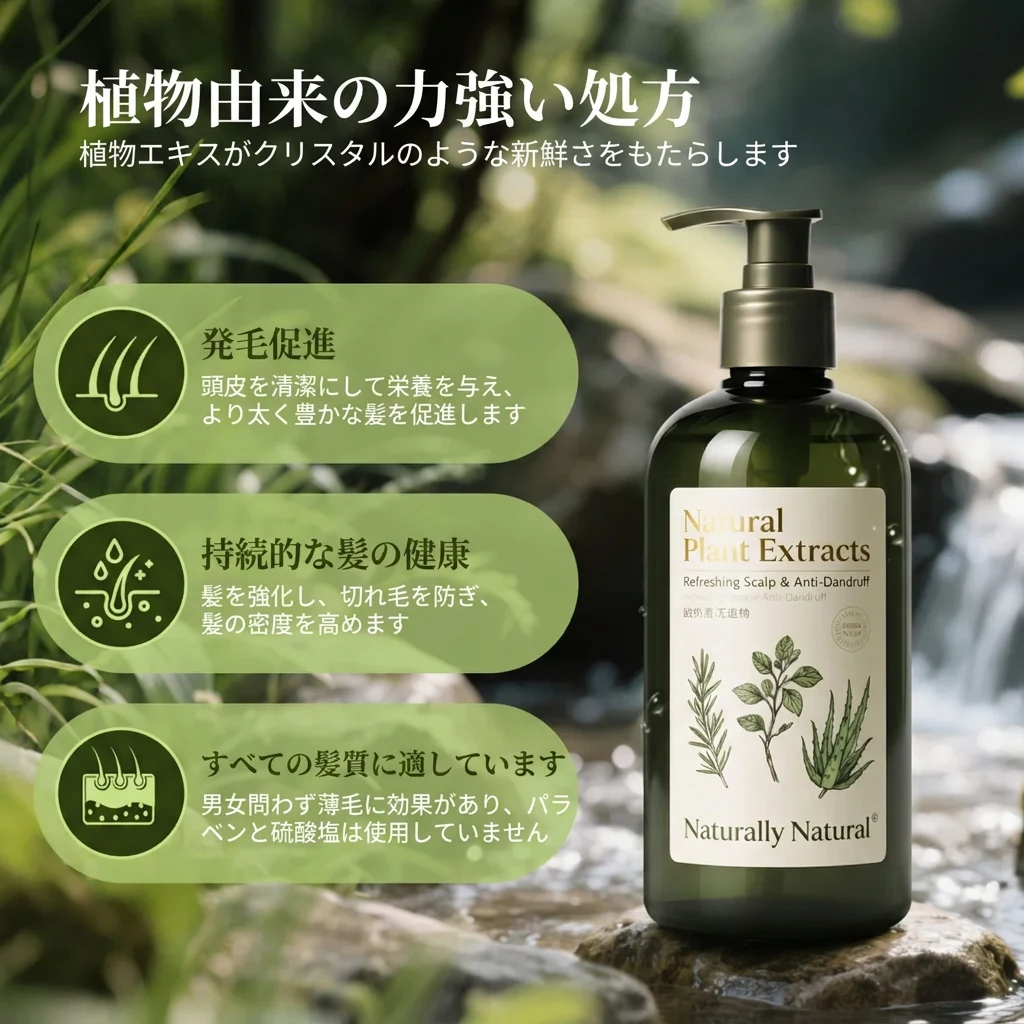
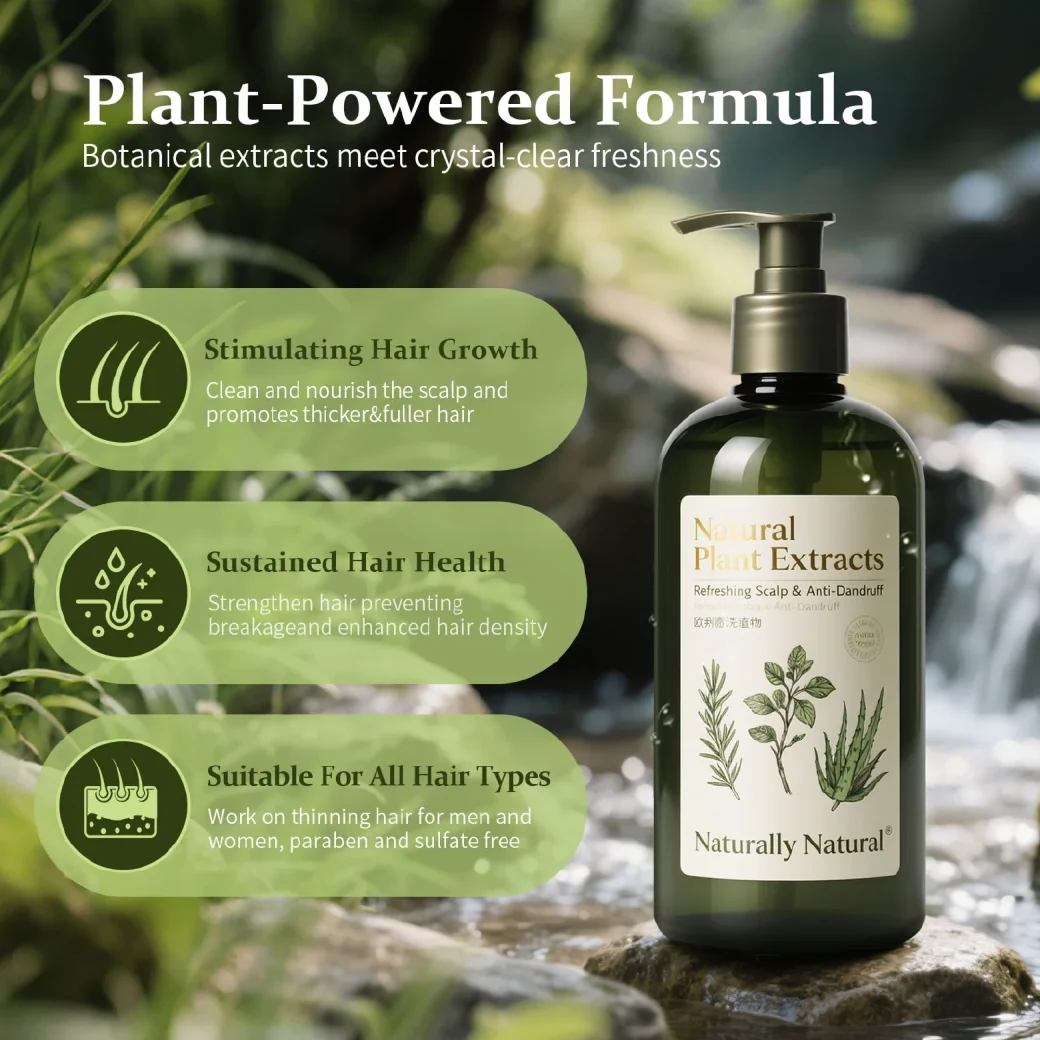
Translate text inside product photos, banners, packaging, and A+ graphics without rebuilding the design from scratch.
Use CreatOK when your image already looks right, but the text needs to be translated for another language, market, or campaign.
Translate product images, listing graphics, and comparison cards before publishing them in a new market.
Translate promo banners, A+ modules, and launch graphics while keeping the design close to the original.
Review packaging, labels, and nearby marketing copy so important product marks stay unchanged.
Translate several images into multiple languages when a product line, bundle, or campaign needs faster localization.
Upload an image, choose the language, preview the translated text, and export a localized image that keeps the original layout.
Start with a product photo, banner, package image, or marketing graphic that contains readable text.
Select a target language, check the detected text, and edit the translation before generating the final image.
Create the translated image and review whether the new text still fits the original design.
These controls help you translate image text more carefully when the design, brand terms, or product markings matter.
Review detected text first, especially when the image includes product names, claims, prices, or market-specific wording.
Adjust translated text before export so brand names, product claims, and local wording stay accurate.
Keep logos, labels, or printed product marks unchanged when only nearby copy needs translation.
Translate multiple product images, banners, or campaign graphics when preparing content for several markets.
Quick answers about translating text from images online with CreatOK.
Yes. Upload an image with text, choose a target language, preview the translation, and create a localized image version.
Yes. It works for product photos, listing images, packaging, banners, A+ graphics, and other marketing images with embedded text.
CreatOK supports JPG, JPEG, PNG, and WebP images. Clear, high-contrast text gives better recognition and translation results.
Yes. Preview mode lets you review detected text and edit translations before generating the final image.
CreatOK tries to place translated text back into the original layout. Complex backgrounds, tiny text, or unusual typography may still need review.
Yes. Use product text protection when logos, labels, or printed product marks should stay unchanged.
Not exactly. OCR tools mainly extract text. CreatOK is built to translate image text and create a localized image version.
Uploaded images are used to create your requested result. Avoid uploading material you do not have rights to use.
Use these image tools before or after translation to prepare product photos, create new views, or clean up localized visuals.
Upload a product photo, banner, package image, or marketing graphic, then translate the text and create a localized image version.
Translate image now