Can I use this product multi-angle photo tool for free?
You can start with a free trial. Generating final images continues in your CreatOK account, where you can choose the model, resolution, and output settings.
Upload a clear product photo, pick the views buyers need, and create front, side, top-down, close-up, or custom angles for listing galleries and detail pages.
The sample set shows how the tool keeps the same product while changing the camera view for gallery, detail, and comparison shots.
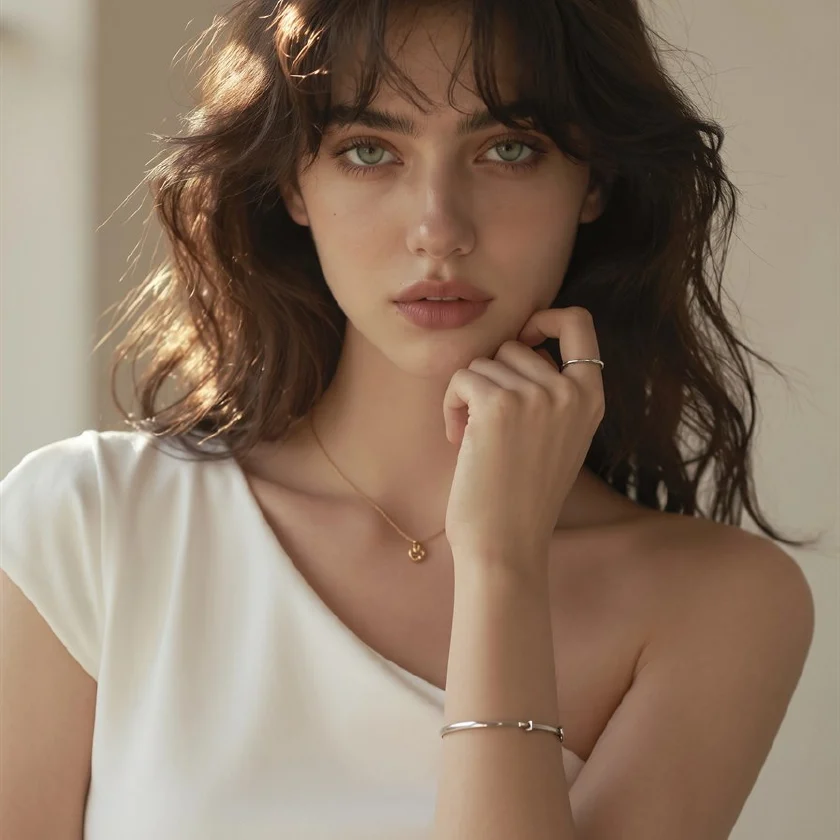

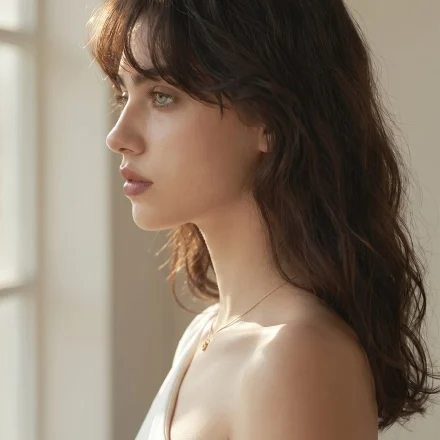
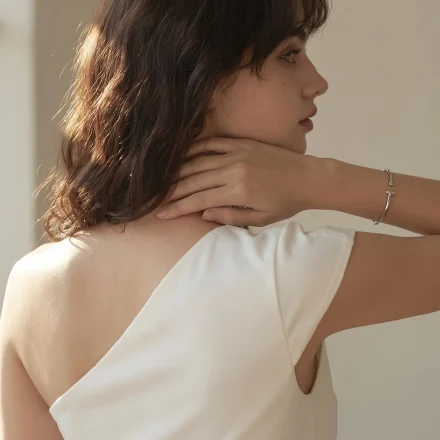
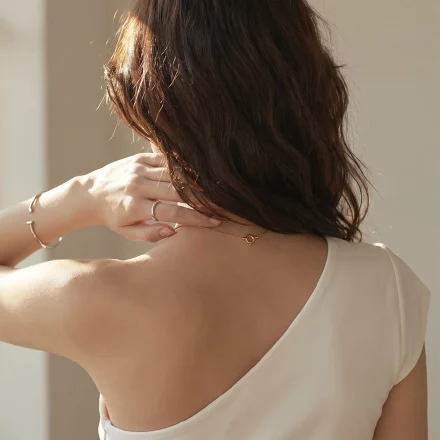




Generate front, side, back, top-down, low-angle, and close-up views from a usable product photo.
Use multi-angle photos when one hero image is not enough to show shape, ports, texture, packaging, or scale.
Turn a single product shot into extra views for Amazon, Shopify, TikTok Shop, Etsy, or marketplace gallery slots.
Add side, back, and top-down views that make packaging, attachments, buttons, or materials easier to inspect.
Create a first angle set for launch pages, ads, and internal review while the physical shoot is still being planned.
Keep product views aligned across SKUs so buyers can compare items without mixed lighting or uneven framing.
Upload one product image, choose the views buyers need, then generate a gallery-ready angle set.
Use a sharp product image with clear edges. White or simple backgrounds make the generated views easier to control.
Select the 9 preset views for a full gallery, or switch to rotation, vertical angle, and zoom controls for one specific shot.
Create the selected product views and check whether each angle helps buyers understand shape, texture, and details.
The tool keeps the workflow simple while still exposing the angle and output choices that change the final image set.
Front, side, back, top-down, low-angle, elevated, and close-up views cover the angles most product pages need.
Fine-tune rotation, vertical angle, and zoom when you need a specific packaging side, detail crop, or presentation view.
Choose output resolution and aspect ratio options supported by the image model so the results fit your publishing layout.
Keep product views aligned across SKUs so buyers can compare shape, packaging, and detail angles more easily.
A quick guide to input quality, free trial boundaries, supported files, privacy, and where the full workflow continues.
You can start with a free trial. Generating final images continues in your CreatOK account, where you can choose the model, resolution, and output settings.
Use JPG, PNG, or WebP product images. A sharp product photo with clear edges gives the AI more reliable shape and texture cues.
The view set includes buyer-friendly angles such as front, side, back, top-down, low-angle, elevated, and close-up views.
Yes. Use custom camera controls when you need a specific packaging side, detail crop, or presentation view.
The tool is designed to preserve product identity while changing the camera view. Review the result for shape, texture, label, and packaging consistency.
Your uploads are used to create your requested results inside your CreatOK account. Avoid uploading confidential or restricted product materials unless you have permission to use them.
Use these tools together when your product page also needs hero images, clean backgrounds, or sharper source photos.
Start with one product photo and create the buyer-friendly views your listing gallery needs.
Try for free