Can I use the AI product photo generator for free?
You can start with a free trial and create result variants when you are ready to test the idea.
Upload product photos, choose a target marketplace and market, then turn selling points into white-background main images, lifestyle scenes, benefit callouts, detail boards, and trust visuals.
The sample set from the app shows the actual output pattern: main image, brand poster, benefit callouts, material details, specs, lifestyle proof, and a closing visual.
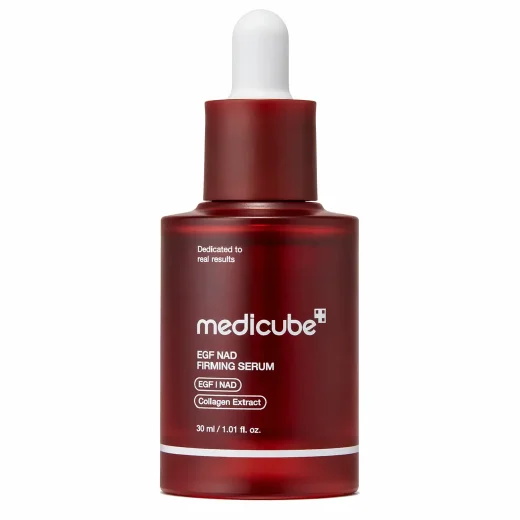
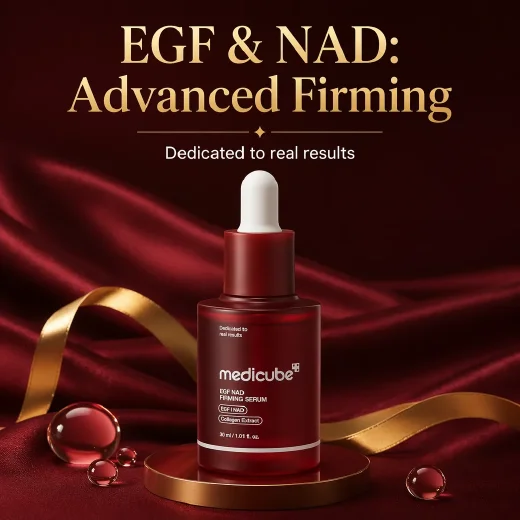
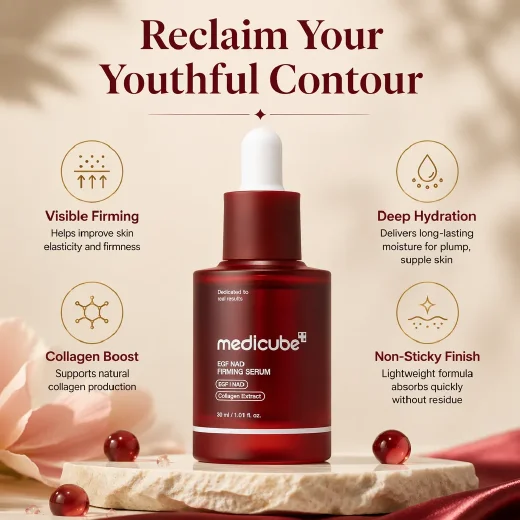
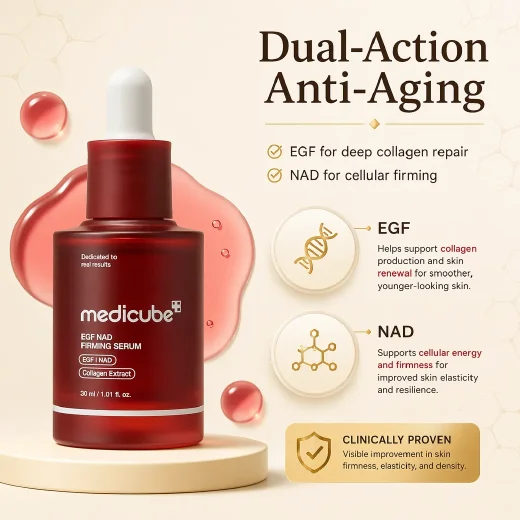

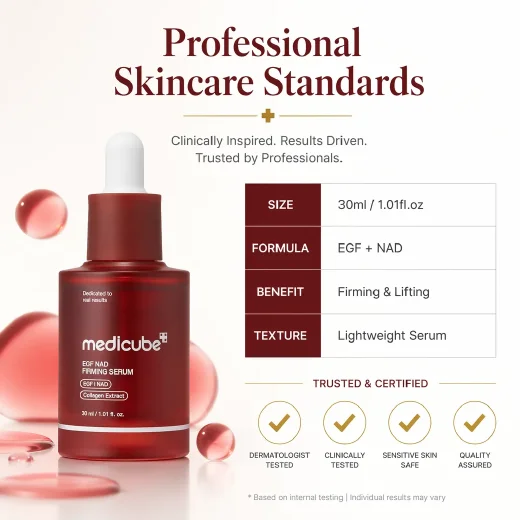
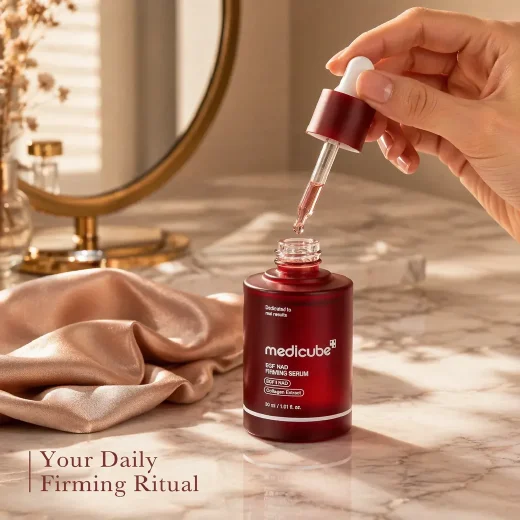

Create listing-ready product images for marketplaces, stores, ads, and catalog refreshes.
Use CreatOK when you already have product photos but need a stronger image set for marketplace publishing, ads, and store pages.
Turn a product photo into bold main images and benefit callouts that are easy to read in fast shopping feeds.
Build a complete set around the product: white background image, details, specs, lifestyle use, and quality proof.
Keep the product story consistent across hero posters, material boards, and conversion-focused detail visuals.
Refresh a small catalog with consistent main images, lifestyle scenes, benefit callouts, and trust visuals.
Upload product photos, choose marketplace context, then generate a listing image set built around the product story.
Add clear product images in JPG, PNG, or WebP. Multiple angles help the AI understand shape, texture, and details.
Select the marketplace, target region, copy language, selling points, and a trend or custom reference style.
Generate the image set and review whether each card makes the product easier to understand and buy.
The controls focus on ecommerce outcomes: clear product value, marketplace fit, localized copy, and a coherent image set.
The app can analyze uploaded product photos and help draft selling points before building the image set.
Use AI-recommended ecommerce styles or upload style and layout references when you need a brand-specific direction.
Choose TikTok Shop, Amazon, Temu, eBay, AliExpress, or independent stores, then pick the market and copy language.
Shape the set around main images, lifestyle scenes, selling points, details, specs, and trust-building visuals.
Practical answers before you upload a real product image.
You can start with a free trial and create result variants when you are ready to test the idea.
The product listing workflow includes TikTok Shop, Amazon, Temu, eBay, AliExpress, independent stores, and an Other option for additional selling channels.
Use clear product photos in JPG, PNG, or WebP. Front views and white-background shots work well, and additional angles can help show shape, materials, and details.
Yes. The workflow includes copy language options and also lets you choose no copy when you want image-only listing visuals.
Yes. You can shape the image set around white-background, lifestyle, selling point, detail, and product-specific visuals.
Uploaded images are used to create your requested result. Avoid uploading material you do not have rights to use.
Keep building the same product content workflow with nearby CreatOK image tools.
Upload product photos and create a marketplace-ready image set with main shots, lifestyle scenes, benefits, details, and trust visuals.
Try for free