Can I use Product to Video for free?
You can start with a free trial. Analysis, generation, downloads, retries, and history may require login and available credits.
Paste a product URL or add catalog images, then turn the selling points into a short UGC-style ad for TikTok Shop, paid tests, and launches.
The tool combines item references, avatar choices, and structured scenes before sending the final prompt to generation.
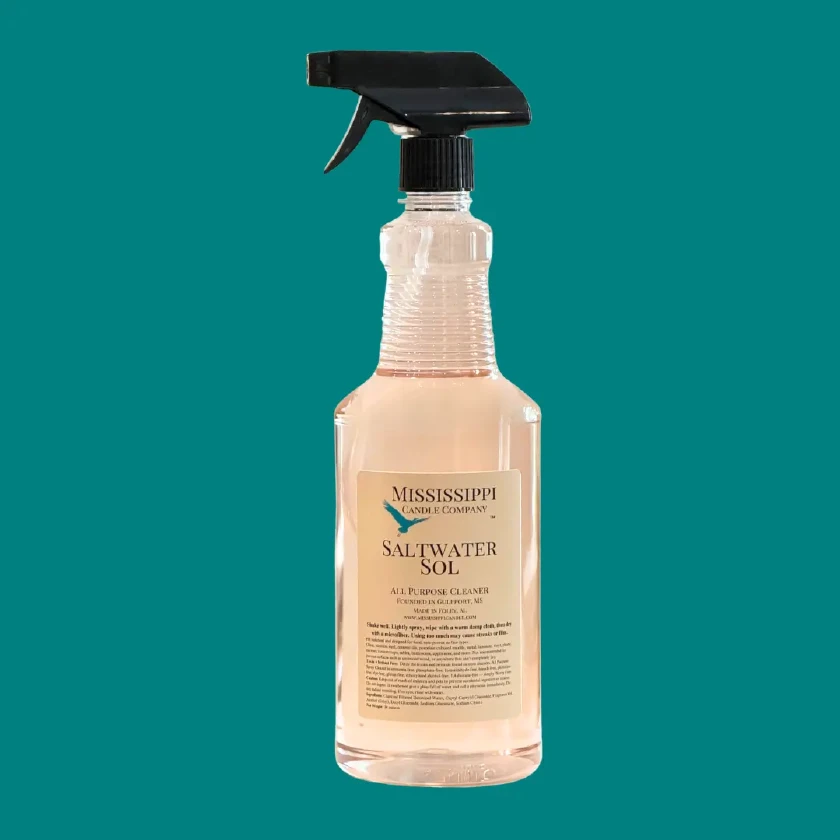
Catalog asset
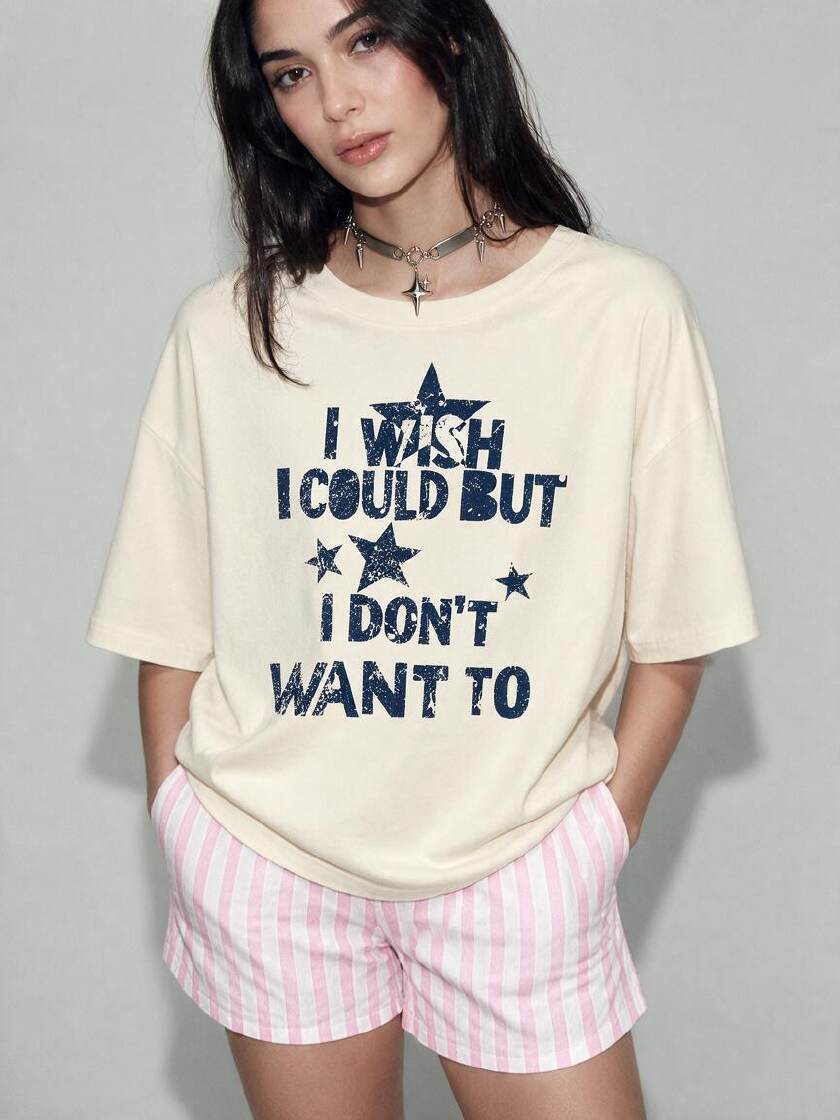
Avatar asset
Use the full workspace to analyze links, edit item details, upload assets, choose an avatar, generate scenes, create clips, download results, and manage history.
Use Product to Video when your team needs sale-ready creatives faster than a new shoot or manual editing pass.
Turn catalog pages and reference images into short creatives that can support shoppable posts and ad tests.
Generate discovery, review, unboxing, demo, and proof-led directions from the same item.
Create prompts in different languages and target regions before producing market-specific variants.
Pair catalog assets with an avatar or AI-selected presenter style for a more natural short-form ad.
Start with the source, shape the creative direction, then generate in the full workspace.
Analyze a supported product link, choose a saved product, or enter product details and reference images manually.
Choose a marketing format, language, region, duration, and optional notes for the scene generation.
Select an avatar or let AI decide, review the scene prompt, then submit the generation task.
The landing preview shows the high-intent choices; the full workspace handles source analysis, prompt variants, avatars, results, and history.
Start from a URL, saved library item, or manual details with image references.
AI turns selling points, images, format, region, and language into selected short-form scenes.
Set language and target region so the creative direction fits the intended market.
Use a selected avatar asset or let AI continue without one, depending on the creative style.
Practical answers before turning a real catalog page into a short ad.
You can start with a free trial. Analysis, generation, downloads, retries, and history may require login and available credits.
The workflow supports links, saved library items, manual details, selling points, and reference images.
Yes. It generates structured scene options and a final prompt based on the item, format, language, region, duration, and requirements.
Yes. The full workspace includes UGC discovery, showcase, review, unboxing, tutorial, try-on, stress test, and other commerce formats.
No. You can select an avatar asset when it helps the creative, or continue without one and let AI shape an item-focused clip.
Yes, if you have rights to the product assets, claims, likeness, music, and any source materials. Check platform and advertising rules before publishing.
Build a fuller TikTok Shop workflow around the same catalog assets.
Reuse the structure of a winning short clip with your own item and assets.
Open Viral video cloningPlan product scenes before generating or shooting.
Open AI storyboard generatorPaste a URL, confirm the assets, choose a creative direction, and continue to the workspace to generate a short commerce ad.