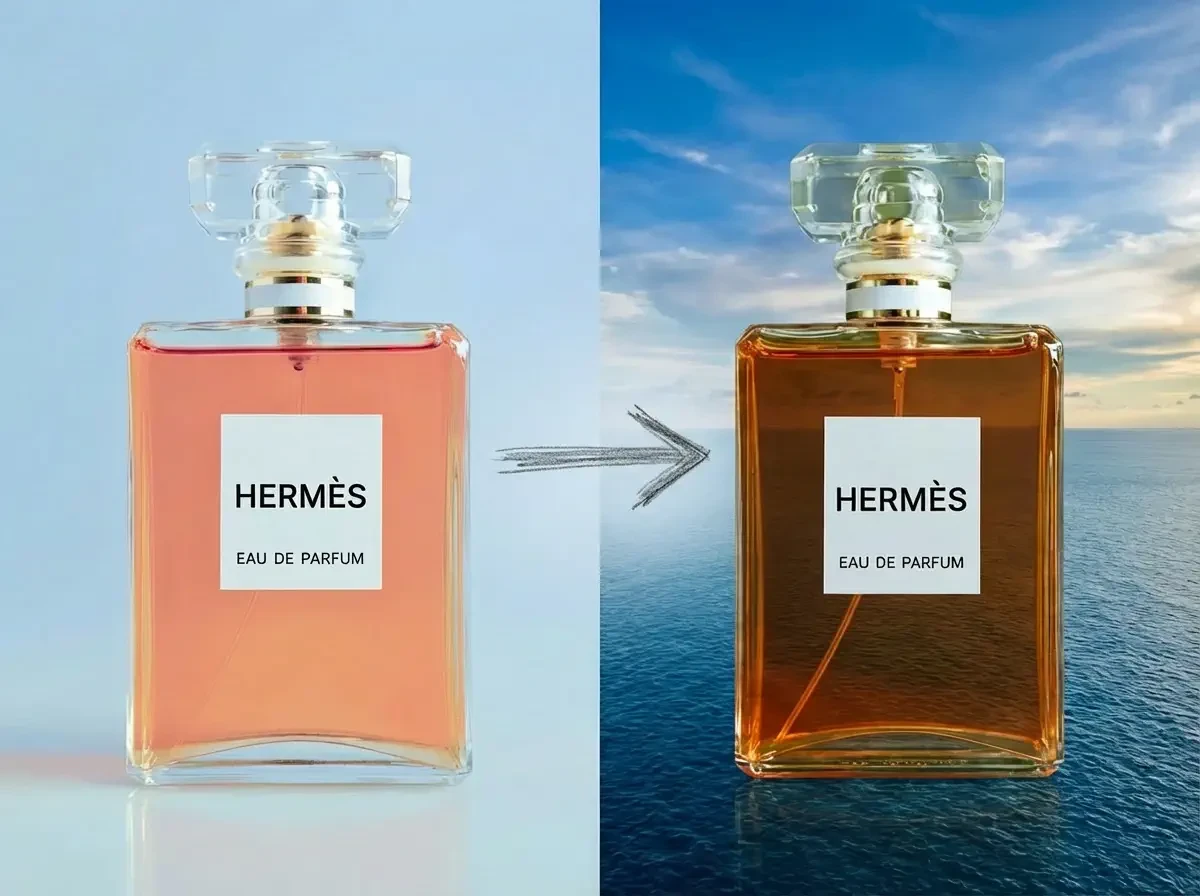
Product skin change
Change the color of the perfume in the picture to brown, and change the background to sky and sea.
Sign in to create and edit images with a free monthly quota, using GPT Image, Nano Banana, or Seedream.
Model
Upload reference images
JPG, JPEG, PNG or WEBP up to 10 MB
Sign in to start generating. Free monthly quota included.
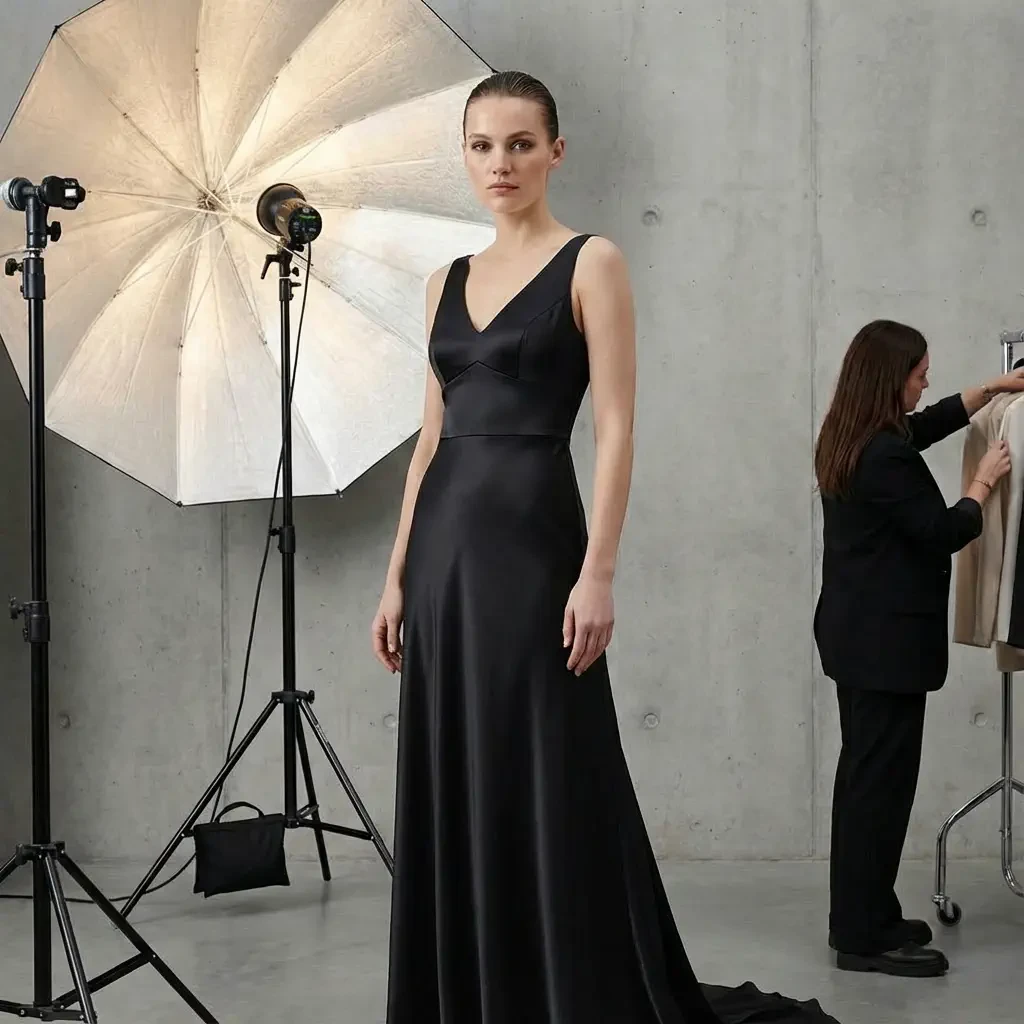
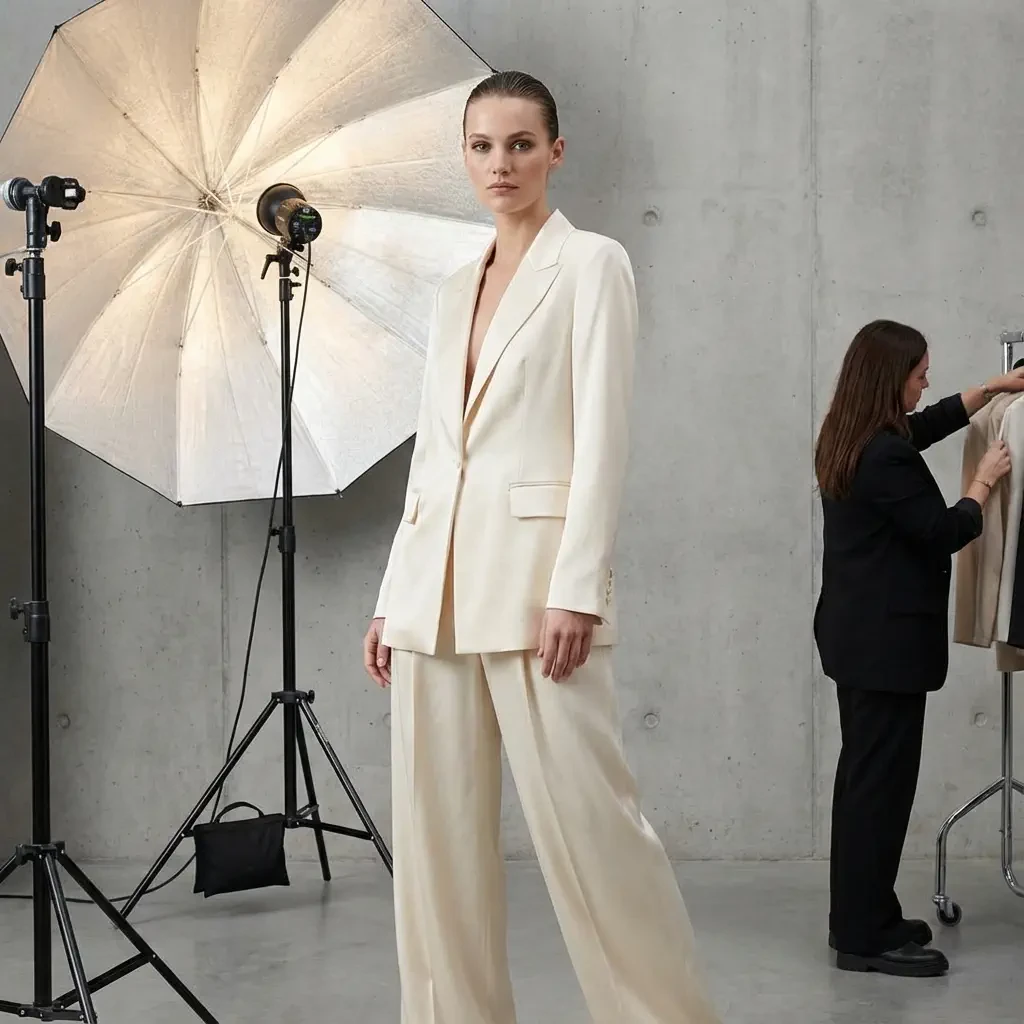
Generate stunning images with just a simple prompt.
Change the color of the perfume in the picture to brown, and change the background to sky and sea.
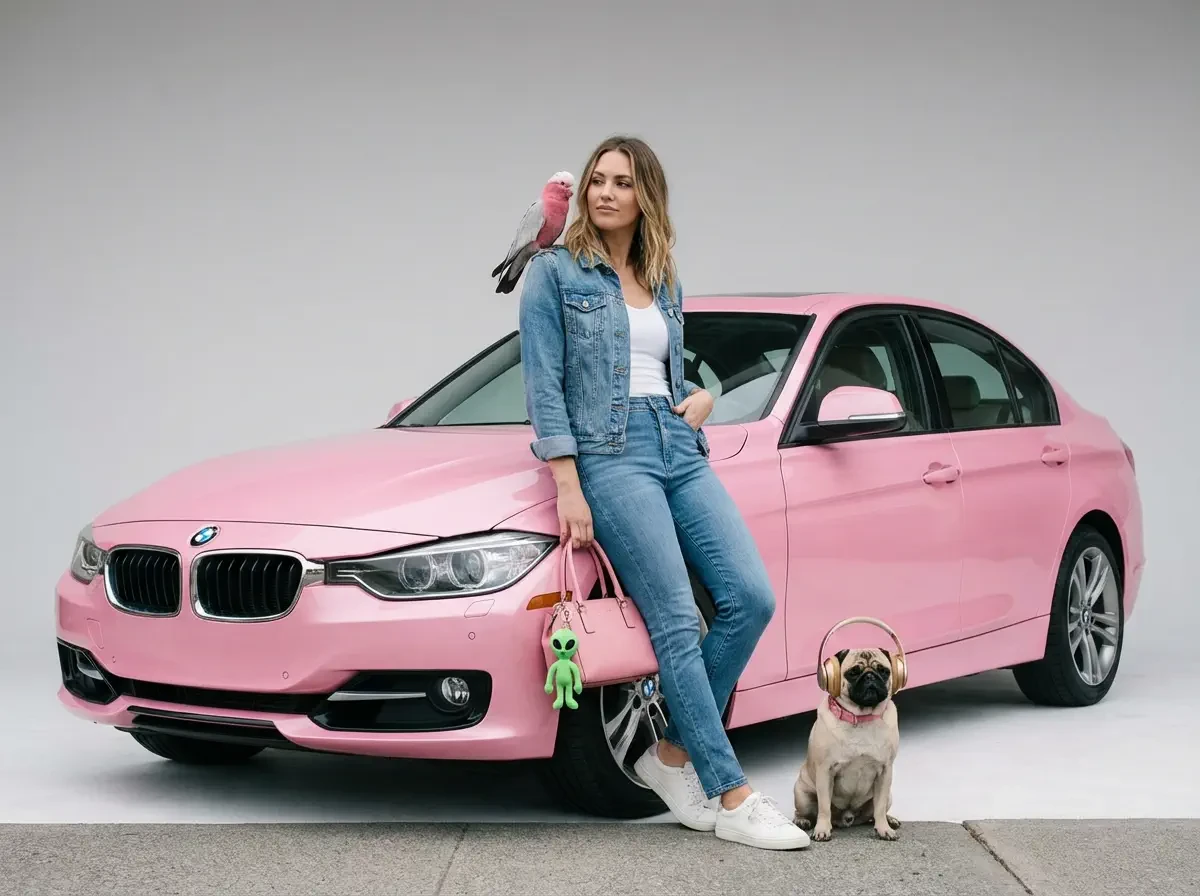
A model is posing and leaning against a pink BMW. She is wearing the following items, the scene is against a light grey background. The green alien is a keychain and it's attached to the pink handbag. The model also has a pink parrot on her shoulder. There is a pug sitting next to her wearing a pink collar and gold headphones.
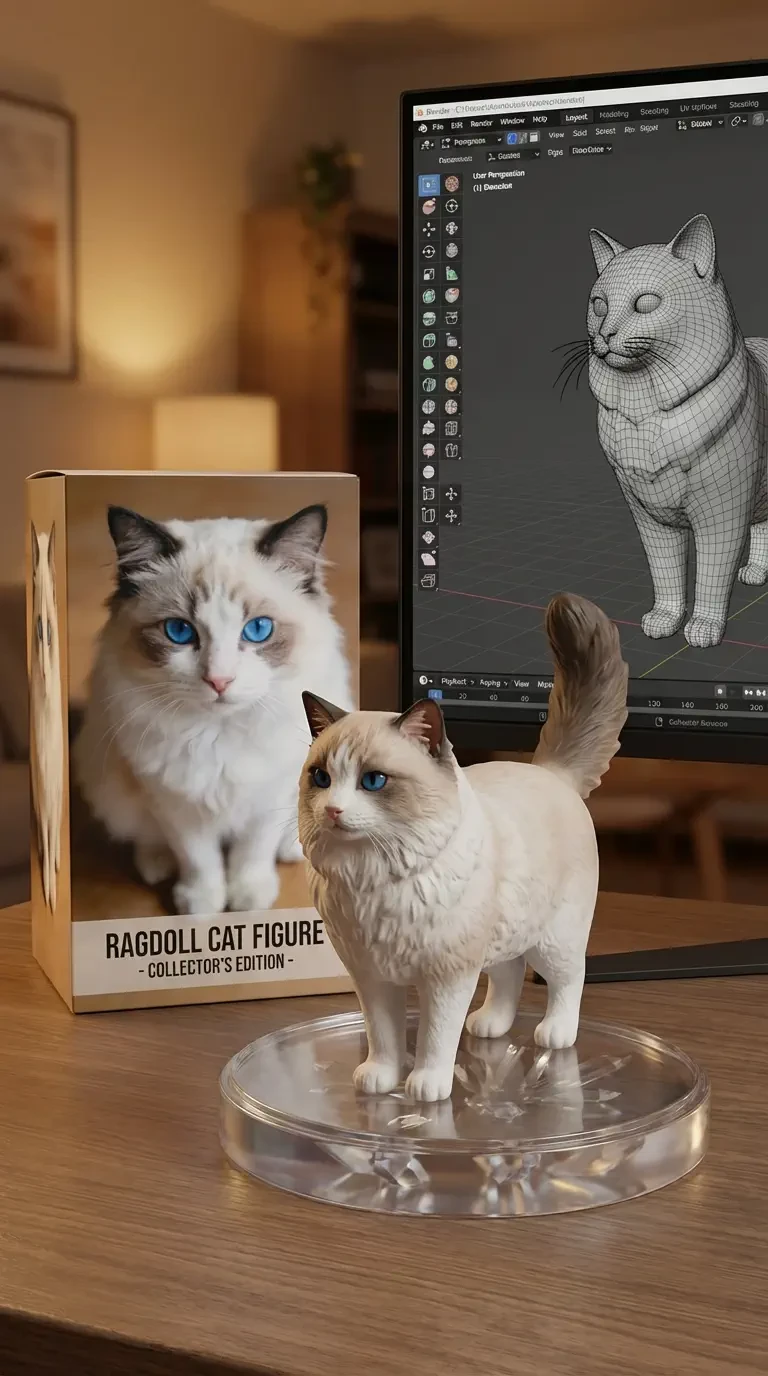
Transform the photo into a character figure. Behind it, place a box with the character's image printed on it. Next to it, add a computer with its screen showing the Blender modeling process. In front of the box, add a round plastic base for the figure and have it stand on it. The PVC material of the base should have a crystal-clear translucent texture, and set the entire scene indoors.
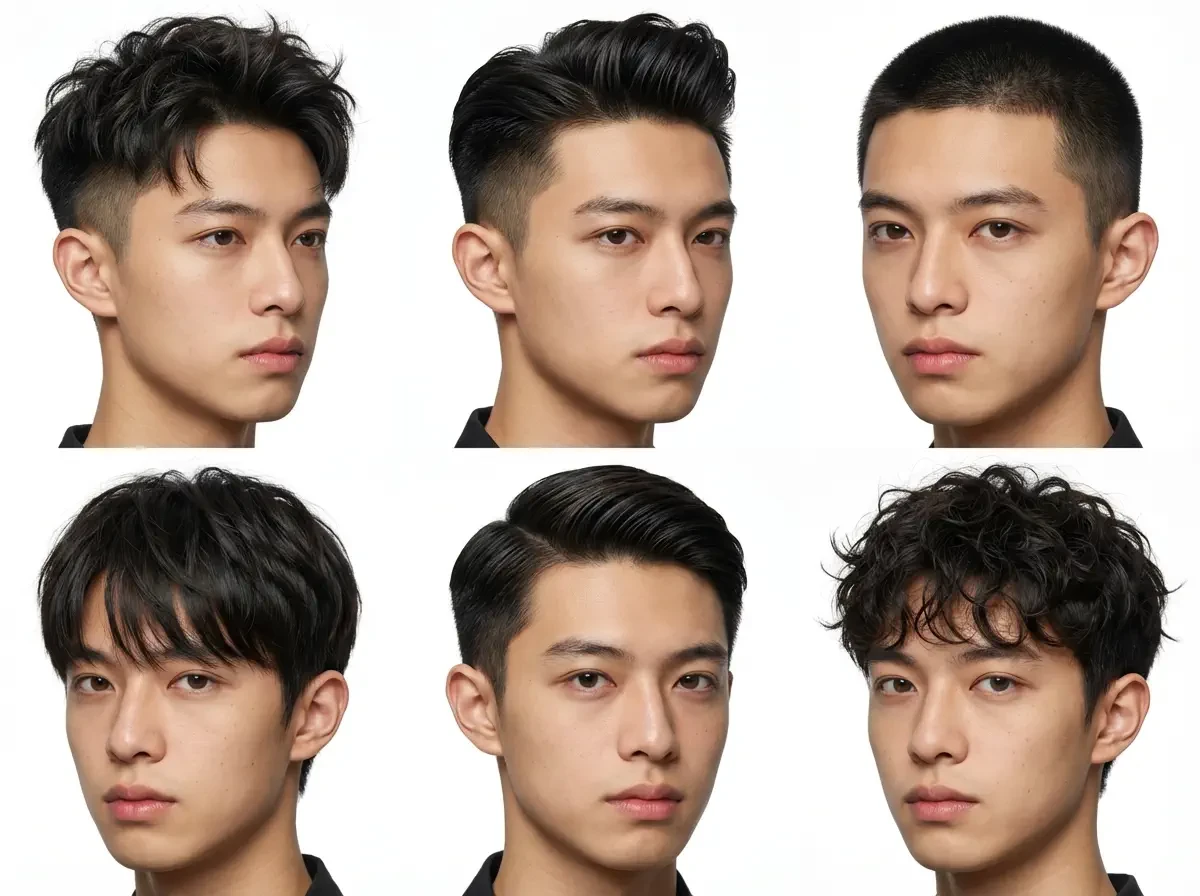
Based on the image I provided, create 6 different hairstyle designs, output in one photo, with close-ups of different hairstyles for display.
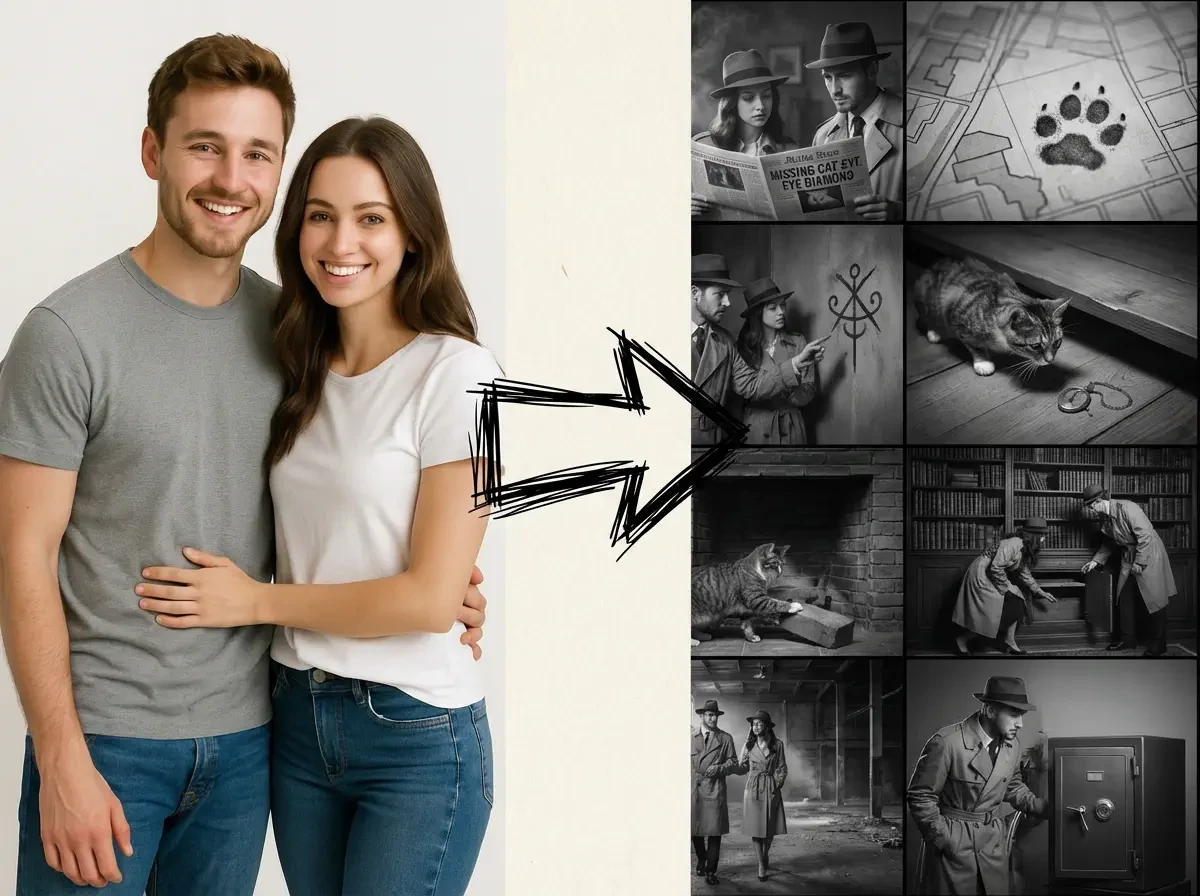
Create an addictively intriguing 12 part story with 12 images with these four cats in a classic black and white film noir detective story. Make it atpout missing treasure that they get clues for throughout and then finally discover. The story is thrilling throughout with emotional highs and lows and ending on a great twistand high note. Do not include any words or text on the images but tell the story purelythrough the imagery itself.
Start with a free monthly quota, then choose the model, prompt, reference images, and output settings for your task.
Sign in to start creating and editing images with your included monthly free quota.
Compare GPT Image, Nano Banana, and Seedream to find the output settings and reference-image capacity that fit your workflow.
Describe the subject, scene, style, or changes you want, then refine the prompt before generating.
Upload reference images alongside your prompt when you want the model to follow a visual direction.
Available resolution and aspect-ratio options update automatically when you choose a model.
Switch to the GPT Image 2 model and describe the transparent background you want in your prompt to generate a PNG with an alpha channel — no manual cutout needed.
Everything you need to know about generating and editing images with AI.
An AI image generator creates or edits images from natural-language prompts and reference images. CreatOK lets you choose among multiple image models for different creative tasks.
If the generation fails, no credits will be deducted. Please check if the prompt is correct, the reference image is clear, or try changing the prompt.
CreatOK offers GPT Image, Nano Banana, and Seedream model options. Availability and supported settings may vary by model.
Yes. Upload reference images and describe the result you want. The number of images you can use depends on the selected model.
Available resolutions and aspect ratios depend on the selected model. The generator updates the available options when you switch models.
Compare the available models, output settings, and reference-image capacity in the generator, then choose the setup that fits your task. You can switch models before generating.
Yes. Sign in to access your included monthly free quota and start generating or editing images.
Yes, with the GPT Image 2 model: switch to GPT Image 2 and enable the transparent background option to generate a PNG with an alpha channel directly. Nano Banana and Seedream don't support this yet.