Can I use this background remover for free?
You can start with a free trial and create transparent cutouts from product photos, portraits, and design assets.
Upload JPG, PNG, or WebP images, choose a cutout mode for product edges, portraits, or complex scenes, then continue to export transparent PNG or WebP files.
Use a second pass for hair, fur, and semi-transparent edges.
The same sample pair used by the app shows how the product subject is separated from its original background.
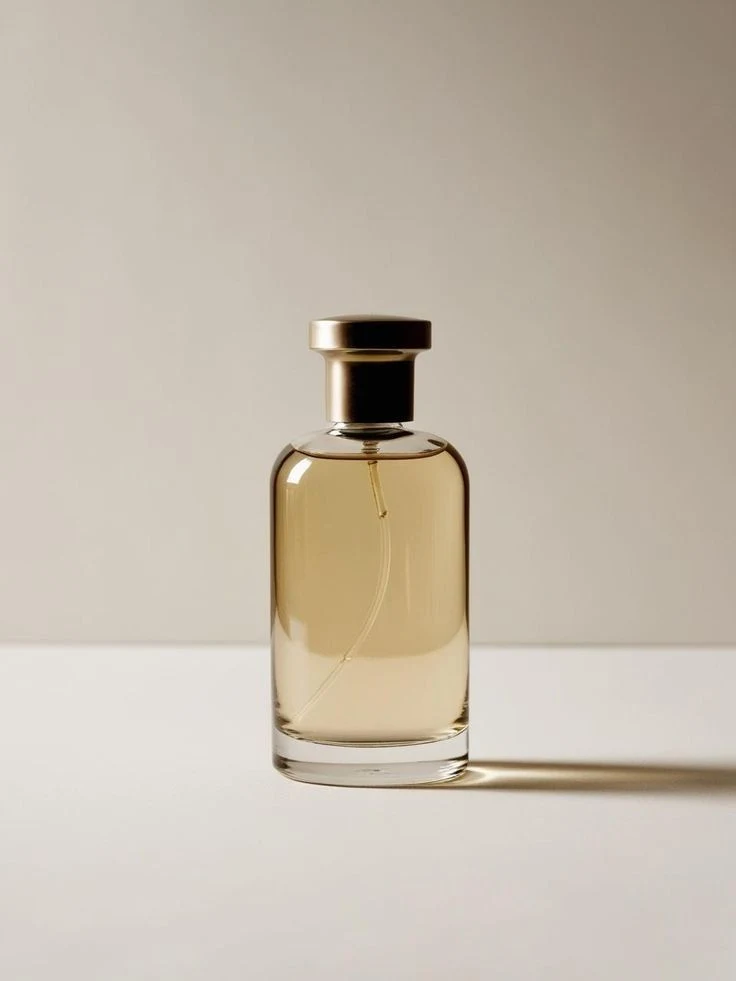
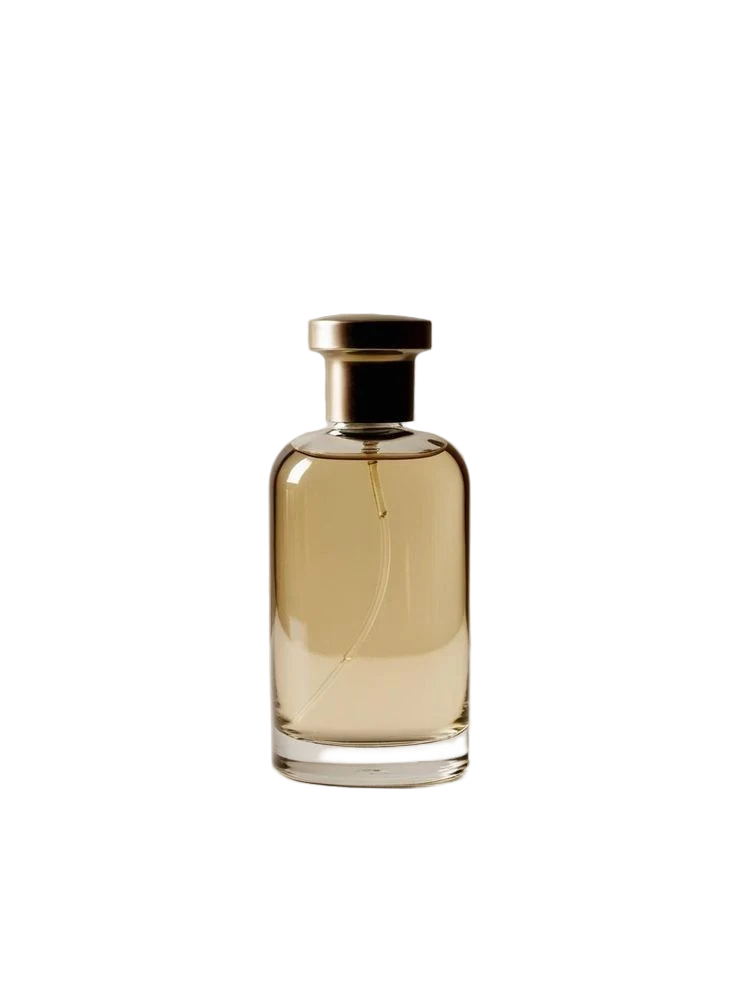
Create transparent PNG or WebP cutouts for product cards, ads, thumbnails, and design layouts.
Use the background remover when the subject is ready but the original scene makes the asset harder to publish.
Remove busy surfaces or room backgrounds so products are easier to place on white, transparent, or campaign layouts.
Send several product images through the same cutout setup when you need consistent catalog assets.
Use foreground refinement and hair-focused modes when outlines need more care than a simple solid-background cutout.
Export transparent files that can be reused in thumbnails, ads, product cards, and layered design work.
Upload an image, choose the cutout style, then create a transparent subject ready for publishing.
Add one image or a small batch and check the selected files before processing.
Match the source image to fast product cutout, fine removal, portrait, hair detail, or adaptive size processing.
Generate a transparent PNG or WebP cutout and place it into product, ad, or design layouts.
The controls focus on the result you need: clean product edges, natural portraits, or detailed subject cutouts.
Choose quick removal, HD quick removal, fine removal, hair detail, portrait, or adaptive size modes depending on the image.
Clean a focused group of product or campaign assets with the same cutout setup.
Use JPG, JPEG, PNG, or WebP input files, process at supported sizes, and export PNG or WebP results.
Create cutouts that can be reused across product cards, thumbnails, ads, and layered design work.
Practical answers about formats, free trial access, edge quality, and privacy before you upload a real image.
You can start with a free trial and create transparent cutouts from product photos, portraits, and design assets.
The background remover accepts JPG, JPEG, PNG, and WebP input files. Processed results can be exported as PNG or WebP.
Use quick or HD quick removal for white and solid product backgrounds, fine removal for complex scenes, hair detail for fur or fuzzy edges, and portrait mode for model or apparel photos.
No background remover can guarantee clean edges for every image. CreatOK is designed to improve product, portrait, and detailed cutouts while keeping expectations tied to the source image.
Yes. Use the full background remover when you want to process a small set of product photos or creative variants with consistent settings.
Uploaded images are used to create your requested cutout. Avoid uploading material you do not have rights to use.
Keep editing the same image workflow with tools from the CreatOK image cluster.
Upload a product photo, portrait, or design asset and create a transparent cutout for listings, ads, thumbnails, or layouts.
Try for free