


Turn TikTok Hits Into Creative Assets You Can Reuse
Extract scripts, review data, save assets, and generate video prompts on videos, creator profiles, and product pages.
See why a TikTok video works
Open any public TikTok video and select CreatOK to extract a timestamped transcript and review its hook, structure, proof, and CTA.
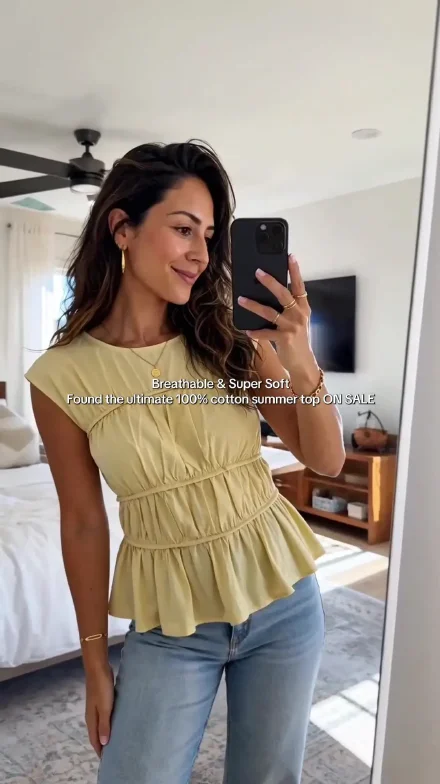
Keep videos worth studying
Download the current video or save it to your CreatOK library so you can return to it, break it down, and keep creating.
Save to library
Download without watermark
Find a creator's strongest videos faster
Review views, likes, comments, favorites, shares, and publish dates, then filter by time range or sort by engagement data.


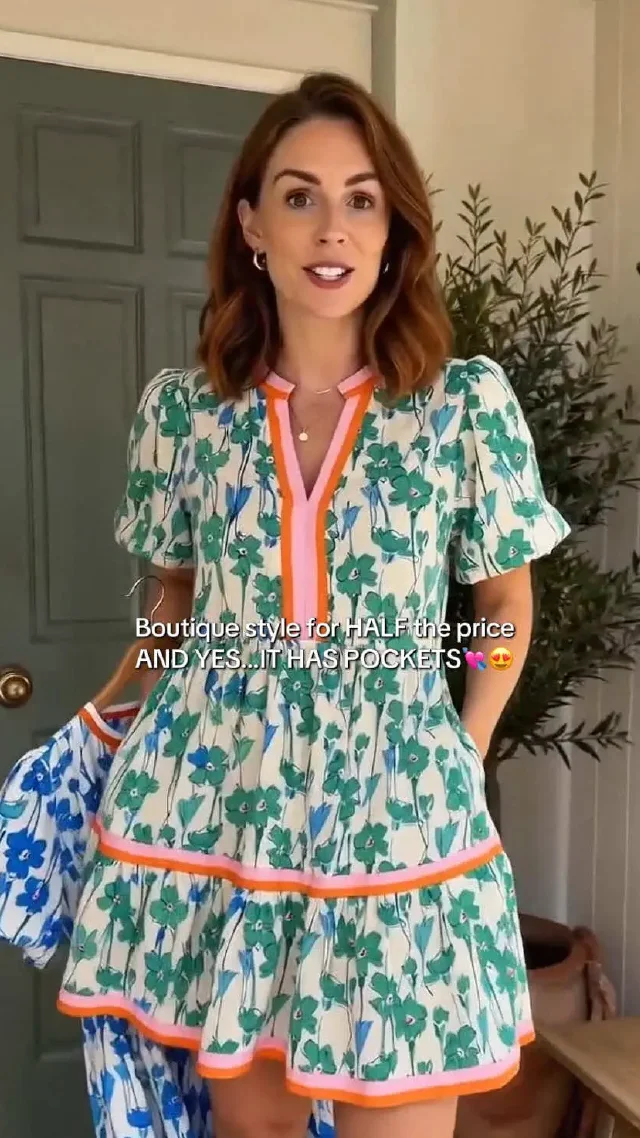


Preview mobile playback from your desktop
When browsing Southeast Asian TikTok Shop videos, open a 9:16 mobile player and watch the full video without leaving the current page.
Collect product materials
Choose the useful items, then save them to your product library or continue to prompt generation.


 TikTok Shop
 Amazon
 EchoTik and supported data platforms
Generate a prompt and continue to video
Turn product information into creative directions and a complete video prompt, then carry the product image and prompt into your preferred generation platform.
Frequently asked questions
Answers about installing the CreatOK extension, supported pages, accounts, and data use.
Which browsers support the CreatOK extension?
CreatOK supports Chrome and other Chromium-based desktop browsers. Pin it to your toolbar after installation and refresh any pages that were already open.
Which pages can I use the extension on?
CreatOK currently works on public TikTok videos, creator profiles, and supported TikTok Shop, Amazon, and commerce data pages. Available tools change with the page type.
How does CreatOK handle page data?
The extension reads only the current-page information required for your selected action, and only after you open the CreatOK panel on a supported page.
Do I need a separate extension account?
No. The extension and creatok.ai use the same CreatOK account, plan, and available credits.
Is the CreatOK browser extension free?
The extension is free to install. AI features such as prompt generation follow the limits of your CreatOK plan and available credits.
What if CreatOK does not appear after installation?
Confirm that the extension is enabled and that you are signed in, then refresh the current page. Unsupported pages do not display contextual tools.
Put CreatOK in your browser
Analyze scripts, review data, save assets, and generate video prompts while browsing TikTok and product pages.
Install the CreatOK extensionSupports Chrome and Chromium-based desktop browsers.