Can I use the image text translator for free?
You can start with a free trial and create result variants when you are ready to test the idea.
Upload JPG, PNG, or WebP images, choose target languages, preview detected text, and generate localized image versions while preserving the original visual layout.
Keep text printed on the product itself when packaging or labels should stay unchanged.
Ready to create 1 translated image version.
The app sample shows how text in a source image can be recognized, translated, and placed back into the design for multiple markets.
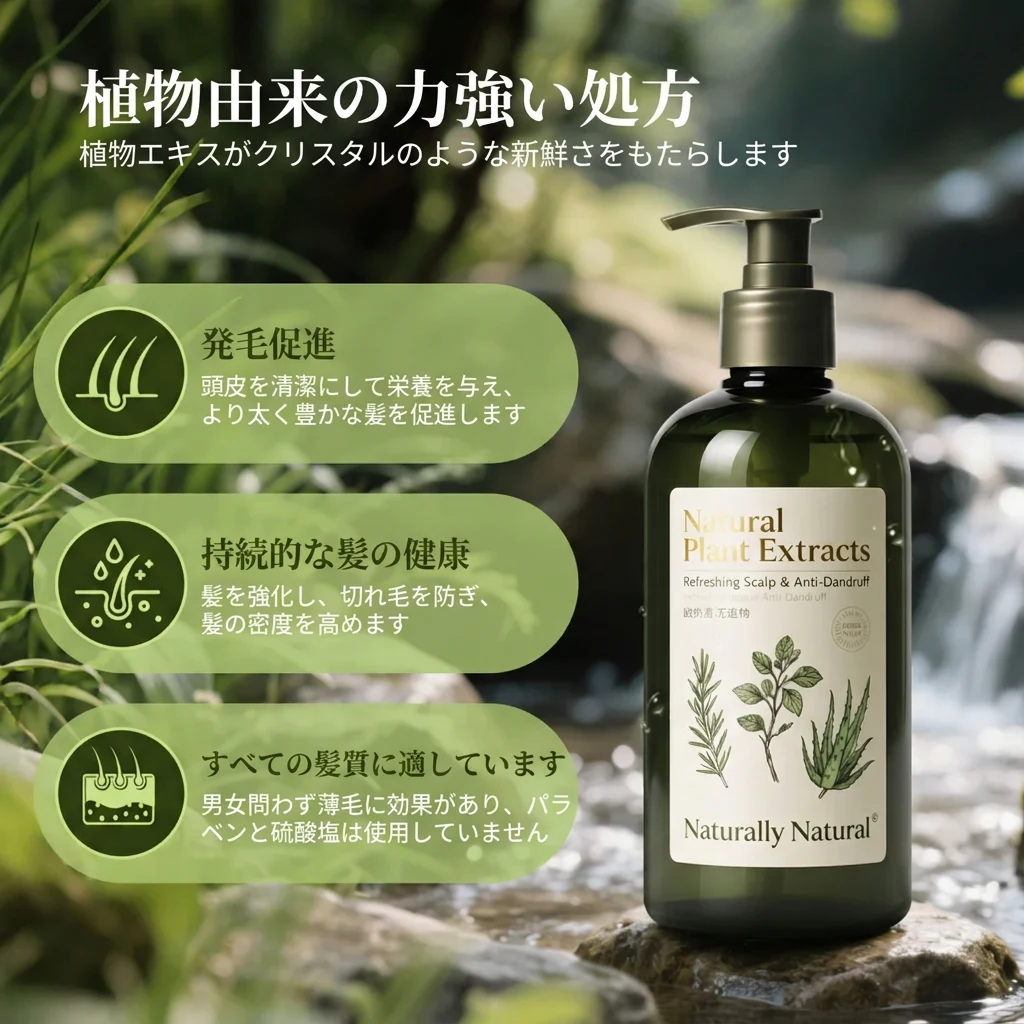
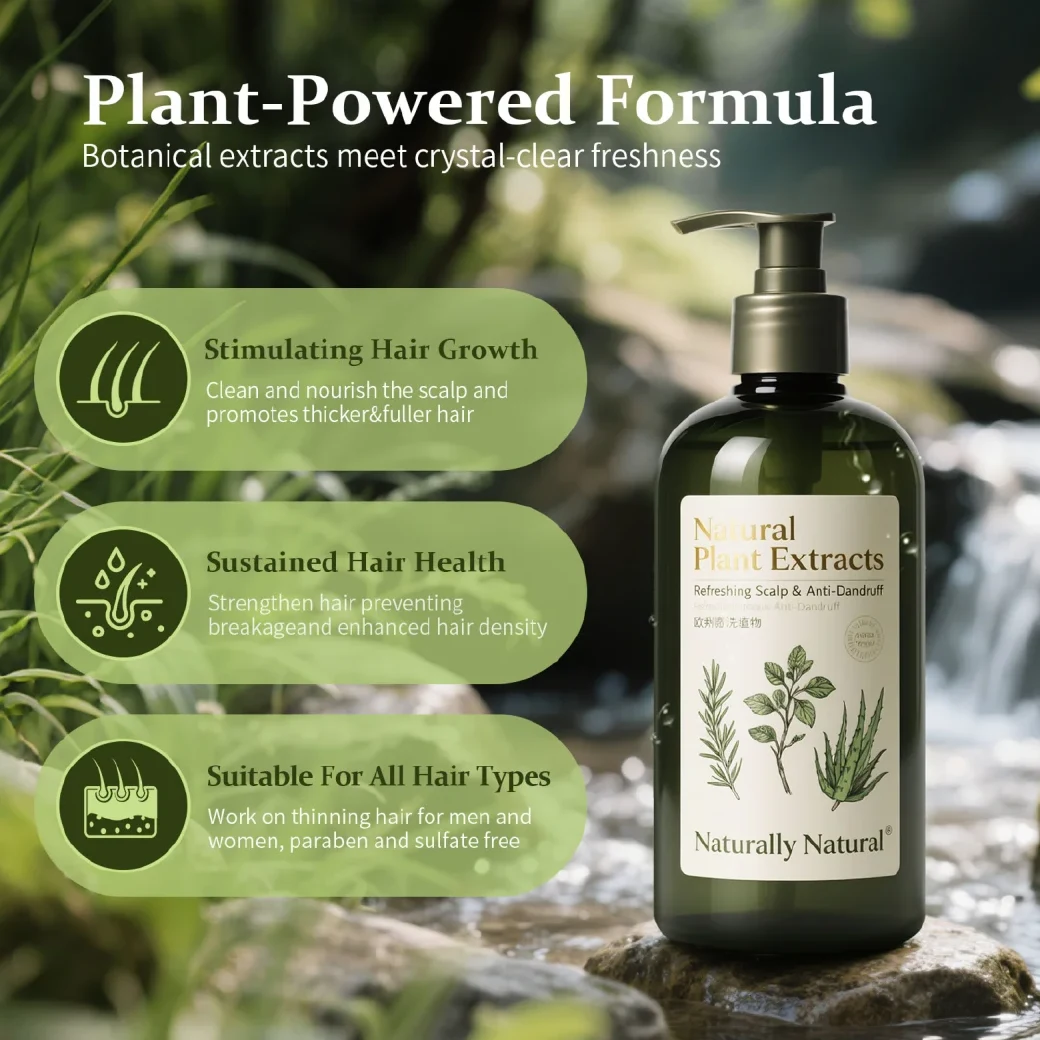
Translate text inside product images, banners, packaging, and A+ graphics while keeping the layout familiar.
Built for ecommerce and growth teams that already have visuals with embedded text and need clean versions for new markets.
Translate text in listing images, product detail graphics, and comparison cards before publishing across regions.
Turn text-heavy modules, promo banners, and launch graphics into localized versions while keeping the design structure familiar.
Protect product markings when the package text should remain unchanged, while translating surrounding marketing copy.
Upload several images and choose multiple target languages when a SKU, bundle, or campaign needs quick localization.
Upload an image with text, choose target languages, then generate localized versions that keep the design structure.
Add JPG, PNG, or WebP files from your device, then check the selected image set before translating.
Select one or more target languages, keep product text protected when needed, and review the recognized copy.
Create localized image versions and check whether the translated copy still fits the original layout.
The landing panel reflects the same choices used by the app, so the first try maps to a practical translation workflow.
Recognize text first so product names, claims, and market-specific wording can be reviewed before final image creation.
Review translations before generating the final images, which is useful for brand terms, product claims, and market-specific wording.
Keep markings printed on the product or package when only surrounding copy should be localized.
Turn multiple product images into localized visual sets for market launches and campaign adaptation.
Practical answers before you upload a real product or campaign image.
You can start with a free trial and create result variants when you are ready to test the idea.
The image translator accepts JPG, JPEG, PNG, and WebP files. Clear, high-contrast text gives the OCR and translation steps a better starting point.
CreatOK supports 17 target languages for image text translation, including English, Japanese, Korean, German, Spanish, French, Indonesian, Thai, Vietnamese, Simplified Chinese, and Traditional Chinese.
The tool is designed to recognize text placement and replace copy inside the image layout. Complex backgrounds, tiny text, or unusual typography may still need review.
Yes. Preview mode lets you review original and translated lines so brand terms, claims, and market wording stay controlled.
Uploaded images are used to create your requested result. Avoid uploading material you do not have rights to use.
Keep the same product image workflow moving with nearby CreatOK tools.
Upload a product image, banner, package photo, or A+ graphic and create localized versions for new markets.
Try for free