Can I use this AI image upscaler for free?
You can start with a free trial and create clearer image variants when a source file needs more usable detail.
Upload JPG, PNG, or WebP files, choose a 2x or 4x upscale, and prepare clearer PNG or JPEG results for product pages, social posts, portraits, and design assets.
Use it when portraits or model photos need clearer facial detail.
The same sample pair used by the app shows how low-detail product imagery can become cleaner for publishing.
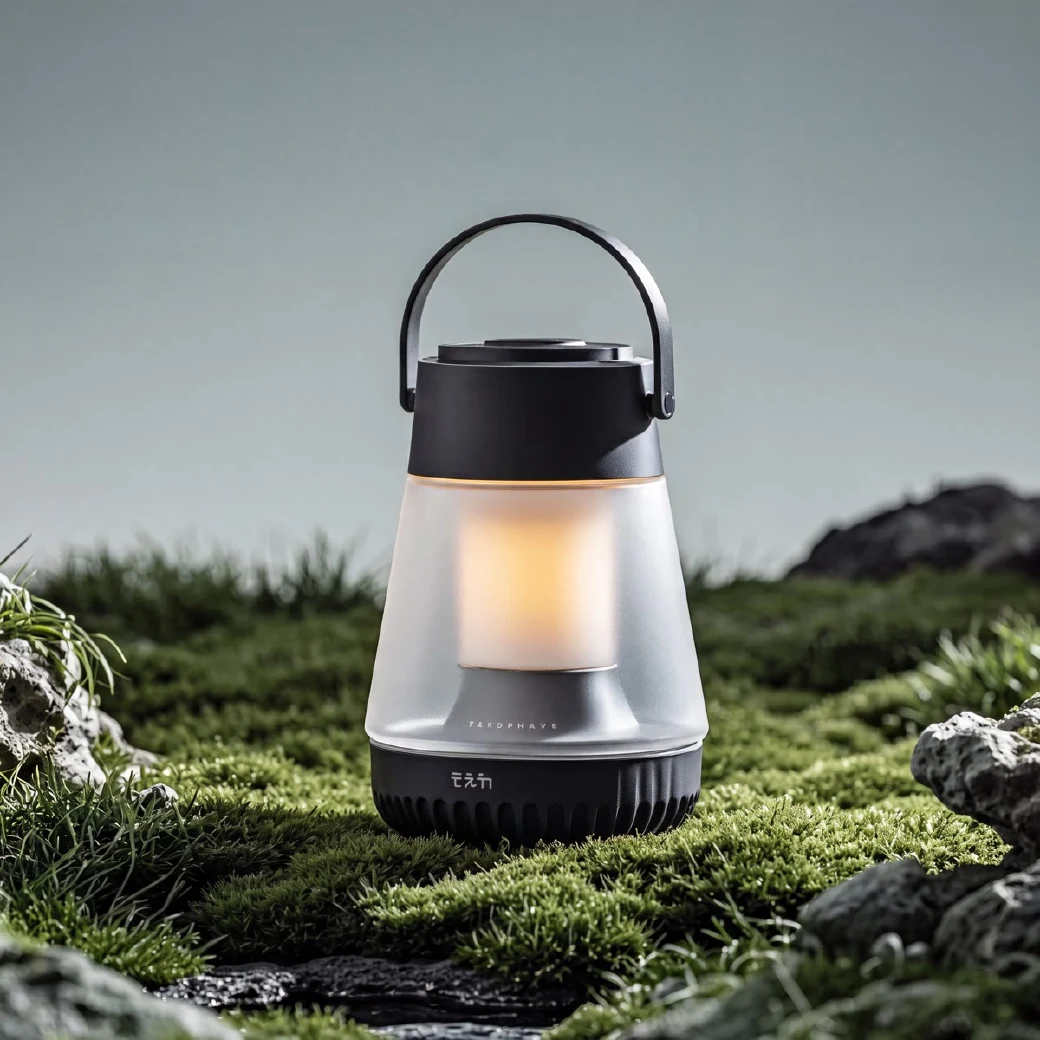
Make source images sharper for product pages, social posts, catalogs, and design assets.

 Also works in Claude Code, Codex, and other AI agents
The upscaler is built for creators and ecommerce teams who already have a source file but need a cleaner, larger version quickly.
Upscale product photos so labels, packaging, fabric, and small details look more ready for product pages.
Improve screenshots, compressed thumbnails, and reused campaign assets before posting again.
Use illustration-focused modes for cleaner lines on logos, character art, stickers, and fashion prints.
Turn on face enhancement when a model photo or portrait needs more natural detail in the final image.
Pick an image, choose the clarity direction, then generate a sharper version for publishing.
Add one file or a small batch, then preview the selected items before generating.
Match the image type to product, compressed, illustration, portrait, or batch-focused enhancement.
Create the clearer PNG or JPEG version and compare texture, edges, and small text before publishing.
The full upscaler supports the same practical choices shown above, so the first click maps to a real generation workflow.
Choose product, illustration, fast batch, light 2x, noisy frame, or illustration v3 modes depending on the source file.
Process a focused set of SKUs, covers, or creative variants with the same upscale settings.
Use JPG, PNG, or WebP as input, then export processed files as PNG or JPEG.
Use the same upscale direction across product photos, covers, portraits, or creative variants so the final assets feel aligned.
Practical answers before you upload a real image.
You can start with a free trial and create clearer image variants when a source file needs more usable detail.
The image upscaler accepts JPG, JPEG, PNG, and WebP input files. Processed images can be exported as PNG or JPEG.
Use 2x for images that are already fairly clean and need a natural size increase. Use 4x when product photos, covers, or illustrations need a larger, clearer result.
Product photos, portraits, screenshots, covers, and illustrations with visible structure usually benefit most, especially when you want cleaner edges, texture, and readable detail.
Yes. The full image upscaler is built for small product batches and creative variants when you want consistent upscale settings.
Uploaded images are used to create your requested result. Avoid uploading material you do not have rights to use.
Yes. CreatOK CLI ships a built-in image upscaling skill you can call directly from your AI agent (Claude Code, Codex, etc.) — the output matches the web app. Visit creatok.ai/cli for setup instructions.
Keep editing the same image workflow with tools from the CreatOK image cluster.
Upload a product photo, portrait, screenshot, or illustration and create a clearer version for product pages, social posts, or design work.
Try for free