What is an AI clothes changer?
An AI clothes changer uses AI to change clothing on a model or person photo and create realistic outfit previews.
Upload a model photo and clothing image to change clothes with AI and create realistic virtual try-on photos for product pages, ads, and fashion content.
Keeps the try-on task focused on model and garment references.
Add pose or background direction when the outfit needs a specific stance or scene.
Result quality depends on image clarity, garment shape, and visible body pose.
Upload a model photo and clothing image to preview how the outfit looks before creating product photos, ads, or catalog visuals.
Use your own model image
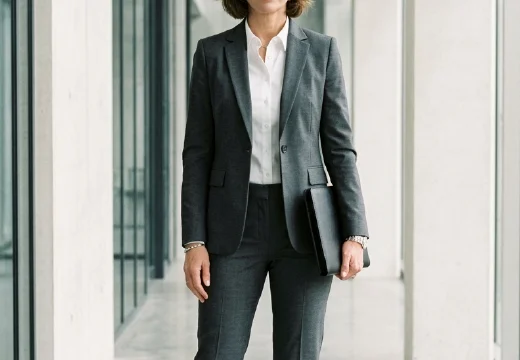
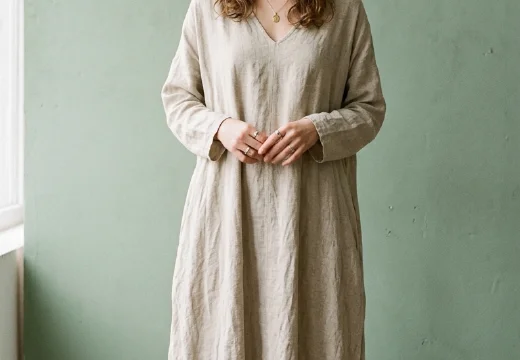
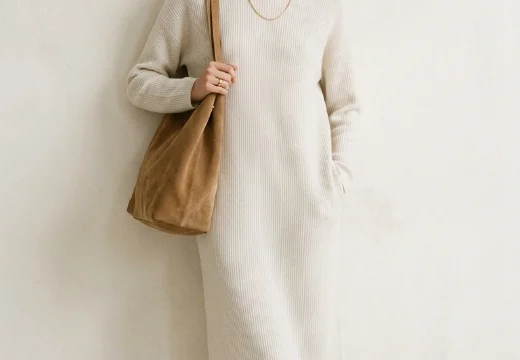
Use a real model, creator, or mannequin photo when you need a specific body type or brand style.
Create model-worn apparel visuals for ecommerce pages, ads, catalogs, and pre-shoot review.
Use the AI clothes changer to preview outfits on a model before creating product photos, ads, or catalog images.
Create model-worn clothing photos for product pages, Shopify stores, and catalog tests.
Preview different outfit looks for fashion ads, social posts, and campaign ideas
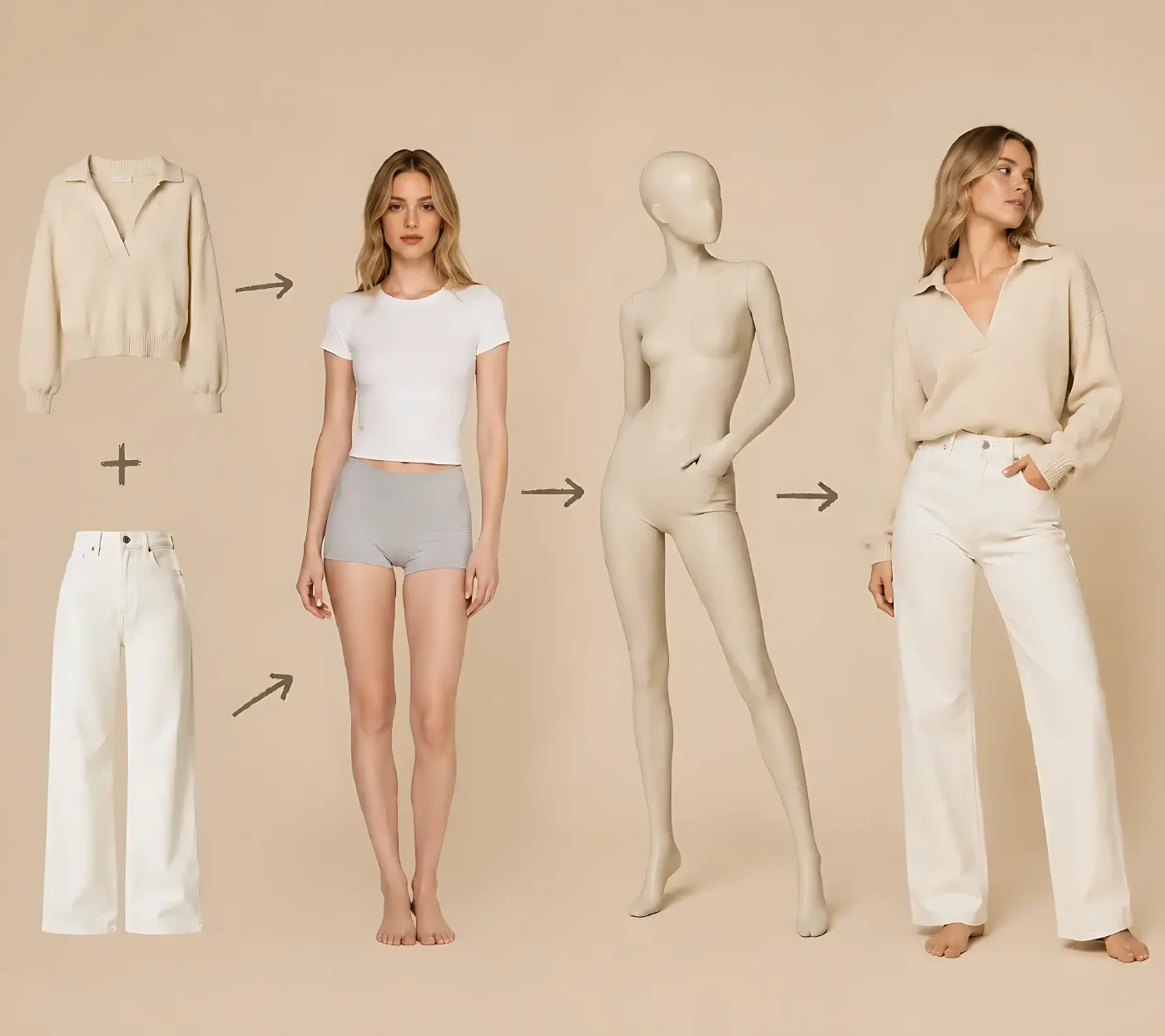
Change one garment or combine top and bottom images to create a full virtual try-on outfit.
Test the model pose, clothing fit, and background style before planning a full fashion photoshoot.
Start with a model photo and clothing image, choose the outfit setup, then generate a try-on photo for product pages, ads, or style review.
Start with a clear model photo and garment image. JPG, PNG, and WebP files work best for realistic AI try-on results.
Select single-item or top-and-bottom styling, then choose the aspect ratio for product pages, ads, or catalog images.
Create AI virtual try-on photos for review, product listings, campaign testing, or fashion content.
Use clear model and clothing photos, add pose or background direction, and choose the right image size to get better virtual try-on results.
Upload a model photo and clothing image so the AI can follow the body pose, outfit shape, and clothing details.
Add a pose or background reference when you want a specific look, scene, or fashion photoshoot style.
Pick a ratio for product pages, ads, catalogs, social posts, or ecommerce image testing.
Generate several outfit, pose, and scene options before choosing the final clothing photo or campaign creative.
Practical answers before you upload a model or garment image.
An AI clothes changer uses AI to change clothing on a model or person photo and create realistic outfit previews.
Yes. Upload a model photo and clothing image to create virtual try-on clothes photos for product pages, ads, catalogs, and fashion content.
They are closely related. CreatOK combines AI clothes changer and virtual try-on workflows to generate model-worn clothing photos from image references.
It can help test outfits, poses, and campaign ideas before a photoshoot, but final commercial images may still need human review.
Yes. You can use the results for product pages, ads, catalogs, and social content after checking image quality and usage rights.
Clear model photos, clean clothing images, simple backgrounds, and visible garment shapes usually produce better try-on results.
Keep building product visuals with public CreatOK tools that already fit the same image workflow.
Upload a model photo and clothing image to create virtual try-on clothes photos for product pages, ads, catalogs, or styling review.