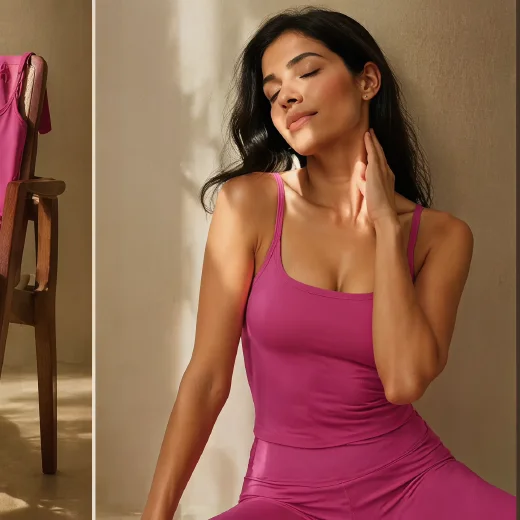
Try for free with an item photo

Amazon A+ content generator for detail images

Upload item photos, choose a marketplace, market, copy language, and A+ module direction, then create hero banners, selling point visuals, lifestyle scenes, specification boards, and brand story images.

Amazon, TikTok Shop, Temu, eBay, AliExpress
Hero, selling point, lifestyle, detail, and brand modules
Up to 16 item photos with copy language controls
0/16

A+ detail images from the real workflow

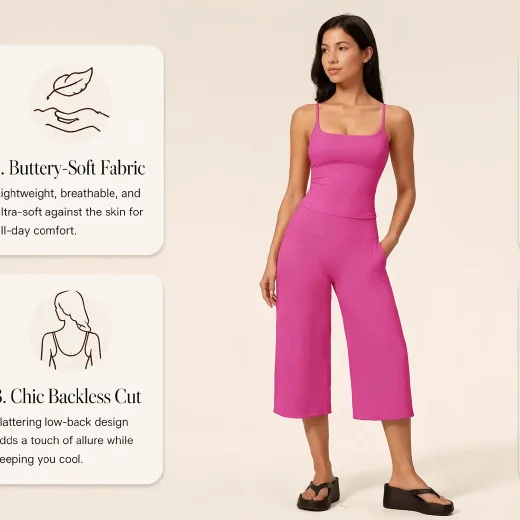
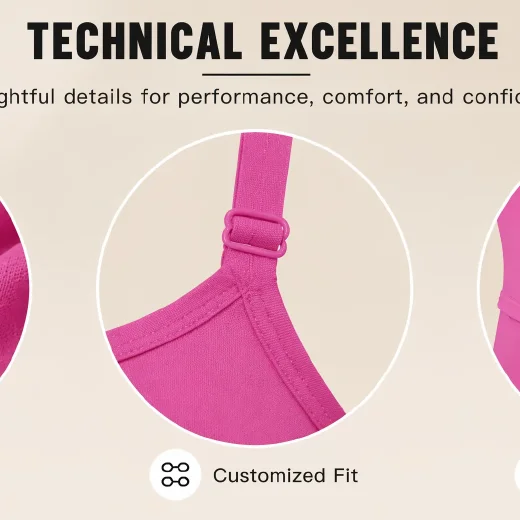
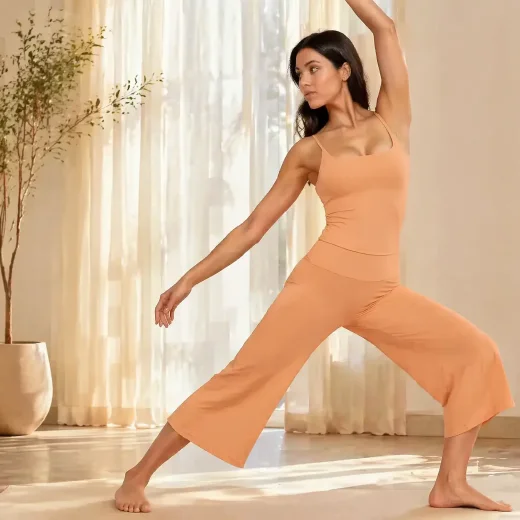
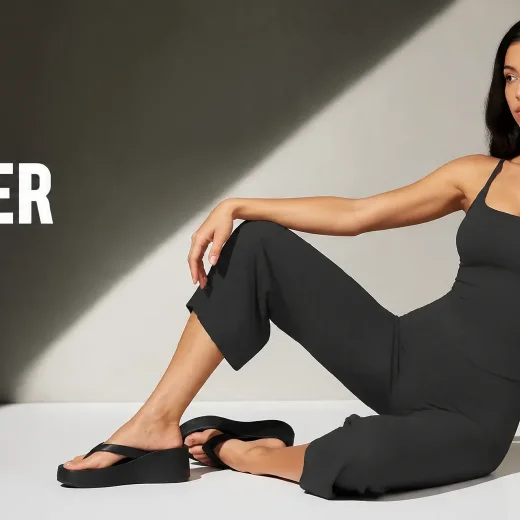
These sample modules show the same A+ output pattern used in the app: opening hero, atmosphere, material proof, lifestyle scene, brand story, process proof, scale chart, and details.

01Hero banner
Amazon A+ hero banner example generated from item photos
Hero banner
02Mood
Amazon A+ mood atmosphere image example
Mood
03Material
Amazon A+ material information image example
Material
04Lifestyle
Amazon A+ lifestyle scene image example
Lifestyle
05Brand story
Amazon A+ brand story image example
Brand story
06Process
Amazon A+ craftsmanship process image example
Process
Starts from real item photos
Uses marketplace and market context
Adds localized copy when selected
Open the full A+ content workspace

Use the full workspace for asset library images, AI selling point analysis, recommended styles, custom references, module previews, generation, downloads, retries, and history.

Build A+ detail visuals for marketplace pages

Use CreatOK when a item already has photos but needs a richer item story for A+ pages, marketplace detail pages, and store content.

Amazon A+ detail pages

Create hero banners, benefit modules, comparison visuals, detail boards, and brand storytelling images around one SKU.

Cross-platform ecommerce content

Adapt the same item story for TikTok Shop, Temu, eBay, AliExpress, independent stores, or another selling channel.

Brand and material storytelling

Turn materials, craftsmanship, size, package contents, warranty, and usage notes into readable visual modules.

Catalog refreshes for multiple SKUs

Use multiple item photos, style references, reusable assets, previews, retries, and history when a catalog needs better detail images.

Generate Amazon A+ content images in 3 steps

The flow follows the real app: upload item images, choose marketplace context and modules, preview the A+ plan, then generate final images.

  1. 01

    Upload item photos

    Add clear item images in JPG, PNG, or WebP. Extra angles help the AI understand shape, material, packaging, and use context.

  2. 02

    Choose platform, market, language, and modules

    Set the selling channel, target region, copy language, selling points, and A+ module types such as hero, lifestyle, details, or brand story.

  3. 03

    Preview and generate the A+ image set

    Review the planned modules, use style references or recommended styles in the full workspace, then generate, download, retry, and manage the results.

A+ content controls made for ecommerce teams

The landing panel keeps the first step light, while the full workspace provides the controls sellers use to shape an A+ image set.

AI selling point analysis

The app can analyze uploaded item photos and help draft selling points before building the A+ modules.

16 A+ module types

Select modules such as hero shot, selling points, lifestyle, multi-angle, atmosphere, detail, brand story, size chart, specs, accessories, and usage tips.

Marketplace and copy localization

Choose the target platform, target market, and copy language, or generate image-only modules when text is not needed.

Style references, downloads, retries, and history

Use custom style references, preview planned cards, generate final images, download outputs, retry weaker modules, and continue recent work.

Amazon A+ content generator questions

Practical answers before you upload a item image.

Can I use the Amazon A+ content generator for free?

You can start with a free trial. Some generation, batch, asset library, and advanced workspace actions may require login or available plan quota.

Is this only for Amazon A+ pages?

Amazon A+ is the main search task for this page, but the workflow also includes TikTok Shop, Temu, eBay, AliExpress, independent stores, and an Other option.

What item photos should I upload?

Use clear JPG, PNG, or WebP item photos. Front views, packaging, details, and multiple angles help the image set show shape, materials, size, and use cases.

Can it create copy inside A+ images?

Yes. The workflow includes copy language controls and also supports a no-copy option when you want image-only A+ visuals.

Can I choose the A+ modules?

Yes. The full workspace lets you choose module types such as hero shot, selling points, lifestyle scene, detail, brand story, size chart, specs, accessories, and usage tips.

Are uploaded item images private?

Uploaded images are used to process your requested results in your workspace. Avoid uploading items, logos, claims, or materials you do not have rights to use.

Ready to turn item photos into A+ detail images?

Upload item photos, choose your marketplace context, and continue in the full workspace to preview, generate, download, retry, and manage the final A+ image set.

Try for free