Make a Video with AI

Make a Video with AI: 2026 Workflow Guide
Most people searching “make a video AI” do not need a movie scene. They need a usable short video: a product clip, TikTok ad, YouTube Short, Instagram Reel, explainer, or campaign test that can be published without burning a week in editing.If you are still comparing tools, start with our AI video generator page before choosing a workflow.
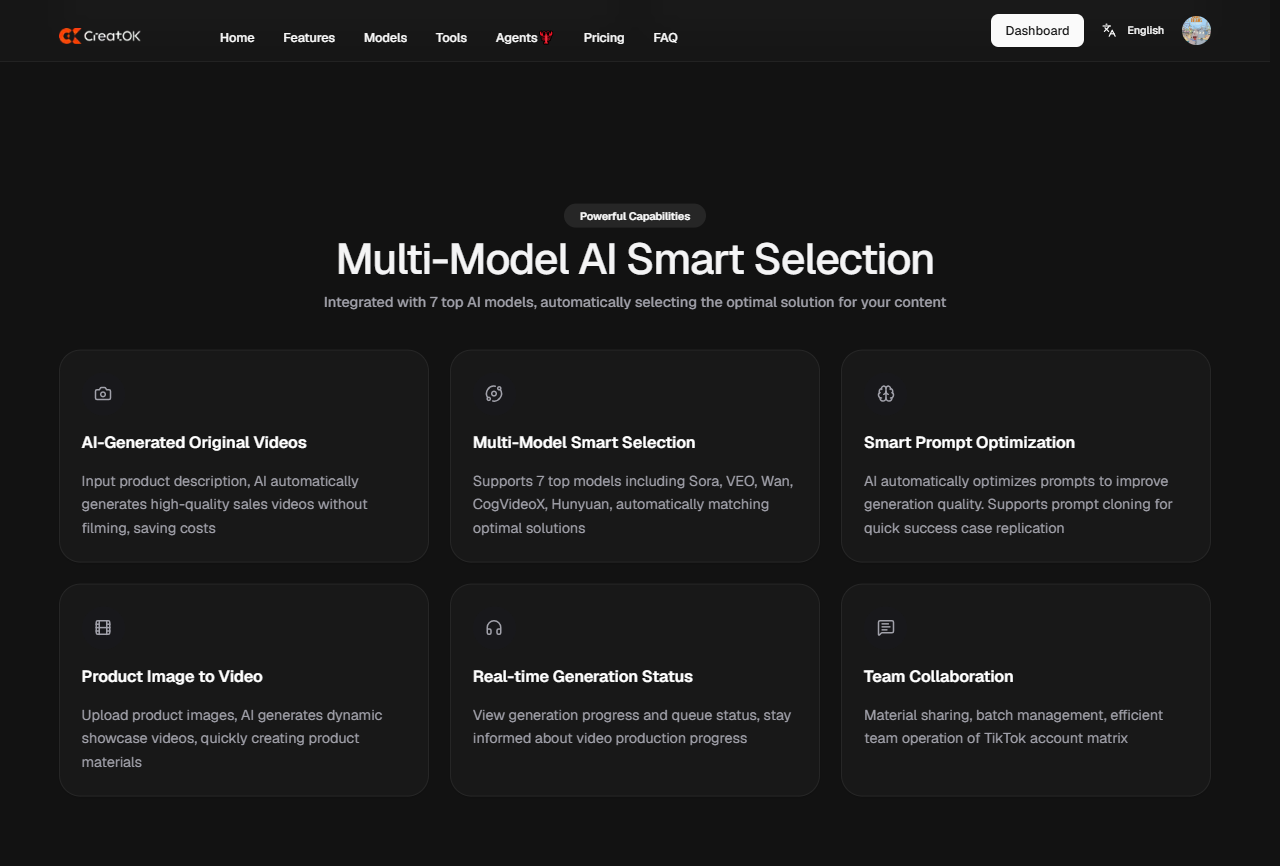
AI video tools can now generate clips from text, images, scripts, audio, and reference videos. The hard part is choosing the right workflow. Text-to-video works for ideas. Image-to-video works better for product consistency. Script-to-video works for explainers. Reference-based generation works best when you already know the style you want.
This guide shows how to make a video with AI without wasting credits on weak prompts.
Quick Summary: Best Way to Make a Video with AI
Goal | Best Input | Best Workflow |
|---|---|---|
Quick creative idea | Text prompt | Text-to-video |
Product ad | Product image | Image-to-video |
TikTok selling video | Product image + hook | Product image to video |
Explainer video | Script | Script-to-video |
Consistent character clip | Reference image | Image-to-video with identity control |
Social campaign testing | Winning video reference | Reference-based variation |
Blog or article repurposing | Article/script | Script-to-video with voiceover |
What Does “Make a Video AI” Actually Mean?
The keyword is awkward, but the intent is clear. Users want a tool that can make a video using AI.For product videos, the better path is often image to video AI, because the product image gives the model a stable visual anchor.
There are four main ways to do it:
1. Text to Video
You write a prompt. The AI generates a clip.
Best for:
cinematic concepts
social media ideas
mood shots
background scenes
visual experiments
Weak point:
Product accuracy and character consistency can drift.
2. Image to Video
You upload an image. The AI animates it.
Best for:
product videos
character consistency
e-commerce ads
first-frame control
TikTok product clips
Weak point:
Motion must be controlled carefully. Too much motion can deform faces, hands, packaging, or logos.
3. Script to Video
You provide a script. The tool builds scenes, captions, voiceover, and visuals.
Best for:
explainers
tutorials
faceless videos
educational clips
product walkthroughs
Weak point:
It may feel generic unless you control the visual direction.
4. Reference Video to New Video
You provide a reference clip or style. The AI creates a new version based on the structure.
Best for:
TikTok ad variation
UGC-style creatives
hook testing
campaign replication
e-commerce creative testing
Weak point:
Do not copy protected content directly. Use references for structure, pacing, and scene logic.
Step-by-Step: How to Make a Video with AI
Step 1: Define the Job Before Choosing a Tool
Do not start with the model. Start with the output.
Ask:
Is this for TikTok, YouTube, Instagram, or a landing page?
Should the video sell a product, explain a feature, or build awareness?
Do I need a real product to stay accurate?
Do I need voiceover or captions?
Do I need one video or 20 variations?
If the product must stay accurate, start with image-to-video. If the idea matters more than accuracy, text-to-video is fine.
Step 2: Choose the Right AI Video Workflow
If You Need | Use This |
|---|---|
A cinematic clip from imagination | Text-to-video |
A product video from a product photo | Image-to-video |
A batch of TikTok ad ideas | Reference-based video generation |
A talking explainer | Script-to-video or avatar video |
A social clip from a blog post | Article-to-video |
A product demo from screen recording | AI video editing and captioning |
For CreatOK users, the strongest e-commerce workflow is usually:
text
Product image -> AI video prompt -> video generation -> hook variation -> TikTok-ready export
That path gives the AI a visual anchor. It reduces product drift and helps the clip look like an ad, not a random generated scene.
Internal link suggestion: use AI video generator when explaining tool choice.
Step 3: Write a Prompt Like a Director
Weak AI video prompts describe a picture. Strong prompts direct motion.
Use this structure:
text
Subject + action + setting + camera movement + lighting + mood + duration + aspect ratio
Weak Prompt
text
A cool product video for a water bottle.
Better Prompt
text
Create an 8-second 9:16 product video of a matte black stainless steel water bottle on a wet gym bench. The camera slowly pushes in from a low angle. Cold blue side lighting, realistic water droplets, clean commercial fitness ad style. Keep the product shape accurate. No extra text, no logo distortion.
The second prompt works because it controls:
subject
scene
camera
lighting
duration
format
product preservation
Internal link suggestion: use AI Image Generator guide when explaining how to create the first frame before video.
Step 4: Use Image-to-Video for Better Product Control
If you are making a video for e-commerce, start with a still image.
Text-to-video may create a beautiful scene, but it can invent the product. That is dangerous for ads and product pages.
A better workflow:
text
1. Generate or upload a clean product image 2. Fix the product shape, label, and lighting 3. Use that image as the first frame 4. Animate with controlled motion 5. Export 3-5 hook variations
For product clips, keep motion restrained.
Recommended motion direction:
text
slow push-in subtle camera pan product rotation light sweep steam rising hand enters frame background movement only
Avoid asking for too much action in one clip. AI video often breaks when the product, camera, subject, and background all move aggressively at the same time.
Internal link suggestion: use GPT-Image-2 workflow when discussing product images, transparent backgrounds, and reference assets.
Step 5: Pick the Right Format
Platform | Best Format | Notes |
|---|---|---|
TikTok | 9:16 | Put the main object in the center third |
Instagram Reels | 9:16 | Keep text away from UI zones |
YouTube Shorts | 9:16 | Strong first 2 seconds matter |
YouTube long-form | 16:9 | Wider scenes and slower pacing work |
Product page | 1:1 or 16:9 | Keep product visible and clean |
Ads | 9:16, 4:5, 1:1 | Generate multiple crops if possible |
Do not generate one landscape video and crop it blindly for TikTok. You will lose the product, face, or CTA.
Prompt Templates to Make a Video with AI
Product Video Prompt
text
Create a [duration] [aspect ratio] product video of [product] in [scene]. The camera [camera movement]. Use [lighting style] and [mood]. Keep the product shape, color, label, and proportions accurate. No extra text, no logo distortion, no unwanted objects.
TikTok Ad Prompt
text
Create a 9:16 TikTok-style ad video for [product]. Start with a strong visual hook in the first 2 seconds. Show [main benefit] through [action]. Use fast but clean pacing, realistic lighting, and clear product focus. Leave space at the top for text overlay.
Image-to-Video Prompt
text
Animate this image into a short product video. Keep the subject unchanged. Add subtle camera movement, realistic lighting changes, and natural background motion. Do not alter the product, face, clothing, logo, or text.
Explainer Video Prompt
text
Create a short explainer video based on this script: [script]. Use clean scenes, simple motion graphics, readable captions, and a neutral voiceover style. Keep each scene focused on one idea.
Common Mistakes When Making AI Videos
Mistake 1: Starting with Text When Accuracy Matters
If the product, face, or logo must stay accurate, use a reference image. Text alone gives the model too much freedom.
Mistake 2: Asking for Too Much Motion
High motion can damage hands, faces, packaging, and object edges. Use slower motion for humans and products.
Mistake 3: Ignoring the First Frame
The first frame sets the video. If it is weak, the clip will feel weak. Fix the image before animating.
Mistake 4: Using One Prompt for Every Platform
TikTok, YouTube, and landing page videos need different framing. Write the format into the prompt.
Mistake 5: Publishing Without Reviewing Details
Check:
hands
faces
product labels
shadows
background text
captions
brand names
object shape
transitions
AI video can look convincing while hiding small errors that damage trust.
Practical Workflow for CreatOK Users
CreatOK fits best when the goal is not just to generate one clip, but to produce usable short-form content for TikTok and e-commerce.
A practical workflow:
text
1. Upload a product image 2. Choose a short video format 3. Write a product-focused prompt 4. Generate a first video 5. Create 3 hook variations 6. Export the best version 7. Use it in TikTok content testing
For sellers, this matters more than raw cinematic quality. A beautiful video that fails to show the product clearly is not a useful sales asset.
Internal link suggestion: use AI art generator app for product images when explaining how to prepare the product still before video.
FAQ
What is the easiest way to make a video with AI?
The easiest way is to start with a short text prompt or product image, choose a format such as 9:16, and generate a short clip. For product videos, image-to-video usually gives better control than text-to-video.
Can I make a video with AI for free?
Many AI video tools offer free trials, limited credits, or daily quotas. Free plans are useful for testing prompts, but serious production usually needs paid credits because video generation costs more than image generation.
Is text-to-video or image-to-video better?
Text-to-video is better for ideas and concept clips. Image-to-video is better when you need product accuracy, character consistency, or a controlled first frame.
How long should an AI-generated video be?
For TikTok, Reels, and Shorts, start with 6-12 seconds. Short clips are easier to control, faster to render, and cheaper to test. Longer videos usually need scene stitching and editing.
How do I make AI video look less fake?
Use a strong reference image, limit motion, specify lighting, keep one main action per clip, and review product details. Avoid overloading the prompt with too many subjects, camera moves, and scene changes.
Can AI videos be used for ads?
Yes, but review platform rules and commercial rights. For product ads, make sure the video does not misrepresent the product shape, features, packaging, or results.