ChatGPT Images 2.0 | Text to Image

ChatGPT Images 2.0: Complete Guide to Features, Prompts, and Best Use Cases
What Is ChatGPT Images 2.0?
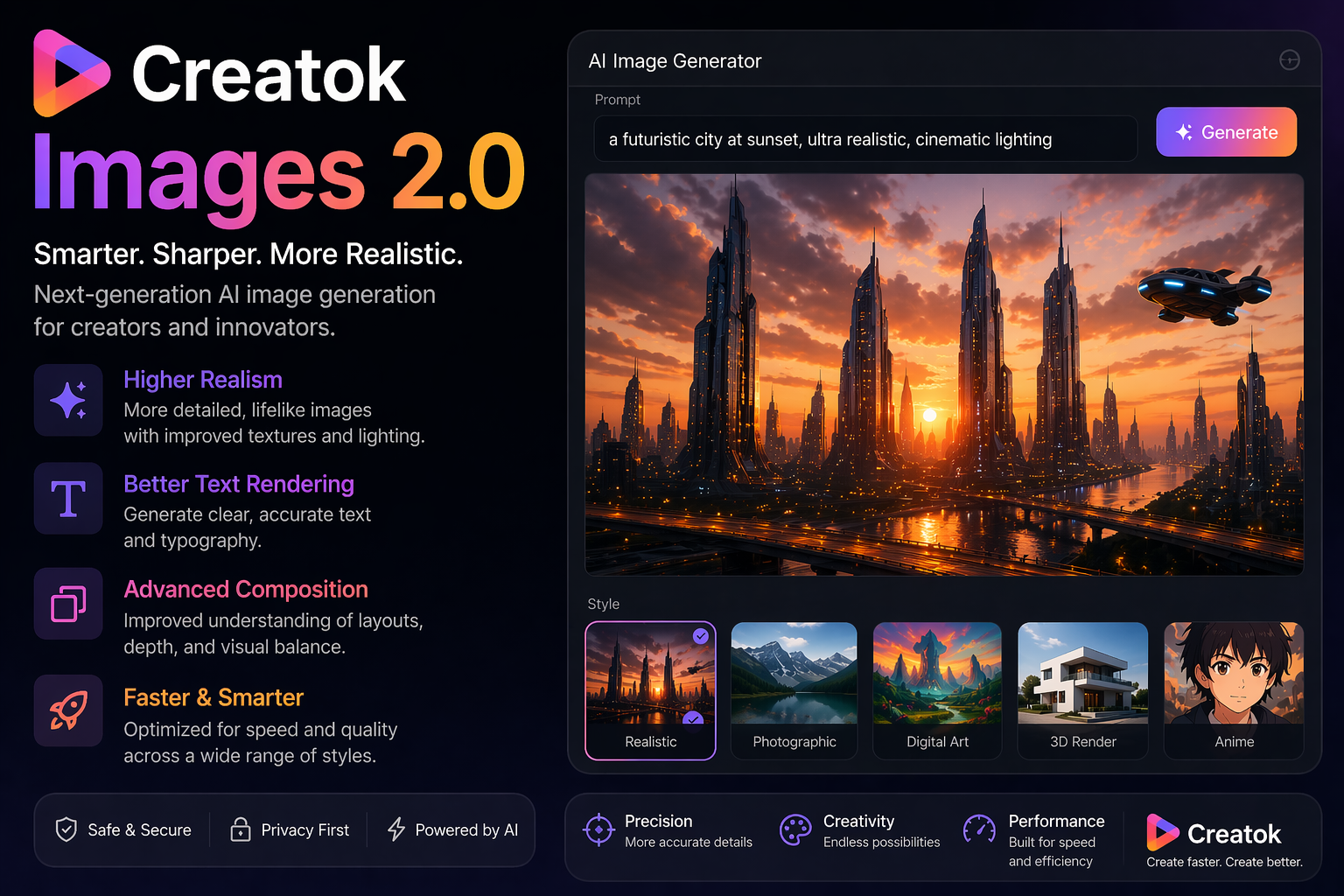
ChatGPT Images 2.0 is the latest generation of OpenAI’s image creation capability designed to turn text instructions into high-quality visuals. Compared with older AI image tools, it focuses more on instruction accuracy, layout understanding, text rendering, and practical business use cases.
For users, this means ChatGPT Images 2.0 is not only good at creating visually appealing images, but also much better at generating images that are actually useful for marketing, design, e-commerce, social media, and content production.
If you are searching for a smarter text-to-image model that can handle posters, product ads, social graphics, concept art, and branded content, ChatGPT Images 2.0 is one of the most important AI image tools to watch right now.
Why ChatGPT Images 2.0 Matters
AI image generation has evolved quickly, but many tools still struggle with complex instructions, readable text, and structured layouts. ChatGPT Images 2.0 stands out because it aims to solve those problems.
Its value is not just in generating beautiful visuals. Its real advantage is helping users create images that are closer to real working assets, including:
marketing banners
product visuals
social media graphics
ad creatives
presentation images
blog cover images
infographic-style visuals
interface and concept mockups
That is why ChatGPT Images 2.0 is becoming a high-interest keyword among creators, marketers, designers, and SEO teams.
Key Features of ChatGPT Images 2.0
Better Text Rendering
One of the biggest improvements in ChatGPT Images 2.0 is its ability to handle text inside images more accurately. This is especially valuable for posters, ads, menus, presentation slides, promotional graphics, and branded materials.
Older AI image generators often produced broken letters, unreadable words, or random typography. ChatGPT Images 2.0 is designed to perform better in these scenarios, making it more useful for commercial image generation.
Stronger Instruction Following
ChatGPT Images 2.0 can interpret prompts more precisely than many traditional text-to-image tools. Instead of only focusing on artistic style, it does a better job following detailed instructions about composition, tone, content, and layout.
This makes it more reliable when users want specific results rather than just creative variations.
Improved Layout Understanding
The model is better at generating structured visuals that include multiple elements in one image. This is useful when creating:
promotional posters with headlines and supporting text
product images with feature labels
infographics with sections and visual hierarchy
social media creatives with calls to action
brand concept visuals with a clear composition
More Useful for Real Business Tasks
ChatGPT Images 2.0 is especially relevant for teams and creators who need visual assets for actual workflows. It is not just an art generator. It is an AI image tool that supports business-oriented content creation.
Best Use Cases for ChatGPT Images 2.0
Marketing and Advertising
Marketers can use ChatGPT Images 2.0 to create campaign visuals, ad creatives, banner images, and promotional posters faster. It is especially useful when speed and iteration matter.
E-commerce Product Graphics
Online sellers can use it to create product showcases, seasonal promotions, product lifestyle scenes, and feature-driven ad graphics.
Social Media Content
Content teams can generate eye-catching graphics for Instagram, X, Facebook, Pinterest, YouTube thumbnails, and blog hero images.
Blog and SEO Content Visuals
Blog publishers can use ChatGPT Images 2.0 to create custom featured images and article illustrations that improve click-through rates and page engagement.
Design Concepts and Mockups
Designers and product teams can use it for rapid ideation, visual exploration, campaign concepts, and lightweight UI inspiration.
How to Use ChatGPT Images 2.0 Effectively
To get better outputs, prompts should be clear, structured, and specific. A good prompt usually includes:
subject
context
style
composition
text requirements
color direction
aspect ratio
quality expectations
A simple prompt formula is:
Subject + Use Case + Style + Layout + Text + Aspect Ratio + Detail Requirements
Example prompt:
Create a premium promotional poster for a skincare serum, soft beige background, elegant luxury branding, realistic product bottle in the center, clean typography, headline “Hydrate Your Glow”, subheadline below, 4:5 ratio, high-end editorial lighting, polished commercial design.
This type of prompt works better than vague requests because it gives the model clear goals.
Best Prompt Tips for ChatGPT Images 2.0
1. Start with the purpose
Tell the model what the image is for. For example:
blog header image
product advertisement
Instagram post
landing page hero banner
e-commerce sale poster
This helps define the visual direction.
2. Be explicit about text
If the image needs words, write the exact text you want included. Do not say “add some text.” Instead, specify the headline, subheadline, and CTA.
3. Specify the aspect ratio
Use the right format for the platform:
1:1 for square social posts
4:5 for mobile-friendly social content
16:9 for blog banners and video thumbnails
9:16 for vertical content
4. Define style clearly
Useful style cues include:
photorealistic
minimal
futuristic
luxury branding
editorial
cinematic
clean commercial design
5. Add negative constraints
If needed, include limits such as:
no extra text
no cluttered background
no distorted hands
clean layout
readable typography
consistent product design
ChatGPT Images 2.0 vs Traditional AI Image Generators
The main difference is not only image quality. It is usability.
Many older AI tools are strong at mood, style, or artistic experimentation. ChatGPT Images 2.0 appears more useful when the goal is to generate practical, instruction-driven visuals that fit a business or content workflow.
If you want a fantasy-style artwork, many tools can do that. If you want a branded poster, a content graphic, or a more structured marketing image, ChatGPT Images 2.0 is far more relevant.
Is ChatGPT Images 2.0 Good for SEO Content Teams?
Yes. It can be very useful for SEO and content marketing teams because visual assets influence both user behavior and content quality.
Custom visuals can help with:
better click-through rates from search and social
stronger article presentation
improved page engagement
more branded content assets at scale
faster production for content clusters
For websites publishing AI, marketing, SaaS, design, or creator-related content, ChatGPT Images 2.0 is also a strong keyword opportunity because it combines trend traffic with practical search intent.
FAQ About ChatGPT Images 2.0
What is ChatGPT Images 2.0?
ChatGPT Images 2.0 is a next-generation AI image generation capability from OpenAI designed to create more accurate, useful, and commercially relevant visuals from text prompts.
Can ChatGPT Images 2.0 generate marketing images?
Yes. It is especially well suited for posters, ad creatives, social media graphics, e-commerce images, and branded visual content.
Is ChatGPT Images 2.0 better at text inside images?
One of its most important advantages is improved text rendering and better handling of structured visual layouts compared with many earlier AI image tools.
Who should use ChatGPT Images 2.0?
It is ideal for marketers, designers, content creators, e-commerce sellers, startup teams, and publishers who need fast, high-quality visual production.
How do I get better results from ChatGPT Images 2.0?
Use clear prompts with a defined purpose, style, layout, exact text, and aspect ratio. The more specific the instruction, the more reliable the output.
Final Thoughts
ChatGPT Images 2.0 is more than a text-to-image model. It represents a shift toward AI-generated visuals that are actually usable in real work.
For marketers, creators, bloggers, designers, and online businesses, that makes it one of the most important AI image keywords and tools to pay attention to right now.
If your goal is to create better promotional graphics, blog visuals, product creatives, or branded images with less manual effort, ChatGPT Images 2.0 is a keyword and a technology worth targeting early.