Ai marketing video tool

An AI marketing video tool helps you make professional videos with artificial intelligence. You can make videos faster and spend less money than old ways. Many marketers use these tools for digital content and video editing.
63% of video marketers have used AI video tools. Last year, only 51% used them.
About 75% use AI tools for digital content. 54% use them for video production.
Here is how AI marketing video tools compare to old ways:
Method | Cost per Minute | Time Saved per Project | Cost Savings per Project |
|---|---|---|---|
AI Video Tools (vidBoard) | $0.50 | 14 hours | Up to $1,500 |
AI Video Tools (Synthesia) | $2.13 | 14 hours | Up to $1,500 |
Traditional Production | $100 - $149/hour | N/A | N/A |
You can use these tools to save time and money. You can also make more videos. Think about how AI marketing tools can help you with your video problems.
Key Takeaways
AI marketing video tools help you save time and money. You can make professional videos fast. Automated video creation lets you make more videos easily. You do not need to do hard editing work. Customization options let you change videos for your brand. This makes your videos more interesting for people. Built-in analytics let you see how your videos do. This helps you get better at marketing over time. Picking the right AI tool means you look at what you need. You should compare features and make sure it is easy to use.
How AI Marketing Tools Work
Core Technology
You can use ai marketing video tools because they rely on smart technology. These tools use text-to-video generation to turn your words into moving pictures. You write a script, and the tool creates a video that matches your message. Voice cloning lets you add a human-sounding voice to your video without hiring a voice actor. Scene automation helps you by building each part of the video from your script. Smart template adaptation makes it easy to match your brand colors and style. Machine learning and natural language processing power these features. The system reads your text and creates a video that looks professional and fits your needs.
Video Creation Process
You do not need special skills to use most ai marketing video tools. Many platforms make the process simple and fast. For example:
Steve.ai can turn your script, blog, or plain text into a finished video in less than ten minutes.
The AI cuts, times, and syncs everything for you.
You can choose from animated explainers or live-action videos.
The tool offers voiceovers in many languages and tones.
This helps you make videos quickly for marketing, teaching, or social media.
You can also try other tools. Here is how some popular options work:
Synthesia lets you write a script, pick an avatar, and get a polished explainer video in under ten minutes.
InVideo AI matches your script with the right video clips automatically.
Canva’s AI Video Generator helps you turn ideas into videos for your brand or project.
You can see that ai marketing tools make video creation easy and fast. You can focus on your message while the AI handles the hard work.
Key Features of AI Marketing Video Tools
Automated Video Creation
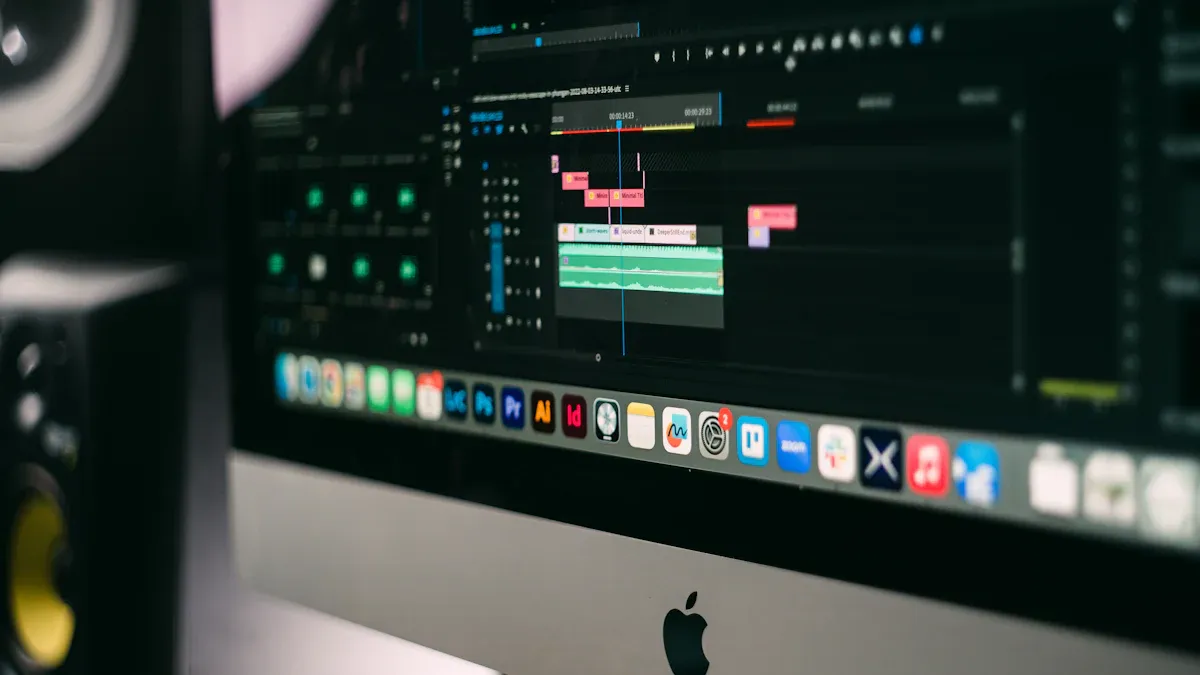
Automated video creation helps you save a lot of time. These tools let you turn words or pictures into videos very quickly. More than 60% of marketers say text-to-video platforms help them finish projects much faster. Some teams can now make videos in just one day instead of three weeks. You do not have to spend hours editing or looking for clips. Tools like Invideo AI and Creatify give you ready-made templates and smart editing tools. You can use drag-and-drop features and let the AI write scripts, build scenes, and add voiceovers. This lets you focus on your message while the tool does the hard parts.
Tip: Automated video creation lets you make more content for your marketing channels without working harder.
Customization Options
You can make each video fit your brand and audience. Most ai marketing video tools let you pick from special templates and change colors, fonts, and layouts. You can add your logo and company details. Some tools, like Tagshop AI, let you add viewer names or product tips. You can even make custom avatars with different voices and moves. This makes your videos feel personal and look professional.
Customization Option | Description |
|---|---|
Personalized Templates | Pick templates and change them for your brand and message. |
Branding Elements | Add your logo, colors, and fonts for a matching look. |
Advanced Editing | Change layouts, add effects, and make custom avatars. |
Platform Integration
You can share your videos on many platforms with just one click. Many ai marketing tools connect to Facebook, Instagram, and YouTube. For example, Luma AI and Invideo AI let you post videos right to your social media pages. Some tools add captions and publish your content right away. You do not need to copy, paste, or upload files by hand. This saves you lots of time each week and helps you reach more people.
YouTube channel checks and instant posting
Facebook and Instagram auto-posting
Smart error fixes for easy workflows
Analytics and Tracking
You can see how your videos do with built-in analytics. Tools like Tagshop AI and Creatify show you views, clicks, and how much people interact. Some platforms, like Hootsuite and Sprout Social, have dashboards to track results on different channels. You can see which videos do best and learn what your audience likes. This helps you make your marketing better over time.
Tool | Analytics Features | Best For |
|---|---|---|
TubeBuddy | A/B testing, best time to post, SEO tips | YouTube marketers |
Hootsuite | Multi-platform analytics, content tips, performance dashboard | Agencies and big teams |
Sprout Social | Engagement tracking, competitor checks, posting calendar | Brands with many social channels |
You can use ai marketing video tools to make, change, share, and check your videos easily.
AI Marketing Benefits and Limitations
Benefits for Marketers
AI marketing video tools give you many good things. These tools help you finish work faster and reach more people. You do not need to spend a long time editing or planning every part. You can focus on your ideas while the AI does the hard work.
AI video generators make content for you. This means you do not have to do boring tasks. You get more time to think of new ideas.
Real-time tracking and A/B testing show what works best. You can change your videos fast to get better results.
Batch processing lets you make lots of videos at once. You can make different videos for different groups. This helps you share your message with more people.
Note: These tools help you grow your marketing easily. You can make more videos for more people without working harder.
You also get more people to watch and like your videos. AI videos can add names or special deals. This makes people feel important and keeps them interested.
Common Limitations
AI marketing video tools are helpful, but they have some problems. Some videos may not look as good as ones made by experts. Sometimes, the videos can look strange or not quite right.
Limitation Type | Description |
|---|---|
Quality of Content | Videos made with AI can look odd and not very smooth. |
Script Generation Limitations | Text generators cannot always make long scripts. |
Visual Continuity | There can be big problems with how shots fit together. |
You might need to try a few times to get a video you like. Many people say there are too many templates and effects. If you are new, it can take time to learn how to use everything.
AI video tools often need several tries to get the best video.
New users can feel confused because there are so many options.
Sometimes, AI avatars look cool, but their moves do not look real. The timing in the video can also feel strange. Human editors fix the timing, but AI tools can have trouble with this.
Tip: If you want a video that is really special or matches your brand, you may need to edit it yourself.
Think about these good and bad points before you pick an ai marketing tool. This will help you make better videos and avoid problems.
Use Cases for AI Marketing Video Tools
Social Media Ads
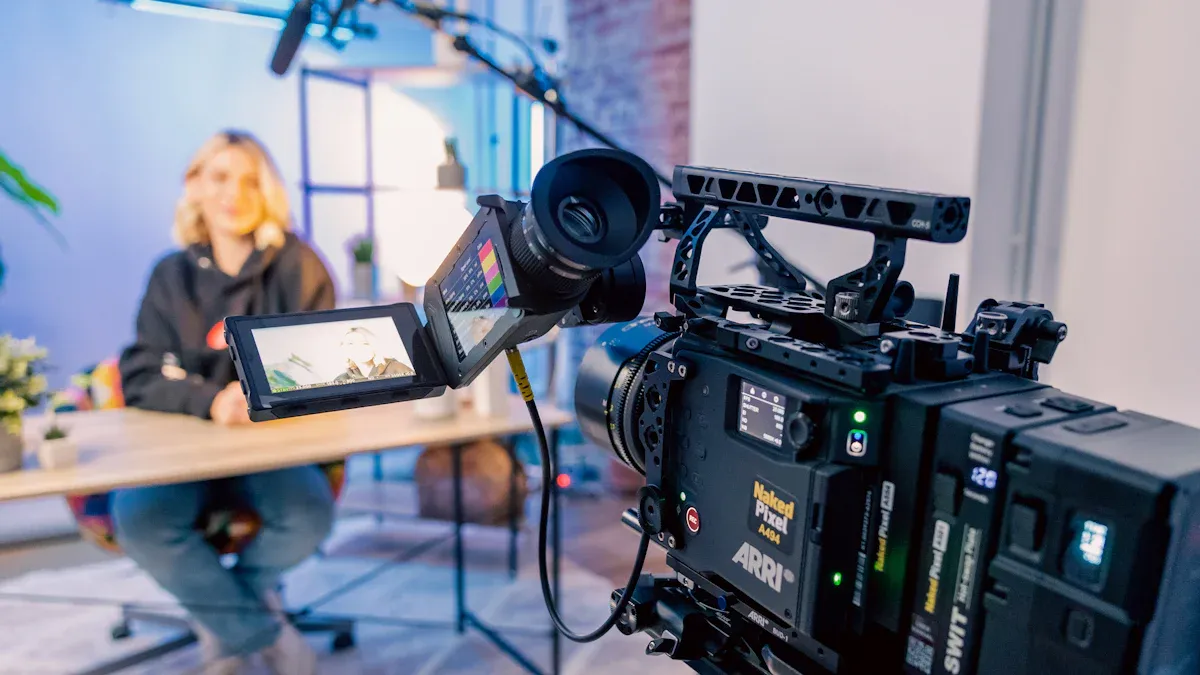
You can use AI marketing video tools to make ads for social media. These tools help you create many versions of your ad quickly. You can reach more people and test what works best. Many brands have seen great results with AI-powered ads.
Cadbury used machine learning to make personalized ads. These ads helped local stores sell more chocolate.
Lexus made the first ad written by AI. This ad got a 53% higher view-through rate on YouTube. More people saw Lexus as an innovative brand.
Cosabella used AI to write ad copy for each viewer. Their return on ad spend went up by over 500% in one month.
You can use tools like Tagshop AI to make user-generated content (UGC) style ads. These ads look real and connect with your audience.
Tip: Try making different versions of your ad. See which one gets the most clicks or views.
Product Demos
AI tools make it easy to show how your product works. You do not need a big camera crew or studio. You can make demos for websites, social media, or emails.
Synthesia and HeyGen help you create product demos and explainer videos. You can do this without spending a lot of money.
Many eCommerce and SaaS companies use AI videos to show their products in action. This saves time and makes it easy to update videos.
Marketing agencies use AI to make videos that show software interfaces. They also create avatar-based customer testimonials.
You can use these tools to make clear, simple demos. Your customers will understand your product better.
Personalized Campaigns
Personalized videos help you speak directly to each customer. AI tools use machine learning to study your data and make videos that fit each person.
You can upload your script and visuals. The AI tool will help you pick a template and add animations or text.
Many marketers use A/B testing to see which video style works best. You can test video length, tone, and calls to action.
Some tools send videos based on what users do, like opening an email or booking a call.
You can use tools like Synthesia for videos in many languages. Creatify helps you make different ad versions for each group. Personalized videos can boost your conversion rates and make your marketing stand out.
Note: AI video tools can help you save time, cut costs, and get better results in your campaigns.
Choosing the Right AI Marketing Tool
Assessing Needs
You should start by thinking about what your business needs most. Every company has different goals and challenges. Make a list of what you want your videos to do. Do you need fast text-to-video creation? Do you want to make videos in many languages? Are you looking for tools that help your team work together?
Here is a table to help you check what matters most:
Criteria | Description |
|---|---|
Functionality | Look for features like text-to-video, AI avatars, and personal touches. |
User Interface | Choose tools that are easy to use and help your team work together. |
Output Quality | Check for clear visuals, smooth audio, and ways to change the look. |
Pricing | Compare costs, free trials, and plans that grow with your business. |
Tip: Write down your top three needs before you start looking at tools.
Comparing Features
Next, compare the main features of popular AI video tools. Some tools work best for quick clips. Others help you make longer, more detailed videos. You should also look at price, special features, and how easy the tool is to use.
Tool Name | Pricing | Key Features | User Experience Insights |
|---|---|---|---|
Synthesia | From $29/month | 140+ languages, realistic avatars | Great for training and marketing |
Hailuo AI | Free for short clips | High-quality, fast clips | Good for quick content |
Runway ML | From $15/month | Advanced editing, smooth transitions | Best for pro creators |
Kling AI | $32/month (premium) | Top character animation, faster for premium users | Fast processing for paid users |
PixVerse | Free tier available | Text-to-video, accurate prompts | Easy for beginners |
Canva AI | N/A | Simple for social media videos | User-friendly interface |
Note: Try out free versions or demos to see which tool fits your workflow.
Ease of Use and Support
You want a tool that is easy to learn and use. Look for platforms with clear menus, helpful guides, and support for your team. Many tools offer tutorials, community forums, and even real-time feedback for group projects.
Access to many AI models for effects and editing
Options to change settings for your creative goals
Beginner-friendly design with step-by-step guides
Team features like shared projects and version history
You should also check if the tool has good customer support. This helps you solve problems quickly and keeps your projects on track.
Tip: Start with a small project to test how easy the tool is for you and your team.
You get lots of good things from AI marketing video tools. These tools help you get more people to buy, make your website show up higher on Google, and get more likes and shares.
Benefit | Impact | Supporting Data |
|---|---|---|
Higher Conversion Rates | 2.5× more conversions | Video landing pages convert 80% better |
Better SEO Performance | 53× more likely to rank | Google prioritizes video content |
Increased Engagement | 12× more shares | Video generates 1200% more shares |
You might have some problems, like not knowing how to use the tools or not having enough money. You can try free plans from Hexus, Consensus, Storylane, Arcade, or Supademo. Start with a small project, teach your team, and check how things go. Look for new ideas like editing videos right away and making videos just for each person to stay ahead.
FAQ
What is an AI marketing video tool?
An AI marketing video tool helps you make videos using artificial intelligence. You can turn text or images into videos. These tools save you time and money.
Can you use AI video tools without video editing skills?
Yes, you can. Most AI video tools have easy menus and templates. You just follow simple steps. You do not need to know video editing.
How do AI video tools help with branding?
You can add your logo, colors, and fonts. Many tools let you use custom templates. This helps your videos match your brand style every time.
Are AI-generated videos good for social media?
Yes! AI videos work well on social media. You can make short clips, add captions, and post directly to your channels. This helps you reach more people.
What are some popular AI marketing video tools?
Here is a quick list:
Synthesia
Invideo AI
Canva AI
Tagshop AI
Tip: Try free versions to see which tool fits your needs.
See Also
Kickstart Your Initial Video Marketing Campaign Using CreatOK
Steps to Develop AI-Driven Video Advertisements Effectively
Utilizing OpenClaw for Effective TikTok Marketing Strategies