Video subtitle remover

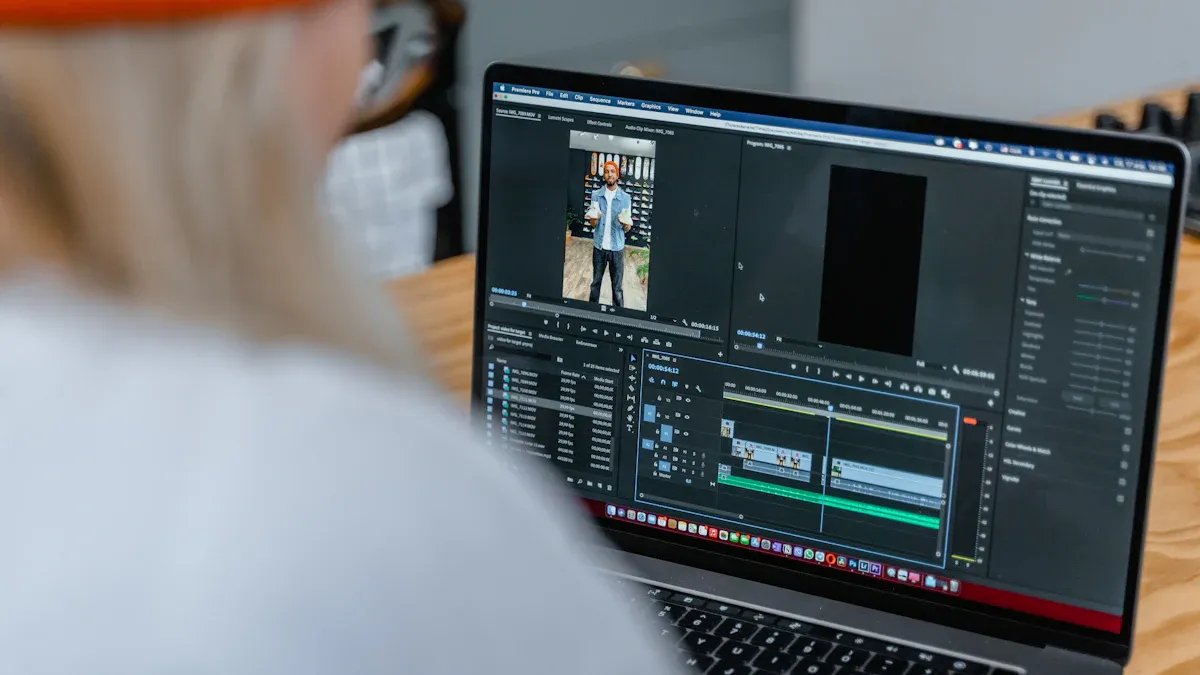
You can take subtitles off videos online with only a few clicks. Online AI-powered tools, like creatok.ai, make this job very quick and simple. You do not have to put in any software or know hard things. With a video subtitle remover, you can get videos without subtitles fast.
Key Takeaways
Taking subtitles off videos is fast and simple with online tools. You can do this right in your browser. You do not need to download any software.
Pick the best video subtitle remover for your needs. Tools like KreadoAI and Unwatermark AI have different features for different people.
Always make sure your video format works before you start. This helps you avoid mistakes and saves time when removing subtitles.
Remove Subtitles from Video Online

Removing subtitles from your videos online is easier than you might think. You do not need to download any software or learn complicated steps. You can use a video subtitle remover right in your browser. Let’s walk through the process together.
Choose a Video Subtitle Remover
You have many options when you want to remove subtitles from video files. Some of the most popular tools include:
creatok.ai Video Subtitle Remover: This tool uses AI for high accuracy and fast results. Professional editors like it for tough jobs.
Unwatermark AI Subtitle Remover: You can use this tool for free. It is simple, but the quality may not be perfect. It works well for casual users.
creatok.ai: This cloud-based tool is quick and best for short clips. Many YouTubers use it for their videos.
Blur Video AI: This tool supports many formats and uses AI, but it may struggle with busy backgrounds. It is good for casual videos.
GhostCut: You can use this tool easily and quickly. The free version has some limits, but it is great for content creators.
You can also try AniEraser, AVCLabs, and Creatok.ai. These tools help you remove subtitles from video files without much effort. If you want to use offline methods, you can try vlc or handbrake. Both programs let you delete subtitles from videos, but you need to install them first.
Upload and Process Your Video
After you pick your video subtitle remover, you need to upload your video. Most tools support common formats like MKV, MP4, and MOV. Here is a quick look at supported formats:
Once you upload your video, the tool will start removing subtitles. Some tools work with both hardcoded and soft-coded subtitles. For example, Creatok.ai can remove both types from MP4, MKV, AVI, MOV, and VOB files. HitPaw Edimakor lets you remove hardcoded subtitles by cropping or zooming the video. If you use vlc or handbrake, you can try removing hardcoded subtitles or removing soft-coded subtitles with their built-in features.
Many online tools use AI to find and erase subtitles. You do not need to adjust any settings. The process is automatic and quick. If you want to see how it works, you can watch YouTube tutorials. These videos show each step and make it easy to follow along.
Download the Subtitle-Free Video
When the tool finishes processing, you can download your video without subtitles. The video subtitle remover will give you a link or button to save your file. You can now share your video or use it for your project. If you want to delete subtitles from videos often, you can save your favorite tools for future use.
You can use different methods to remove subtitles from video files. Online tools work fast and do not lower the quality. If you run into problems with removing hardcoded subtitles or removing soft-coded subtitles, try another tool or check the help section. vlc and handbrake also have guides for troubleshooting.
Tip: Always check if your video subtitle remover supports your video format before you start. This helps you avoid errors and saves time.
You now know how to remove subtitles from video files using online tools, vlc, and handbrake. You can choose the best method for your needs and get subtitle-free videos in minutes.
Benefits of Video Subtitle Remover Tools

Easy and Fast Process
If you want to save time, these tools help. Online video subtitle removers work quickly. You upload your video and let the tool do the job. You get results in just a few seconds. Most tools run in your browser. You do not need to install anything. You do not need editing skills. You do not follow hard steps. These tools are great for anyone who needs a fast solution.
Tip: Many tools find subtitles by themselves, so you do not have to look for them.
Here is how different people use these tools:
User Group | Benefits |
|---|---|
Content Creators | Take away old or wrong subtitles for a clean video. |
Educators | Change lessons fast without making new videos. |
Marketers | Make videos look neat by removing messy subtitles. |
Global Creators | |
Vloggers/YouTubers | Use videos on many sites without subtitle problems. |
No Quality Loss
You want your video to look good after removing subtitles. These tools use smart tech to keep your video clear. The process does not make your video blurry or change colors. The tools blend subtitle spots with the background. You do not see marks or mistakes. Even if your video moves a lot, the tool keeps it smooth.
Your video stays looking like the original.
No Technical Skills Needed
You do not need to know much about tech to use these tools. The steps are easy for everyone. You just upload your video and let the tool work. Some tools let you remove subtitles by hand if you want. If you want videos without distractions fast, these tools are perfect.
Quick and simple process.
Good for people who want results without learning editing.
Note: Many tools are free and work on any device, so anyone can use them.
Remove Any Subtitles from Video: Tips & Considerations
Supported Video Formats
Check if your video subtitle remover works with your file type. Most online tools use MP4 and MOV. Some also work with M4V and other formats. Make sure your video is not too big or too long. Here’s what some popular tools can do:
Tool Name | Supported Formats | Max File Size | Duration Limit |
|---|---|---|---|
AI Subtitle Remover | 20MB | Up to 10 minutes | |
Free AI Video Subtitles Remover | MP4, MOV, M4V | 500MB | N/A |
If your video is large or in a rare format, compress it or change the format first. This helps you avoid problems and makes removing subtitles easier.
Limitations and Troubleshooting
Sometimes, hardcoded subtitles or overlapping text are hard to remove. You still have choices. If you want to remove any subtitles from video, try these ideas:
Use CapCut to crop or cover the subtitle spot.
Put new subtitles with a dark background over old ones.
Try AI tools that make clean videos without text.
Use Subtitle Creator or DVDSubedit to change or swap subtitles.
A user said, "In the old teaching videos, the subtitles and watermarks of Sora 2 covered our notes, and students said it was hard to watch." If you see this, KreadoAI can find and erase subtitles and watermarks very well. It works for busy backgrounds and keeps HD video looking good.
If you still see marks or mistakes, try another tool or use more editing tricks. You can test different ways until your video looks clean. With the right steps, you can remove subtitles and get a nice video.
You can take captions off a video with only a few clicks using a video caption remover. Online tools help you do this easily, even on your phone. If you have questions, look at the FAQs for tips about quality, what devices work, and how to get the best results.
FAQ
How do I know if subtitles are hardcoded or soft-coded?
You can check by playing your video. If you can turn subtitles on or off, they are soft-coded. If not, they are hardcoded.
Will removing subtitles lower my video quality?
No, most online tools use smart technology. Your video stays clear and sharp after you remove subtitles.
What if my video format is not supported?
Try converting your video to MP4 or MOV.
Many free converters online can help you change formats quickly.