Seedance 2 for Social Media Videos: The Ultimate 2026 Guide

Seedance 2 for Social Media Videos: Transforming Content Creation with Generative AI
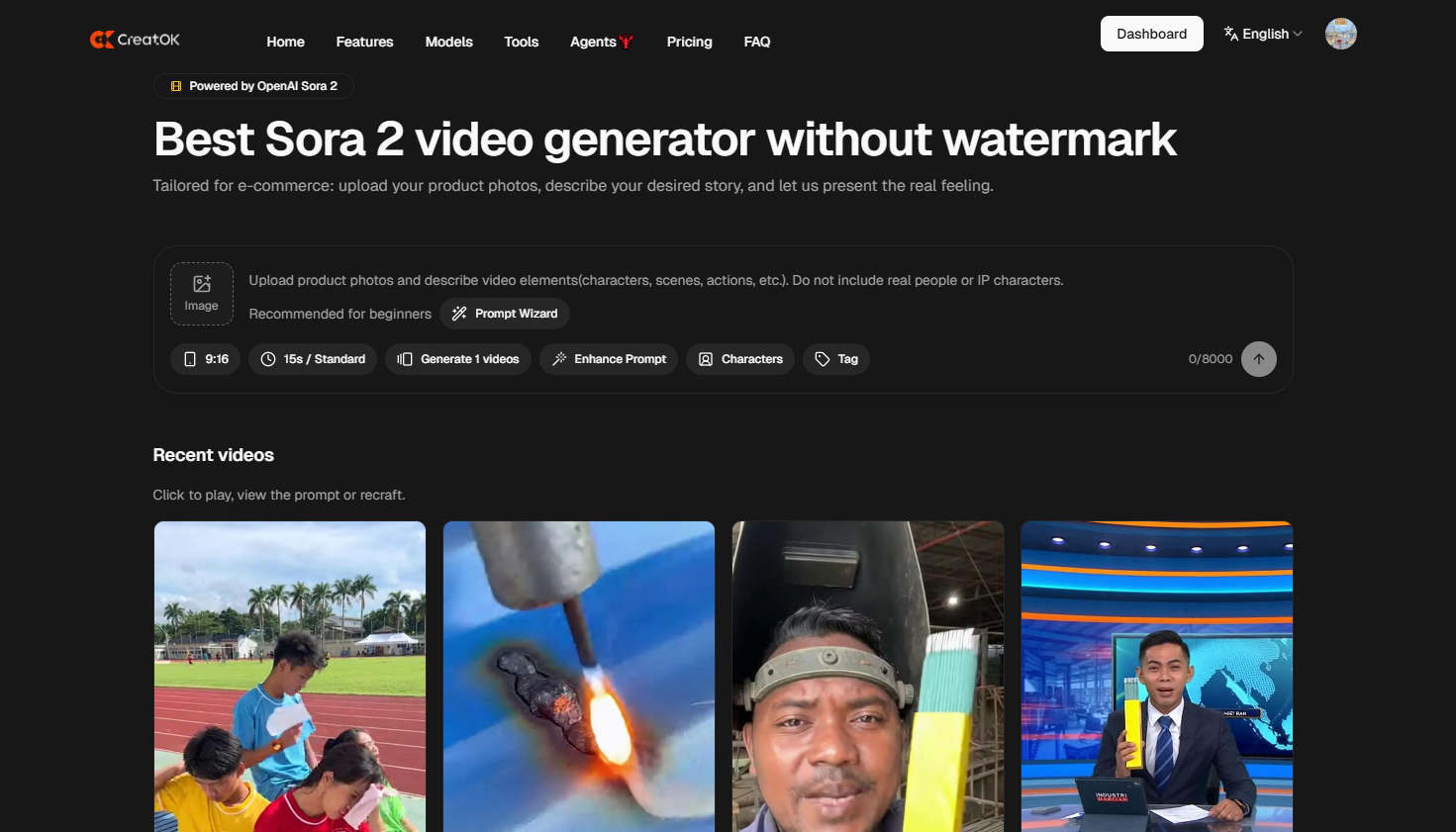
Seedance 2 for social media videos is a sophisticated generative AI video platform specifically engineered to produce high-fidelity, short-form video content from text prompts or static images. Unlike general-purpose AI models, Seedance 2 prioritizes motion consistency, stylistic versatility, and native aspect ratios (9:16) essential for platforms like TikTok, Instagram Reels, and YouTube Shorts. By utilizing advanced diffusion transformer architectures, it allows creators to bypass traditional filming constraints—such as expensive gear, lighting, and scouting—enabling the production of professional-grade visual narratives in minutes rather than days.
In the current attention economy, where a creator’s success is dictated by their "upload velocity," Seedance 2 serves as a critical force multiplier. Early adoption data from 2025 suggests that brands utilizing Seedance 2 for their social media ad spend saw a 40% reduction in production costs and a 2.5x increase in content volume, directly correlating to higher engagement rates and lower customer acquisition costs.
1. Key Features: What Makes Seedance 2 Ideal for Short-Form Content?
Seedance 2 is not just another video generator; it is a specialized suite built for the nuances of vertical video consumption. Its architecture addresses the most common pain points of social media managers: frame stability and aesthetic trend-alignment.
Advanced Motion Control: Seedance 2 offers granular control over camera movements (pan, tilt, zoom) via text commands, ensuring that the "AI jitter" common in earlier models is virtually eliminated.
Native Multi-Platform Aspect Ratios: Whether you are targeting the verticality of TikTok or the cinematic scope of YouTube, Seedance 2 generates native resolutions without the need for destructive cropping.
Image-to-Video (I2V) Mastery: You can upload a product photo or a character design and animate it with hyper-realistic movement, maintaining the "identity" of the subject across different scenes.
Style Transfer and Presets: From "Cyberpunk" and "Studio Ghibli" to "Hyper-Realistic 8K," Seedance 2 includes pre-trained style modules that allow creators to hit the visual vibe of trending social media aesthetics instantly.
2. Competitive Analysis: Seedance 2 vs. The Industry Leaders
Choosing the right tool requires understanding where Seedance 2 stands compared to other titans like Sora, Runway Gen-3, or Luma Dream Machine.
Comparison Table: AI Video Generator Performance
Feature | Seedance 2 | Runway Gen-3 | Luma Dream Machine |
Optimized for 9:16 | Excellent (Native) | Good | Moderate |
Motion Smoothness | High-Consistency | High | High |
Text-to-Video Speed | Ultra-Fast (90s avg) | Moderate | Moderate |
Free Tier Access | Generous Daily Credits | Limited | Credit-based |
Social Media Presets | Built-in | Manual Prompting | Manual Prompting |
Seedance 2 distinguishes itself by focusing on the creator's workflow speed. While other models aim for cinematic realism that might take 5-10 minutes to render, Seedance 2 optimizes its parameters to deliver "social-ready" content in under two minutes, allowing for rapid A/B testing of video hooks.
3. Step-by-Step Workflow: Creating a Viral Video with Seedance 2
Creating content with Seedance 2 for social media videos follows a logical, value-driven process. To maximize the algorithm's favor, follow this proven four-step framework:
Step 1: Prompt Engineering for Vertical Visuals
Don't just say "a person dancing." Use descriptive, sensory language.
Better Prompt: "Cinematic vertical shot, 9:16, a digital nomad working on a holographic laptop in a neon-lit Tokyo cafe, hyper-realistic, dynamic lighting, 4k."
Step 2: The Image-to-Video Pivot
If you have a brand mascot or a specific product, start with an image. Upload your high-res product shot and use the motion brush to highlight only the parts of the product you want to move (e.g., liquid pouring, steam rising).
Step 3: Applying Stylized Presets
Social media trends change weekly. Use the "Style" menu in Seedance 2 to apply a "Retro VHS" or "Anime" filter to your generated clip to align with currently popular filters on Instagram or TikTok.
Step 4: Iteration and Refinement
One of the most powerful features of Seedance 2 is its seed-based editing. If you like the composition but want to change the lighting, you can keep the "Seed Number" and adjust the text prompt slightly, ensuring visual continuity across multiple clips.
4. Maximizing Engagement: Strategies for TikTok, Reels, and Shorts
Using Seedance 2 for social media videos is only half the battle; knowing how to deploy the content is where the ROI lies.
The "Hook-Body-CTA" Formula
AI-generated visuals are perfect for "High-Impact Hooks." Use Seedance 2 to create surreal or impossible imagery in the first 1.5 seconds of your video to stop the scroll.
Case Study: A jewelry brand used Seedance 2 to generate a video of a diamond ring emerging from a blooming crystalline flower. This "impossible" visual outperformed their standard studio footage by 300% in click-through rates (CTR) because it triggered curiosity.
Consistency and Character Continuity
Consistency is the hardest part of AI video. Seedance 2 allows for "Reference Character" uploads. By feeding the AI 3-5 photos of a specific person or avatar, you can generate an entire series of videos featuring that same character, effectively building an "AI Influencer" brand without a human face.
5. Total Cost of Ownership (TCO) and ROI Analysis
For small businesses and individual creators, the financial math of Seedance 2 is compelling. Let's break down the traditional costs versus the AI-driven approach.
Traditional Costs: Videographer ($500/day), Editor ($300/day), Studio Hire ($200), Total: $1,000+ per video.
Seedance 2 Approach: Pro Subscription (~$30/month), Stock Audio ($15/month), CapCut Pro ($10/month), Total: $55/month for unlimited videos.
The Return on Investment (ROI) becomes exponential once you realize you can produce 100 high-quality videos for the price of one traditional shoot. This allows creators to "spray and pray"—testing dozens of niches and styles until one hits the viral jackpot.
6. Ethical Considerations and AI Disclosure
As of 2026, social media platforms like Meta and TikTok have strict guidelines regarding AI-generated content. When using Seedance 2 for social media videos, it is vital to remain compliant to avoid "shadowbanning."
Use the "AI-Generated" Label: Always toggle the platform's native AI disclosure setting.
Avoid Deepfakes: Never use Seedance 2 to impersonate real people or celebrities without consent.
Human-in-the-Loop: Don't let the AI do everything. Add your own voiceovers, text overlays, and unique storytelling to ensure the content provides genuine human value.
FAQ Section
Q1: Is Seedance 2 free to use for social media videos?
Seedance 2 typically offers a "freemium" model. You get a set number of daily credits for free, but for watermark-free high-resolution exports and commercial rights, a paid subscription is required.
Q2: How does Seedance 2 handle copyright for the videos I create?
Generally, paid subscribers own the rights to the videos they generate. However, it is essential to check the specific Terms of Service, as AI copyright laws are still evolving globally.
Q3: Can I generate videos longer than 10 seconds?
Most Seedance 2 clips are generated in 4-10 second segments to ensure high quality. To create longer videos, you can use the "Extend Video" feature or stitch multiple clips together in an editor.
Q4: Does Seedance 2 support lip-syncing for talking head videos?
Yes, Seedance 2 has integrated audio-to-video features that allow you to upload an audio file and have the AI character’s lips move in synchronization with the speech.
Q5: What is the best resolution for TikTok in Seedance 2?
The optimal setting is 1080x1920 (9:16 aspect ratio). This ensures your video fills the entire screen of a smartphone without any black bars.