OpenClaw Video Generation Skill: Complete Guide

OpenClaw Video Generation Skill: How It Works and How to Use It for Scalable Content Creation
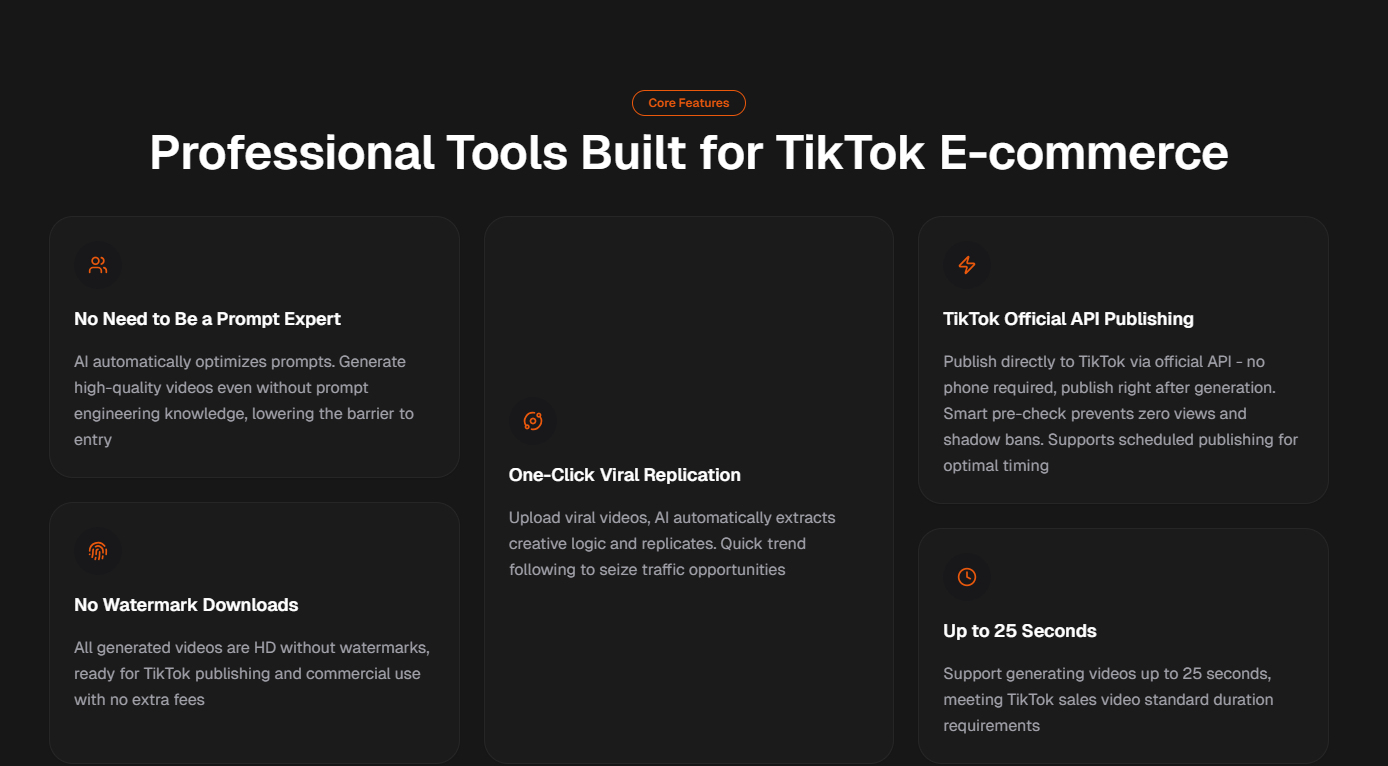
The openclaw video generation skill is an AI-powered capability that automatically converts structured inputs—such as scripts, prompts, or data—into ready-to-publish video content. In practical use, it acts as a bridge between content planning and video execution, allowing creators and marketers to generate large volumes of short-form videos with minimal manual editing.
Instead of relying on traditional editing tools, this skill enables:
Script-to-video automation
Batch video production
Platform-ready formatting (TikTok, Reels, Shorts)
For users managing high-volume content pipelines, the openclaw video generation skill is less about creativity alone and more about efficiency, consistency, and scalability.
What Is OpenClaw Video Generation Skill and Why It Matters
The openclaw video generation skill is a modular AI function that:
Takes structured content input (text, script, data)
Applies predefined templates and logic
Outputs fully rendered video content
It is commonly used in:
TikTok automation
Affiliate marketing
Product showcase videos
Educational short videos
Why This Skill Is Gaining Traction
The demand for automated video creation is increasing due to:
Factor | Impact |
|---|---|
Short-form video dominance | Higher content demand |
Algorithm-driven platforms | Need for frequent posting |
Rising editing costs | Shift toward automation |
Global content scaling | Multi-language requirements |
In many cases, content teams are moving from manual editing → semi-automation → full pipeline automation, and OpenClaw fits into the last stage.
How OpenClaw Video Generation Skill Works (Step-by-Step)
Step 1 – Input Layer (Script or Data)
Users provide:
Text scripts
Product descriptions
Structured prompts
Example:
“Top 3 features of wireless earbuds”
“Before vs after product transformation”
Step 2 – Template Mapping
The system maps input to predefined structures:
Scene segmentation
Subtitle formatting
Visual timing
Typical Template Components
Hook (first 3 seconds)
Main content (problem/solution)
CTA or closing
Step 3 – Asset Integration
The system automatically pulls:
Stock video clips
AI-generated visuals
Background music
Voiceover (AI or preset)
Step 4 – Rendering and Output
Final output includes:
Vertical format (9:16)
Platform-ready video
Subtitle overlays
Key Use Cases of OpenClaw Video Generation Skill
1. TikTok Content Automation
This is the most common use case.
Use cases include:
Product reviews
“Top 5” lists
Viral storytelling
Result:
Higher posting frequency without increasing editing workload.
2. E-commerce Video Production
For Shopify or Amazon sellers:
Product demos
Comparison videos
Feature highlights
Typical benefit:
Reduce cost per video by 60–80%.
3. Affiliate Marketing
Affiliate marketers use OpenClaw to:
Generate niche content at scale
Test multiple creatives
Optimize conversion rates
4. Educational & Informational Content
Examples:
“How-to” videos
Industry explainers
Data-driven insights
OpenClaw vs Traditional Video Creation
Comparison Table
Feature | OpenClaw Skill | Traditional Editing |
|---|---|---|
Speed | Very fast | Slow |
Cost | Low | High |
Scalability | High | Limited |
Creativity control | Moderate | High |
Skill requirement | Low | High |
What Users Often Misunderstand
OpenClaw does NOT replace creativity.
Instead, it:
Automates repetitive work
Standardizes output
Frees time for strategy
Data and Performance Insights
Realistic Performance Benchmarks
Based on industry usage patterns:
Case Example (Content Team)
A small team using OpenClaw:
Increased output from 10 → 80 videos/week
Reduced editing time by ~75%
Improved content testing efficiency
This shift is critical in platforms where volume + iteration = growth.
How to Use OpenClaw Video Generation Skill Effectively
1. Focus on Script Quality
Even with automation:
Strong hooks matter
Clear structure improves retention
Recommended Script Formula
Hook (0–3 sec)
Problem
Solution
Key benefit
Closing
2. Use Batch Processing
Instead of single videos:
Create 10–50 scripts
Generate videos in batches
This maximizes efficiency.
3. Test Variations
Change:
Hooks
Visual styles
CTA wording
Then analyze performance.
4. Optimize for Platform Algorithms
For TikTok:
Keep videos under 30–45 seconds
Use subtitles
Prioritize fast pacing
Common Mistakes When Using OpenClaw
Mistake 1 – Over-Automation Without Strategy
Automation without content direction leads to:
Low engagement
Repetitive content
Mistake 2 – Ignoring Hook Optimization
The first 3 seconds determine performance.
Mistake 3 – Using Generic Templates Only
Customization is still required to stand out.
Mistake 4 – No Data Feedback Loop
Without tracking:
You cannot improve
You cannot scale effectively
Advanced Strategy: Building a Video Content Pipeline
Step-by-Step Pipeline
Keyword research
Script generation
OpenClaw video creation
Publishing schedule
Performance tracking
Optimization
Future Trends of AI Video Generation
What’s Changing
More realistic AI visuals
Better voice synthesis
Personalized video generation
What Will Stay Important
Content strategy
Audience understanding
Creative direction
AI tools will evolve, but content fundamentals remain the same.