Image to Image AI - Free AI Image Generator From Image

Image to Image AI: Free AI Image Generator From Image
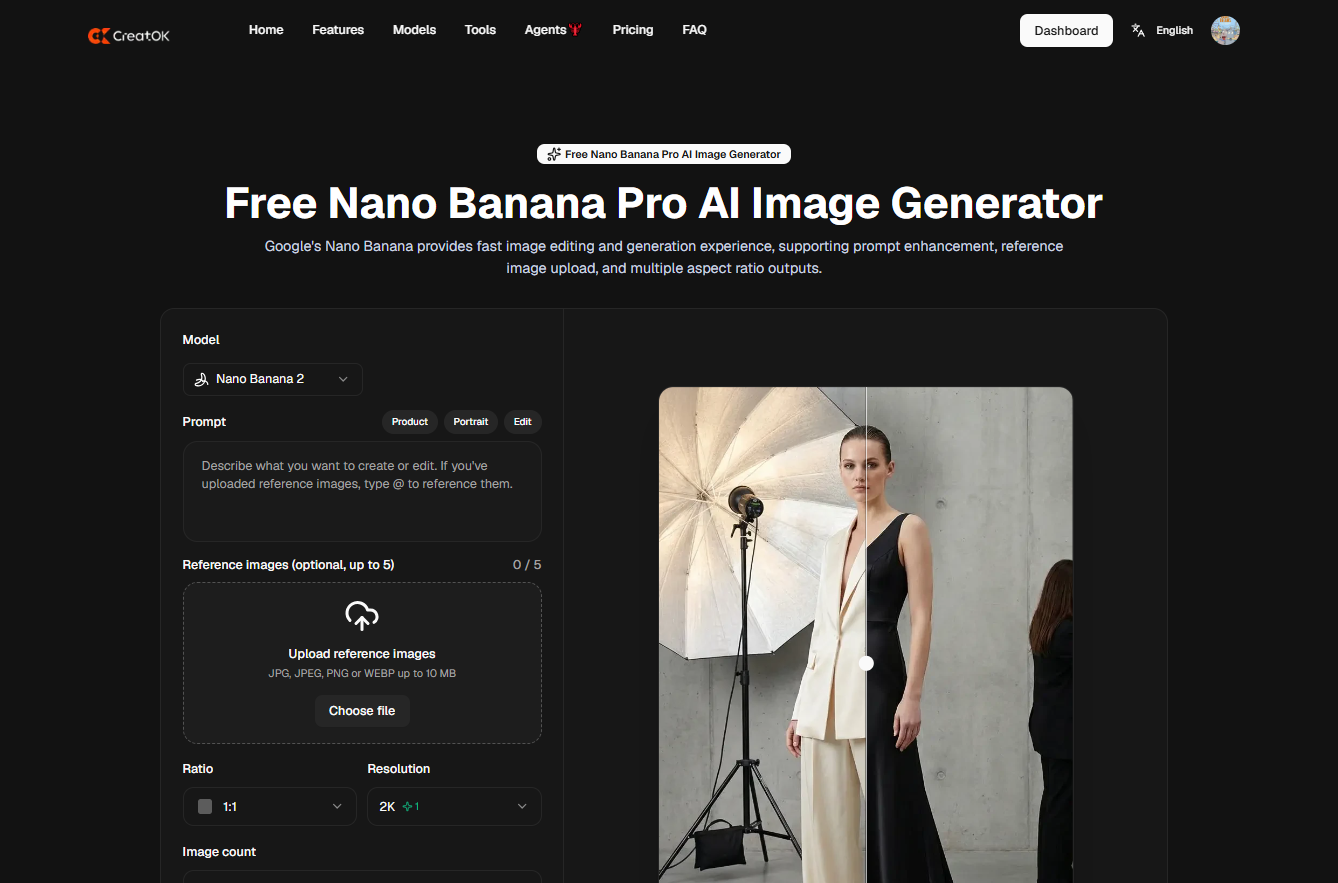
Image to Image AI is useful when you do not want to start from a blank prompt. You upload a photo, product shot, sketch, portrait, or AI-generated image, then use text instructions to change style, background, lighting, composition, or details. For creators, marketers, and product teams, this is often more practical than text-to-image because the original image keeps the work grounded.
Quick Answer
A free AI image generator from image lets you upload an existing picture and create a new version from it. The best use cases are product mockups, social media visuals, style transfer, background replacement, character consistency, and image-to-video preparation.
The safest workflow is:
text
Upload clear image → write edit prompt → control what must stay unchanged → generate variation → review details → export or animate
Useful internal link: AI Image Generator guide
What Is Image to Image AI?
Image to Image AI is a generation method that uses an existing image as the visual reference. Instead of asking the model to invent everything from text, you provide a starting point.
It can help with:
Task | Example |
|---|---|
Style transfer | Turn a photo into editorial, anime, 3D, cinematic, or watercolor style |
Background change | Move a product from a plain table to a studio scene |
Product mockup | Keep product shape while changing lighting and setting |
Portrait variation | Adjust mood, clothing, or background |
Sketch to image | Turn a rough drawing into a finished visual |
Image cleanup | Improve composition, lighting, or color |
Video preparation | Create a stable first frame for image-to-video |
The key advantage is control. Text-to-image is flexible, but it can miss exact shape, color, face, or layout. Image-to-image starts with something real.
Image to Image AI vs Text to Image
Feature | Image to Image AI | Text to Image AI |
|---|---|---|
Starting point | Existing image | Written prompt |
Best for | Editing, variations, consistency | New concepts |
Product accuracy | Better with clear reference | Less predictable |
Style control | Strong | Strong |
Layout control | Better | Depends on prompt |
Common risk | Over-changing the original | Random composition |
Use text-to-image when you need ideas. Use image-to-image when you already have a visual direction and want to improve, restyle, or repurpose it.
Internal link: AI for image generation
How to Use a Free AI Image Generator From Image
1. Start With a Clean Source Image
The uploaded image matters more than most users expect. A weak image gives the model weak information.
Use an image with:
Requirement | Why It Matters |
|---|---|
Clear subject | The model understands what to preserve |
Good resolution | Details survive better |
Simple background | Edits are easier |
Correct product shape | Prevents commercial mistakes |
Good lighting | Reduces strange shadows |
Minimal text | Avoids broken or fake lettering |
For product work, upload the most accurate product photo you have. Do not expect the model to recreate a label perfectly from memory.
2. Tell the AI What Must Stay the Same
Most failed image-to-image outputs happen because the prompt only says what to change, not what to preserve.
Weak prompt:
text
Make this product photo look better.
Better prompt:
text
Transform this product photo into a clean studio ad image. Keep the product shape, label, color, and proportions unchanged. Replace the background with a warm beige stone surface, soft studio lighting, realistic shadows, no extra text.
This prompt gives the model boundaries.
3. Change One Main Thing at a Time
If you change style, background, lighting, camera angle, product color, and text at the same time, the output becomes harder to control.
Better workflow:
text
Step 1: Change background Step 2: Improve lighting Step 3: Create style variation Step 4: Prepare final version for video or ad
This produces cleaner results and makes mistakes easier to fix.
Prompt Templates for Image to Image AI
Product Photo Upgrade
text
Use this image as the main reference. Create a premium e-commerce product photo with soft studio lighting, clean shadows, realistic surface reflection, and a minimal background. Keep the product shape, color, logo, and label unchanged. Do not add extra text.
Background Replacement
text
Replace the background with a modern studio setting. Keep the subject in the same position and preserve all product details. Use natural lighting, realistic shadows, and a clean commercial photography style.
Social Media Visual
text
Turn this image into a bold social media visual. Keep the main subject recognizable. Add a clean high-contrast background, strong composition, space for headline text, and vertical 9:16 framing. Do not generate text inside the image.
Character Style Variation
text
Use this portrait as the identity reference. Create a cinematic editorial version with soft side lighting and a clean background. Preserve facial structure, expression, and overall identity. Do not change age or facial features.
Image for AI Video
text
Create a clean first frame for an image-to-video clip. Keep the product centered, stable, and realistic. Use soft lighting, simple background, and clear depth. No text, no watermark, no distorted logo.
Useful internal link: make a video with AI from an image
Best Use Cases
Product Images
Image-to-image is especially useful for e-commerce because it can keep the product as the anchor while improving the scene around it.
Good use cases:
Product Need | Image-to-Image Workflow |
|---|---|
Cleaner hero image | Keep product, replace background |
Ad creative | Add lighting and commercial composition |
TikTok product frame | Create vertical 9:16 image |
Lifestyle mockup | Place product in a realistic setting |
Seasonal campaign | Change environment, not product |
Marketing and Social Media
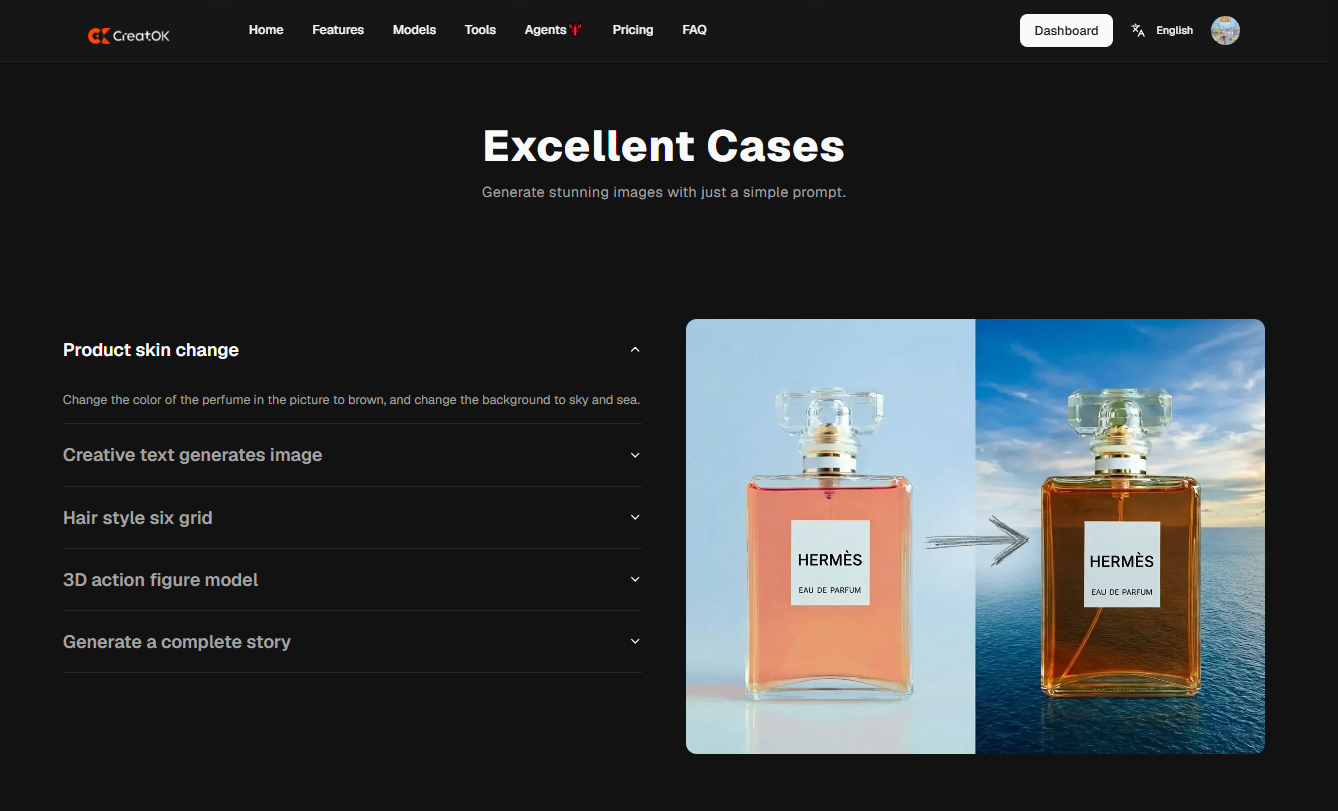
For marketers, image-to-image helps turn existing assets into multiple campaign variations. One product image can become a thumbnail, ad visual, story post, landing page hero, or video first frame.
Workflow:
text
Product image → image-to-image variation → resize for social → add manual text → test creative
AI Video Creation
Many AI videos fail because the first frame is unstable. A strong image-to-image output gives the video model a better starting point.
CreatOK.ai users can use this workflow:
text
Create image variation → choose clean frame → convert image to video → add captions → test TikTok version
Internal link: AI video generator
What to Check Before Exporting
Do not judge the result only by the thumbnail. Inspect the image carefully.
Check | What to Look For |
|---|---|
Product shape | Is the object still accurate? |
Logo and label | Are letters broken or invented? |
Hands and faces | Any distortion? |
Background | Does it match the subject naturally? |
Shadows | Do they follow the light direction? |
Commercial safety | Does the image imply false product features? |
Text | Is generated text readable or should it be removed? |
For ads, product pages, and client work, human review is not optional.
Common Mistakes
The first mistake is using a low-quality source image. Image-to-image cannot fully repair a blurry, cropped, or badly lit reference.
The second mistake is asking for too many changes at once. If the original product matters, keep the prompt controlled.
The third mistake is letting the model generate text. Add headlines, prices, claims, and legal copy manually.
The fourth mistake is not creating variations. One output is not enough. Generate several versions and compare product accuracy, composition, and commercial usefulness.
How to Choose a Free AI Image Generator From Image
Before using any free tool, check these points:
Feature | Why It Matters |
|---|---|
Upload support | JPG, PNG, and WebP are useful |
Reference strength | The model should preserve the source image |
Prompt control | You need to specify what changes and what stays |
Export quality | Needed for ads, blogs, and social posts |
Watermark policy | Important for commercial assets |
Editing options | Useful for fixing small areas |
Free limits | Daily credits or queue limits affect workflow |
Commercial terms | Check before using outputs for business |
A free plan is enough for testing. For regular product content, campaign visuals, or image-to-video workflows, consistency matters more than the word “free.”
Where CreatOK.ai Fits
CreatOK.ai is useful when image generation is part of a larger creative process. You may start with an uploaded image, create a better visual, turn it into a short video, then add captions or build TikTok-style content.
Practical workflow:
text
Upload product image → create image-to-image variation → convert to video → add hook/caption → publish or test
This makes sense for e-commerce sellers, TikTok creators, affiliate marketers, and small teams that need repeatable visual production.
Internal Link Suggestions
Anchor Text | Target URL |
|---|---|
AI Image Generator guide | /blog/ai-image-generator |
AI for image generation | /blog/ai-for-image-generation |
best AI generator | /blog/best-ai-generator |
best AI generator for marketing content | /blog/best-ai-generator-for-marketing-content |
make a video with AI from an image | /blog/make-a-video-with-ai-from-image |
AI video generator | /ai-video-generator |
Final Verdict
Image to Image AI is the right choice when you already have a visual and want a better version of it. It is more controlled than text-to-image, especially for products, portraits, brand visuals, social content, and video-ready frames.
Use a free AI image generator from image to test ideas, restyle photos, clean up product visuals, or prepare assets for short-form video. For commercial use, check details carefully: product shape, labels, text, shadows, and licensing. The best result is not the most dramatic one. It is the one you can actually publish.
FAQ
What is Image to Image AI?
Image to Image AI is a generation method that uses an existing image as the reference and creates a new image based on text instructions.
How does a free AI image generator from image work?
You upload an image, describe the change you want, and the AI generates a new version while using the original image as visual guidance.
Is image-to-image better than text-to-image?
For product accuracy, character consistency, and visual editing, image-to-image is usually better. For new concepts from scratch, text-to-image is more flexible.
Can I use image-to-image AI for product photos?
Yes, but review the output carefully. Make sure product shape, logo, color, and label remain accurate before using it for ads or e-commerce.
Can image-to-image AI create videos?
Not directly. It creates or edits still images. You can then use the final image as the first frame for an image-to-video workflow.
Is a free AI image generator from image safe for commercial use?
It depends on the platform’s terms. Always check usage rights, watermark rules, and whether generated images can be used in ads or client projects.