How to Install OpenClaw TikTok Skills

Complete Setup Optimization Guide
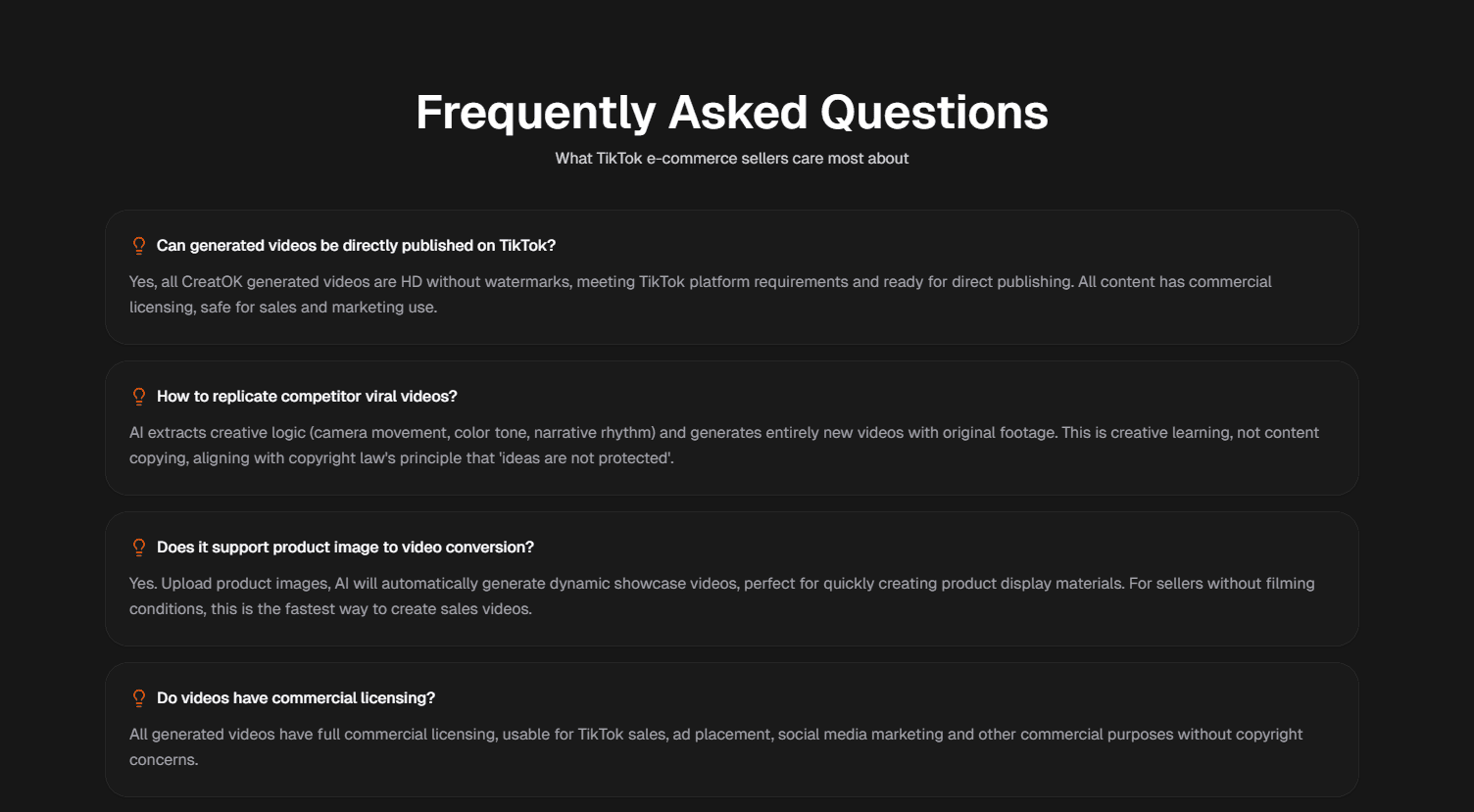
How to install OpenClaw TikTok skills refers to the process of setting up a structured system that combines automation tools, content workflows, and performance analytics to optimize TikTok growth. Instead of simply “installing software,” it involves configuring a complete ecosystem—including content generation, scheduling, and data tracking—to enable scalable and consistent TikTok marketing.
For creators and brands, this setup is increasingly important. TikTok is no longer just a content platform—it’s a high-speed testing environment where success depends on volume, iteration, and timing. Installing OpenClaw TikTok skills means building a repeatable system that allows you to test content ideas quickly, identify high-performing formats, and scale them efficiently.
In this guide, we’ll break down the full installation process, tools required, common mistakes, and optimization strategies so you can build a professional-level TikTok growth system from scratch.
What Are OpenClaw TikTok Skills?
OpenClaw TikTok skills are a combination of automation workflows, content systems, and optimization techniques designed to improve TikTok performance.
Unlike traditional TikTok strategies, OpenClaw focuses on:
Scalable content production
Automated publishing
Data-driven decision-making
Continuous testing and iteration
Why Installing OpenClaw TikTok Skills Matters
TikTok rewards creators who can produce and test content at scale. Without a system, growth is inconsistent and difficult to sustain.
Benefits of installing OpenClaw TikTok skills
Faster content production
Higher testing frequency
Improved engagement rates
Better algorithm understanding
Scalable growth strategy
How to Install OpenClaw TikTok Skills
Installing OpenClaw TikTok skills requires setting up multiple layers. Below is a practical step-by-step framework.
Step 1: Define Your Content Direction
Before installing any tools, you need clarity on your content focus.
Key questions to answer
Who is your target audience?
What niche are you targeting?
What type of content will you produce?
Common niches
E-commerce product showcases
Educational content
Entertainment / storytelling
Personal branding
Without a clear direction, automation will only scale confusion.
Step 2: Set Up Content Production Workflow
Content is the foundation of OpenClaw TikTok skills.
Build a repeatable workflow
Idea generation
Script creation
Video production
Editing
Caption writing
Optimization tips
Use templates to speed up production
Batch-create videos in advance
Focus on short, engaging formats
Step 3: Install Automation Tools
Automation tools are the core of the OpenClaw system.
Key tools to set up
Video scheduling tools
AI content generators
Caption generators
Analytics dashboards
Step 4: Configure Posting Schedule
Consistency is critical for TikTok growth.
Recommended posting structure
1–3 videos per day
Fixed posting times
Regular testing cycles
Step 5: Set Up Analytics Tracking
Data is what makes OpenClaw powerful.
Key metrics to monitor
Watch time
Completion rate
Engagement rate
Shares and saves
Why analytics matters
Identifies winning content
Improves future videos
Helps scale successful formats
Step 6: Build an Optimization Loop
The final step is continuous improvement.
Optimization process
Analyze performance
Identify top videos
Extract patterns
Replicate success
Test new variations
This loop transforms TikTok from guesswork into a measurable system.
Tools Required for OpenClaw TikTok Setup
To successfully install OpenClaw TikTok skills, you need a set of supporting tools.
Essential tool categories
Video editing tools
AI writing tools
Scheduling platforms
Analytics dashboards
Common Mistakes When Installing OpenClaw TikTok Skills
Many users fail not because of the system, but because of incorrect implementation.
Common mistakes
Over-relying on automation
Ignoring content quality
Posting inconsistently
Not analyzing data
Copying trends blindly
Key insight
Automation should enhance creativity, not replace it.
Best Practices for Maximizing Results
Once installed, the system must be optimized.
Proven strategies
Focus on strong video hooks
Keep videos concise
Use storytelling techniques
Test multiple formats
Engage with comments
Hook examples
“Nobody talks about this”
“This changed everything”
“Here’s why you’re failing”
These hooks improve retention and engagement.
Real-World Use Case of OpenClaw TikTok Skills
Many creators use OpenClaw-style systems to scale their accounts.
Example scenario
A small e-commerce brand:
Posts 3 videos daily
Tests 10+ formats weekly
Uses automation for scheduling
Tracks analytics continuously
Result
Increased video reach
Improved engagement rates
Higher conversion from TikTok traffic
This demonstrates the power of structured content systems.
Future Trends in TikTok Automation
The future of OpenClaw TikTok skills is closely tied to AI development.
Emerging trends
AI-generated videos
Predictive analytics
Automated trend detection
Multi-platform content distribution
As tools improve, TikTok marketing will become even more system-driven.