CreatOK AI Video Editing Review

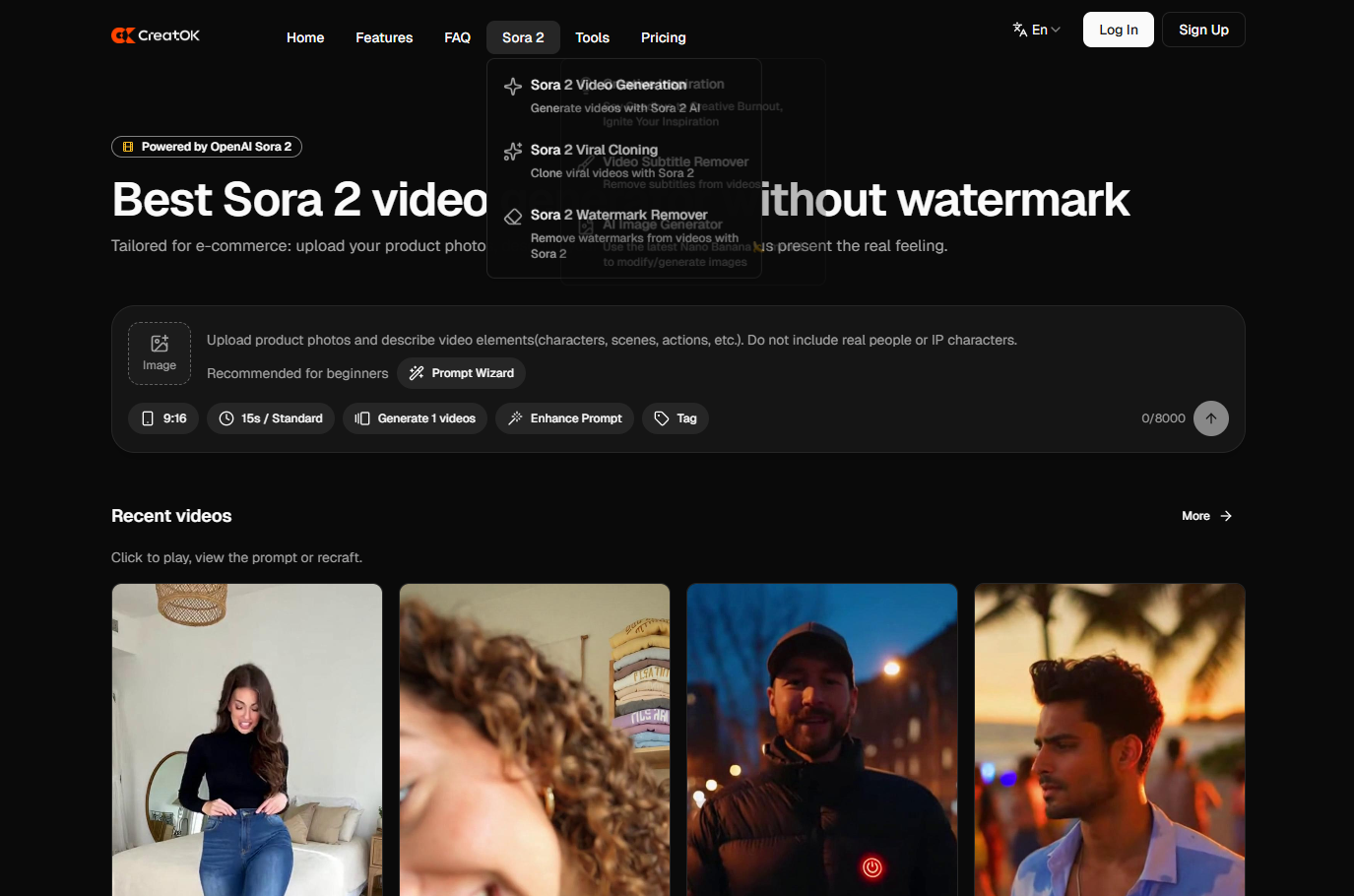
How AI Recreate and Auto Edit Are Redefining Modern Video Creation
As a long-time user of CreatOK, I’ve watched the platform evolve from a simple online video editor into one of the most forward-thinking AI-powered video creation tools available today. The introduction of AI Recreate and Auto Edit marks a major milestone in this evolution—one that fundamentally changes how creators, marketers, and businesses approach video production.
Rather than replacing creativity, these AI features are designed to support creative decision-making, reduce repetitive work, and dramatically speed up the editing process.
A Smarter Way to Edit: The Rise of AI-Assisted Creativity
AI-assisted video editing is not a new concept, but CreatOK’s implementation feels noticeably different. Instead of overwhelming users with complex controls or fully automated black-box generation, CreatOK focuses on creative automation with user control.
The interface remains clean and intuitive, while the AI works quietly in the background—handling structure, pacing, and timing, but leaving room for human judgment and refinement.
This balance is what makes CreatOK’s AI tools practical rather than gimmicky.
AI Recreate: Reproducing Style Without Copying Content
The AI Recreate feature allows users to recreate the structure, rhythm, and visual style of a reference video using their own materials.
In practice, it works like a creative assistant:
It analyzes the reference video’s pacing and transitions
Understands how text overlays and visual beats are used
Rebuilds a similar structure using your uploaded footage
For marketers and social media creators, this is a significant shift. Instead of spending hours trying to match cuts and transition timing, the AI handles the mechanical work, allowing creators to focus on messaging and storytelling.
Importantly, AI Recreate doesn’t produce carbon copies. It adapts patterns—not content—making it useful for trend-based video formats without sacrificing originality.
Auto Edit: Turning Raw Footage into a Coherent Story
While AI Recreate focuses on structure and style, Auto Edit is all about efficiency and precision.
This feature analyzes raw footage and:
Identifies visually engaging or emotionally relevant moments
Automatically trims unnecessary segments
Assembles clips into a smooth, watchable narrative
Adds dynamic captions and transitions that match the tone
From a practical standpoint, Auto Edit functions like an intelligent editor who understands both rhythm and visual flow.
For example, when creating travel videos or product demos, the AI can recognize scenes with motion, expressions, or key visual details and bring them forward—resulting in a polished video even when the source material is unorganized.
Real-World Use Cases and Time Savings
After using these tools across multiple projects, I’ve consistently seen editing time reduced by at least 60%.
Tasks that previously took hours—assembling rough cuts, syncing visuals, refining pacing—can now be completed in minutes with CreatOK generating a strong first draft.
What stands out most is accuracy. The AI doesn’t cut randomly; it understands narrative continuity and visual logic, which makes the output feel intentional rather than automated.
For teams producing content at scale—such as social media agencies, educators, or e-commerce brands—this level of automation dramatically increases output while maintaining consistent quality.
Seamless Integration Within the CreatOK Ecosystem
Another strength of these AI features is how smoothly they integrate with CreatOK’s existing toolset.
AI-generated drafts can be refined using:
Built-in templates
Stock media libraries
Advanced text and animation tools
After running Auto Edit, I can easily replace clips, adjust transitions, or insert brand elements without leaving the platform. This ensures that the final result reflects both AI efficiency and human creativity.
Accessibility and Ease of Use
Ease of use has always been a defining trait of CreatOK, and the introduction of advanced AI features hasn’t changed that.
Both AI Recreate and Auto Edit follow a simple workflow:
Upload footage
Choose a reference or style
Let the AI handle the initial edit
For beginners, this removes technical barriers entirely. For experienced creators, it accelerates workflows and frees time for creative direction rather than manual editing.
How CreatOK Compares to Other AI Video Editors
Many AI video editors prioritize automation at the expense of customization, producing generic results that are difficult to refine.
CreatOK takes a different approach.
Instead of locking users into one-click outputs, it allows full post-edit control. This hybrid model—AI-assisted creation combined with manual fine-tuning—is what sets CreatOK apart.
Additionally, as a web-based platform, CreatOK doesn’t require powerful hardware. All processing happens in the cloud, making it accessible from laptops, tablets, and even mobile browsers.
Final Thoughts: Innovation That Empowers Creators
CreatOK’s AI Recreate and Auto Edit tools represent more than feature updates—they reflect a broader shift in how video content is created.
By combining automation with creative freedom, CreatOK redefines how users at all skill levels can tell stories visually. Whether for personal projects or professional campaigns, these tools make high-quality video production faster, more accessible, and more enjoyable.
In an era where attention spans are short and content demands are constant, CreatOK delivers exactly what creators need: speed, simplicity, and intelligent AI support.
Closing Reflections
After experimenting with many video editing platforms over the years, it’s clear that CreatOK’s latest updates stand out as one of the most meaningful innovations in online video editing.
The platform successfully bridges the gap between professional-grade capabilities and user-friendly design. For anyone who has used CreatOK before, now is an excellent time to revisit it. The AI Video Magic suite, including AI Recreate and Auto Edit, genuinely changes how video editing feels—making it more efficient without sacrificing creativity.